


周末找事做做.看到微信里有个漂流瓶.试着敲了敲.
这里是用leancloud做后台.涉及到语音和文字的储存,查询.自己不会写后台代码,对于我算是个福利.
欢迎交流!

技术点:
1.微信小程序开发之录音机 音频播放 动画 (真机可用)
2.微信小程序开发之用户系统 一键登录 获取session_key和openid
3.微信小程序开发之常见问题 不在以下合法域名列表中 wx.request合法域名配置
4.微信小程序开发之本地图片上传(leancloud)
下面带图说模块:
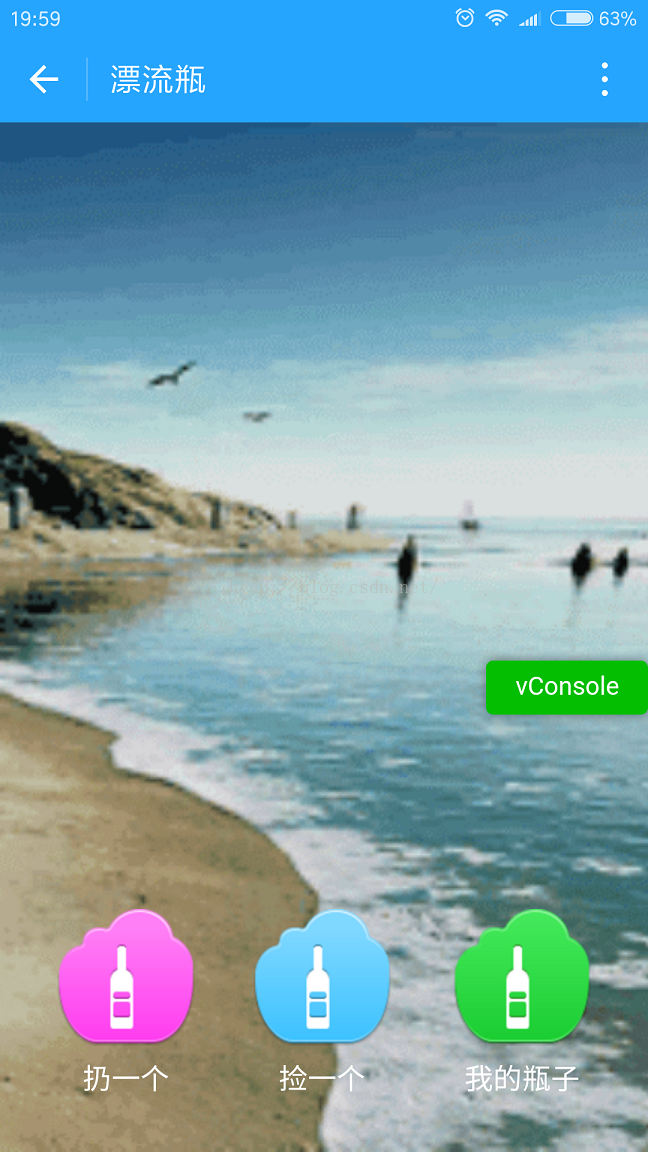
1.主页面
三个button.不多说了.别吐槽这画风.哈哈哈.
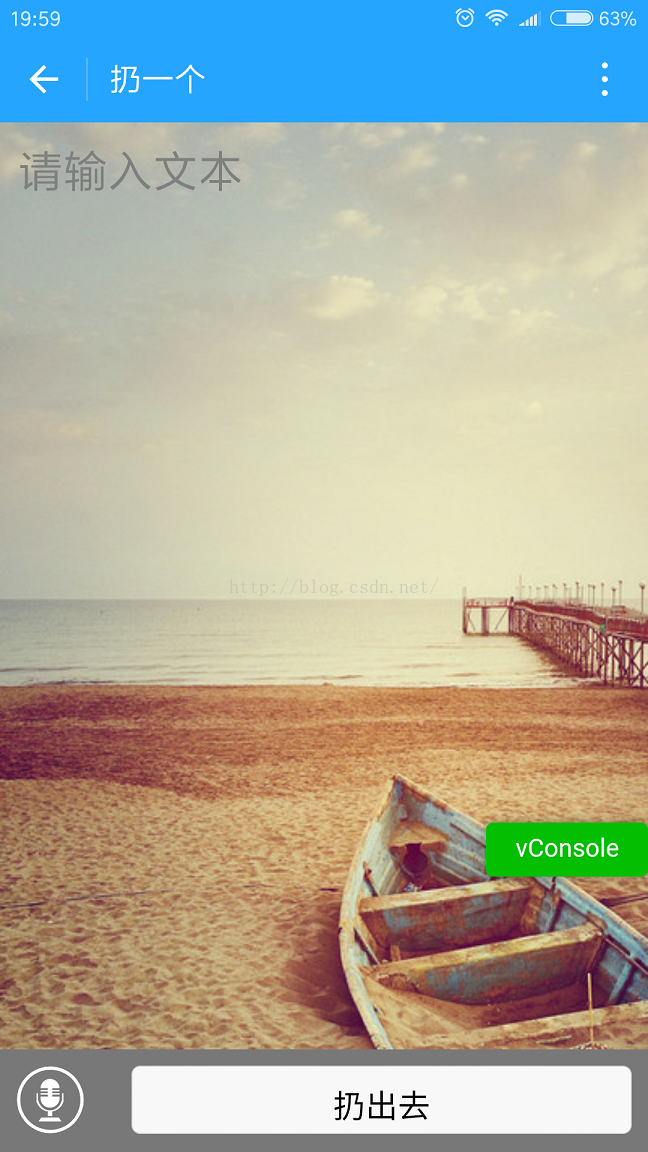
2.编辑漂流瓶内容
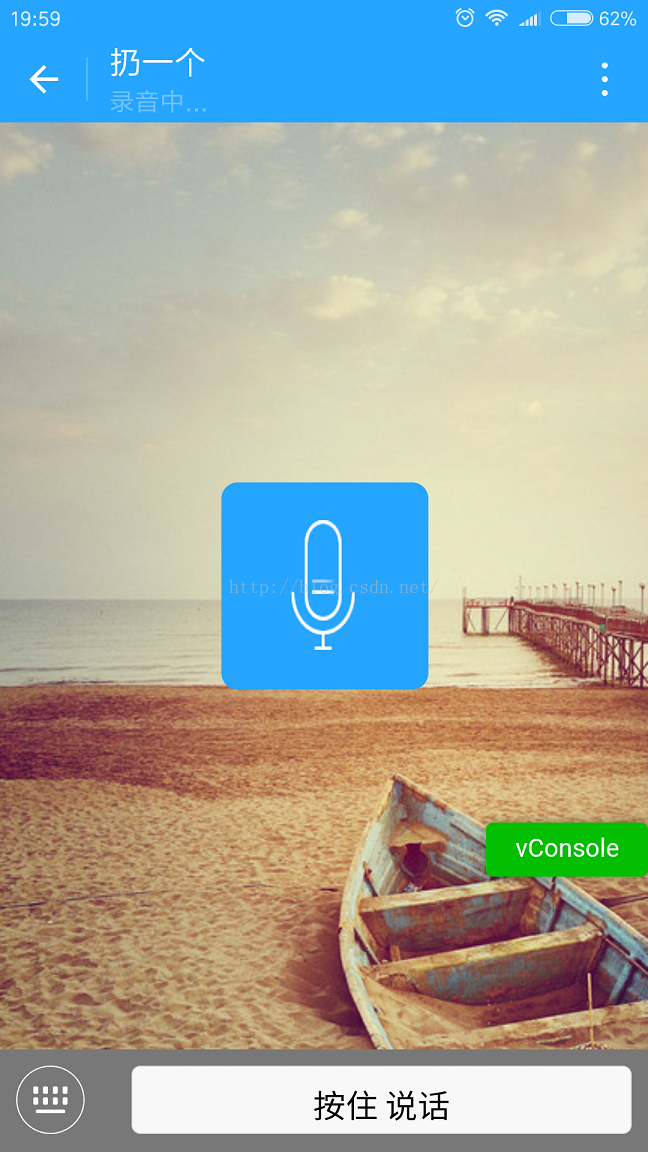
内容可以是语音,也可以是文字.随意切换.
这里是语音的.录音完成后直接扔出去.
3.捡一个漂流瓶
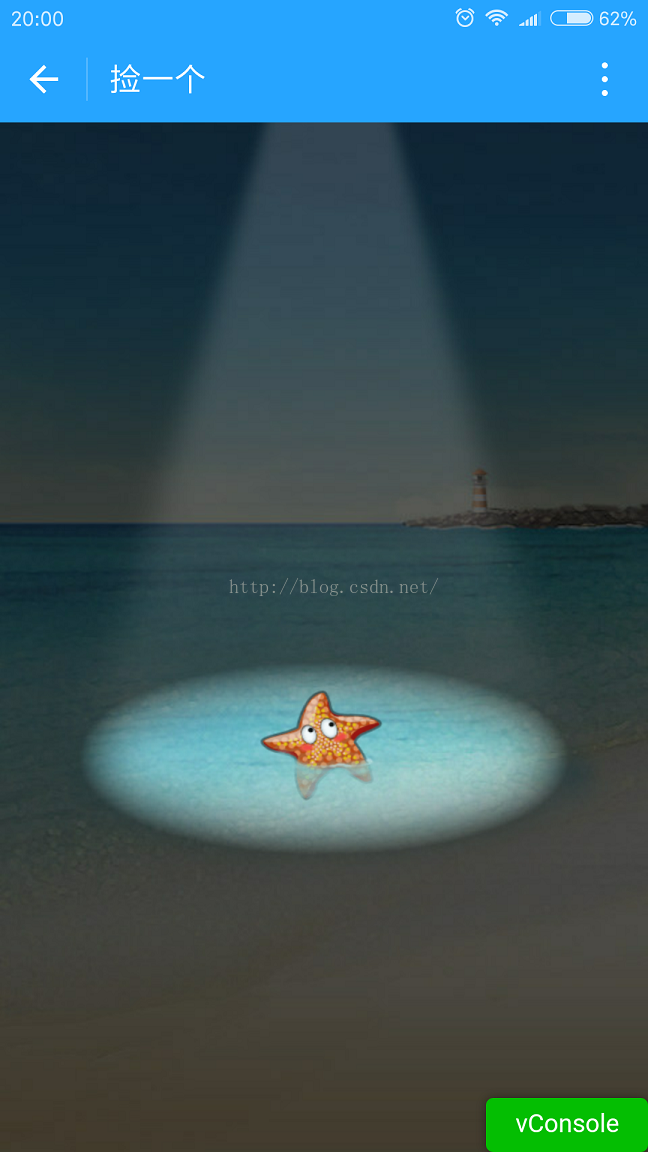
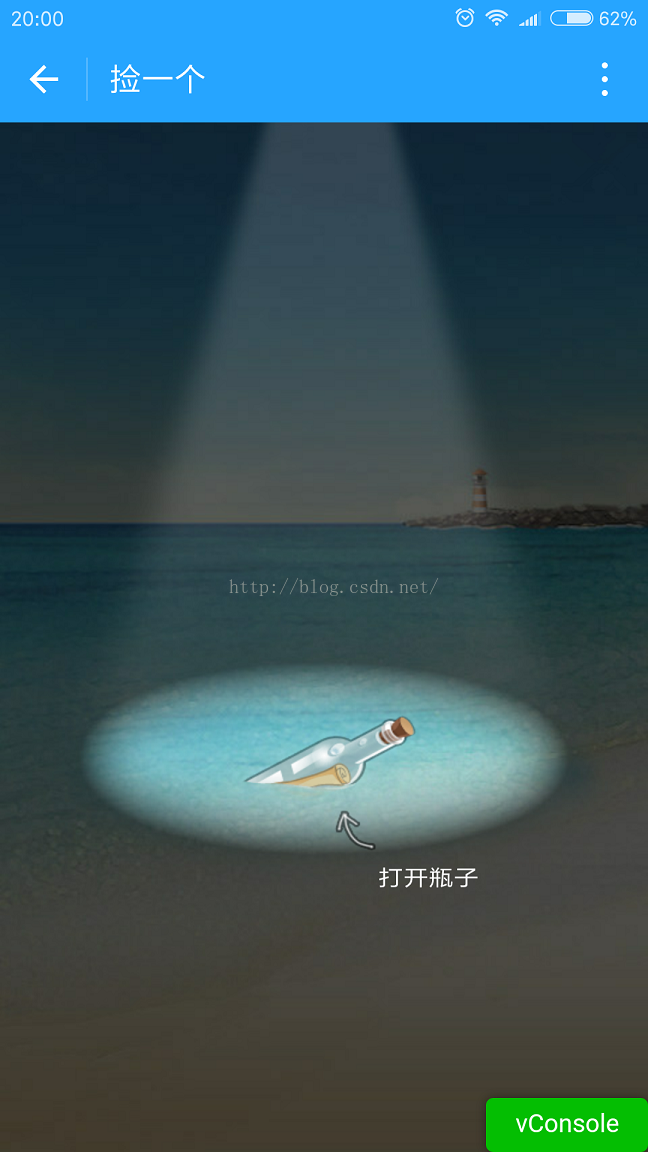
有两种情况.一是没有捡到.就是一个海星;二是捡到了.语音或者是文字.
1.海星
2.捡到了漂流瓶
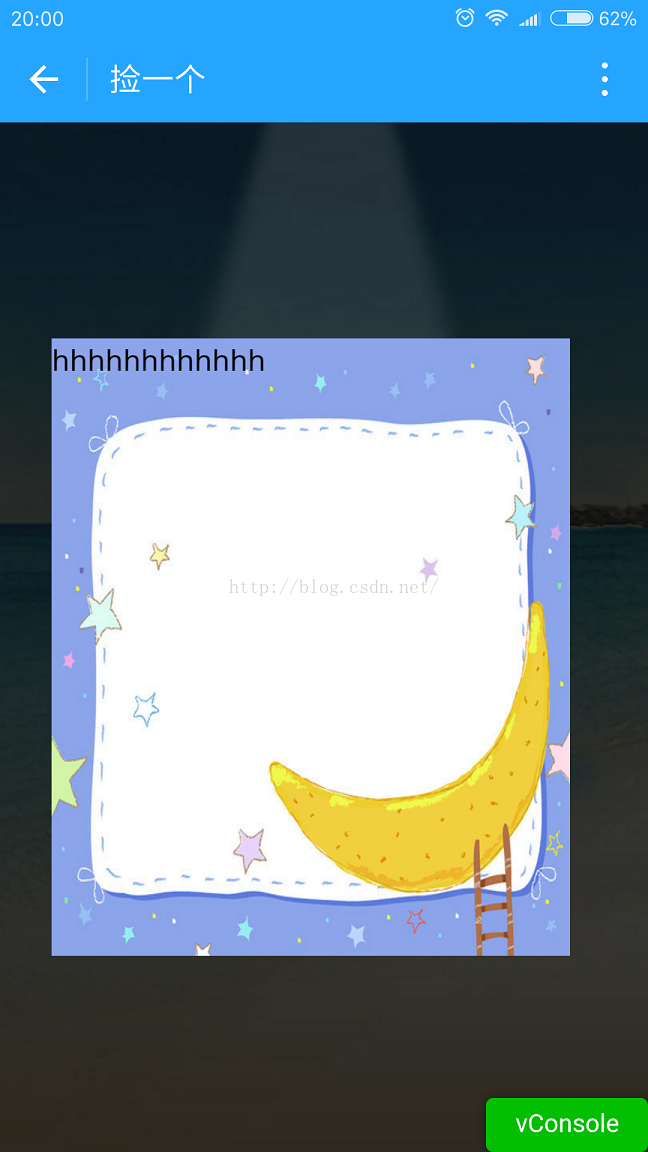
2.1 获取到文字.弹框显示文字
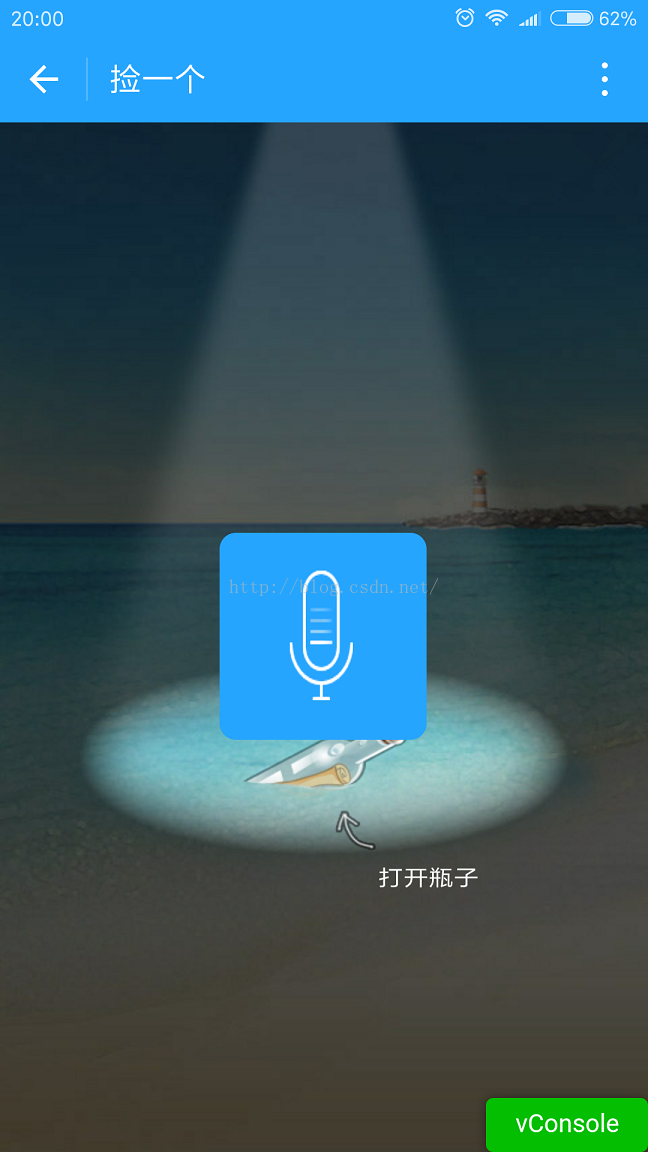
2.2 获取到语音.直接播放
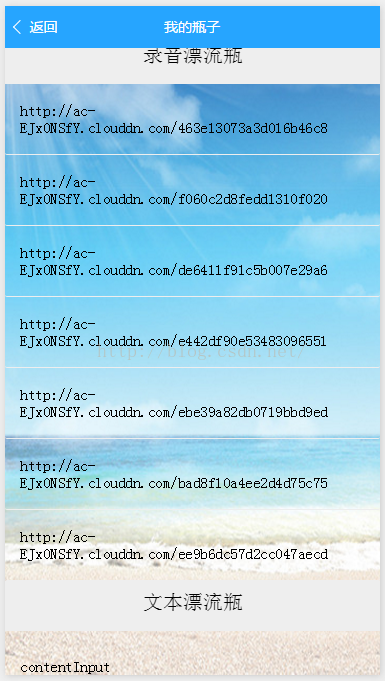
3.我的瓶子
语音和文字两类.
下面上代码:
1.index.wxml
<!--index.wxml--><view class="play-style"> <view class="playstyle"> <image class="img" src="{{getSrc}}" bindtap="get"></image> <text>捡一个</text> </view> <view class="leftstyle"> <image class="img" src="{{throwSrc}}" bindtap="throw"></image> <text>扔一个</text> </view> <view class="rightstyle"> <image class="img" src="{{mySrc}}" bindtap="mine"></image> <text>我的瓶子</text> </view></view>2.index.wxss
/**index.wxss**/page { background-image: url('http://ac-nfyusptg.clouddn.com/0ee678402f996ad3a5c2.gif'); background-attachment: fixed; background-repeat: no-repeat; background-size: cover;}.play-style { position: fixed; bottom: 50rpx; left: 0; height: 240rpx; width: 100%; text-align: center; color: #fff;}.playstyle { position: absolute; width: 160rpx; height: 160rpx; top: 10rpx; left: 295rpx;}.leftstyle { position: absolute; width: 160rpx; height: 160rpx; top: 10rpx; left: 67.5rpx;}.rightstyle { position: absolute; width: 160rpx; height: 160rpx; top: 10rpx; right: 67.5rpx;}.img { width: 160rpx; height: 160rpx;}3.index.js
//index.js//获取应用实例var app = getApp()const AV = require('../../utils/av-weapp.js');Page({ data: { getSrc: "../../images/a.png",//捡一个 throwSrc: "../../images/b.png",//扔一个 mySrc: "../../images/c.png"//我的 }, onLoad: function () { const user = AV.User.current(); // 调用小程序 API,得到用户信息 wx.getUserInfo({ success: ({userInfo}) => { console.log(userInfo) // 更新当前用户的信息 user.set(userInfo).save().then(user => { // 成功,此时可在控制台中看到更新后的用户信息 this.globalData.user = user.toJSON(); }).catch(console.error); } }); }, //捡一个 get: function () { console.log("捡一个") //随机去后台拉取一个录音 wx.navigateTo({ url: '../get/get', success: function (res) { // success }, fail: function () { // fail }, complete: function () { // complete } }) }, //扔一个 throw: function () { console.log("扔一个") wx.navigateTo({ url: '../write/write', success: function (res) { // success }, fail: function () { // fail }, complete: function () { // complete } }) }, //我的瓶子 mine: function () { console.log("我的瓶子") wx.navigateTo({ url: '../mine/mine', success: function (res) { // success }, fail: function () { // fail }, complete: function () { // complete } }) }})//index.js//获取应用实例var app = getApp()const AV = require('../../utils/av-weapp.js');Page({ data: { getSrc: "../../images/a.png",//捡一个 throwSrc: "../../images/b.png",//扔一个 mySrc: "../../images/c.png"//我的 }, onLoad: function () { const user = AV.User.current(); // 调用小程序 API,得到用户信息 wx.getUserInfo({ success: ({userInfo}) => { console.log(userInfo) // 更新当前用户的信息 user.set(userInfo).save().then(user => { // 成功,此时可在控制台中看到更新后的用户信息 this.globalData.user = user.toJSON(); }).catch(console.error); } }); }, //捡一个 get: function () { console.log("捡一个") //随机去后台拉取一个录音 wx.navigateTo({ url: '../get/get', success: function (res) { // success }, fail: function () { // fail }, complete: function () { // complete } }) }, //扔一个 throw: function () { console.log("扔一个") wx.navigateTo({ url: '../write/write', success: function (res) { // success }, fail: function () { // fail }, complete: function () { // complete } }) }, //我的瓶子 mine: function () { console.log("我的瓶子") wx.navigateTo({ url: '../mine/mine', success: function (res) { // success }, fail: function () { // fail }, complete: function () { // complete } }) }})5.get.js
//get.js//获取应用实例var app = getApp()const AV = require('../../utils/av-weapp.js');Page({ data: { getPngSecond: "http://ac-ejx0nsfy.clouddn.com/6f50e35237db20a4edd6.png",//海星 getPngThrid: "http://ac-ejx0nsfy.clouddn.com/15070f4f33bb6090ec1b.png",//漂流瓶 isGet: true,//是否捡到了漂流瓶 maskDisplay: 'none', slideAnimation: {}, slideHeight: 0, slideRight: 0, slideWidth: 0, isPlaying: false, plp: [], j: 1, contentText: '' }, onLoad: function () { var _this = this; //获取屏幕宽高 wx.getSystemInfo({ success: function (res) { var windowWidth = res.windowWidth; var windowHeight = res.windowHeight; console.log('windowWidth: ' + windowWidth) console.log('windowHeight: ' + windowHeight) _this.setData({ imageWidth: windowWidth, imageHeight: windowHeight, slideHeight: res.windowHeight * 0.6, slideRight: res.windowWidth, slideWidth: res.windowWidth * 0.80 }) } }) var num = Math.round(Math.random() * 9 + 1); console.log(num) if (num > 5) { //捡到漂流瓶 this.setData({ bgPng: this.data.getPngThrid, isGet: true }) } else { //海星 this.setData({ bgPng: this.data.getPngSecond, isGet: false }) } //去后台拉取漂流瓶数据,1.获取到文字,左边弹框;2.获取到语音,播放 //1.获取语音 var _this = this; //获取语音漂流瓶 var queryRecord = new AV.Query('_File'); queryRecord.find().then(function (myrecord) { console.log(myrecord); var audio = [] for (var i = 0; i < myrecord.length; i++) { //判断上传用户身份 if (myrecord[i].attributes.name == 'myRecord_dzp') { _this.data.plp = _this.data.plp.concat(myrecord[i].attributes.url); } console.log(myrecord[i].attributes.url); } }).catch(function (error) { alert(JSON.stringify(error)); }); //2.获取文本 var queryText = new AV.Query('TodoFolder'); // 查询 name 是 myText 的漂流瓶内容 queryText.equalTo('name', 'myText'); queryText.find().then(function (results) { var mytext = [] for (var i = 0; i < results.length; i++) { var query = new AV.Query('TodoFolder'); console.log(results[i].id) query.get(results[i].id).then(function (todo) { // 成功获得实例 // data 就是 id 为 57328ca079bc44005c2472d0 的 TodoFolder 对象实例 console.log( todo.attributes.plp_content ) _this.data.plp = _this.data.plp.concat(todo.attributes.plp_content); }, function (error) { // 异常处理 }); } }, function (error) { }); /** * 监听音乐停止 */ wx.onBackgroundAudioStop(function () { console.log('onBackgroundAudioStop') _this.setData({ isPlaying: false }) clearInterval(_this.timer) }) }, onReady: function () { // 标题栏 wx.setNavigationBarTitle({ title: '捡一个' }) }, //右上角关闭按钮 onClick: function () { var _this = this; //捡到海星,return if (!this.data.isGet) return this.setData({ isGet: false }) console.log("打开漂流瓶") //随机获取一个索引 var index = parseInt(Math.random() * this.data.plp.length) var content = this.data.plp[index] if (content.indexOf("http://") == 0) { wx.playBackgroundAudio({ dataUrl: _this.data.plp[index], title: _this.data.plp[index], coverImgUrl: '' }) playRecord.call(_this) } else { _this.setData({ contentText: content }) slideUp.call(_this); } }, //遮罩点击 侧栏关闭 slideCloseEvent: function () { slideDown.call(this); }})//侧栏展开function slideUp() { var animation = wx.createAnimation({ duration: 600 }); this.setData({ maskDisplay: 'block' }); animation.translateX('110%').step(); this.setData({ slideAnimation: animation.export() });}//侧栏关闭function slideDown() { var animation = wx.createAnimation({ duration: 800 }); animation.translateX('-110%').step(); this.setData({ slideAnimation: animation.export() }); this.setData({ maskDisplay: 'none' });}//播放动画function playRecord() { var _this = this; this.setData({ isPlaying: true }) //话筒帧动画 var i = 1; this.timer = setInterval(function () { i++; i = i % 5; _this.setData({ j: i }) }, 200);}6.mine.js
//mine.js//获取应用实例var app = getApp()const AV = require('../../utils/av-weapp.js');Page({ data: { audio: [],//录音集合 mytext: [],//文本集合 isPlaying: false,//是否在播放语音 }, onLoad: function () { var _this = this; //获取语音漂流瓶 var queryRecord = new AV.Query('_File'); queryRecord.find().then(function (myrecord) { console.log(myrecord); var audio = [] for (var i = 0; i < myrecord.length; i++) { //判断上传用户身份 if (myrecord[i].attributes.name == 'myRecord_dzp') { _this.data.audio = _this.data.audio.concat(myrecord[i].attributes.url); } console.log(myrecord[i].attributes.url); } }).catch(function (error) { alert(JSON.stringify(error)); }); //获取文本漂流瓶 var queryText = new AV.Query('TodoFolder'); // 查询 name 是 myText 的漂流瓶内容 queryText.equalTo('name', 'myText'); queryText.find().then(function (results) { var mytext = [] for (var i = 0; i < results.length; i++) { var query = new AV.Query('TodoFolder'); console.log(results[i].id) query.get(results[i].id).then(function (todo) { // 成功获得实例 // data 就是 id 为 57328ca079bc44005c2472d0 的 TodoFolder 对象实例 console.log( todo.attributes.plp_content ) _this.data.mytext = _this.data.mytext.concat(todo.attributes.plp_content); // console.log(_this.data.mytext) }, function (error) { // 异常处理 }); } }, function (error) { }); /** * 监听音乐停止 */ wx.onBackgroundAudioStop(function () { console.log('onBackgroundAudioStop') _this.setData({ isPlaying: false }) clearInterval(_this.timer) }) }, onReady: function () { // 标题栏 wx.setNavigationBarTitle({ title: '我的瓶子' }) }, //弹框显示文本内容 gotoDisplay: function (e) { this.setData({ isPlaying: false }) clearInterval(this.timer) //数组索引 var index = e.currentTarget.dataset.key; wx.showModal({ title: '内容', content: this.data.mytext[index], showCancel: false, success: function (res) { if (res.confirm) { console.log('用户点击确定') } } }) }, //播放音频 gotoPlay: function (e) { var index = e.currentTarget.dataset.key; console.log(this.data.audio[index]) //开启播放动画 playRecord.call(this) wx.playBackgroundAudio({ dataUrl: this.data.audio[index], title: this.data.audio[index], coverImgUrl: '' }) }})//播放动画function playRecord() { var _this = this; this.setData({ isPlaying: true }) //话筒帧动画 var i = 1; this.timer = setInterval(function () { i++; i = i % 5; _this.setData({ j: i }) }, 200);}数据的增删改查请看leancloud文档.
代码太多了.我这里只贴了 js代码.
还是去下载吧.demo代码下载
我的博客,欢迎批评!










