


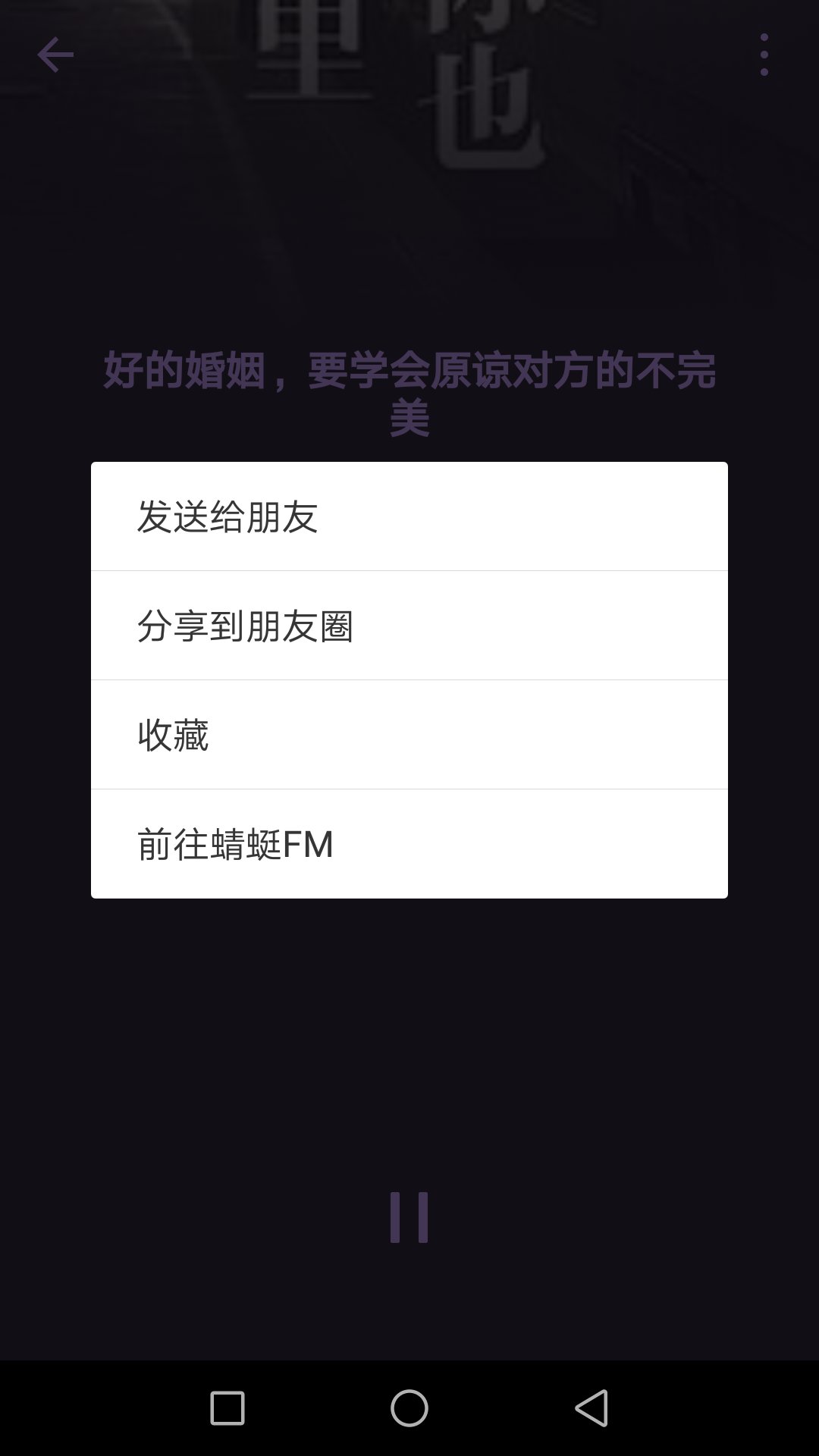
如果正常背景音频播放的话,只能跳转到自己对应的微信小程序,无法分享朋友圈,我们需要设置分享朋友圈,需要调用一个API
音频背景播放
注意:背景播放在锁屏后播放只支持IOS端,安卓端虽然可以播放,但是锁屏不显示,IOS锁屏会显示
- wxml
audio poster="{{poster}}" name="{{name}}" author="{{author}}" src="{{src}}" id="myAudio" controls loop/audiobutton type="primary" bindtap="audioPlay"播放/buttonbutton type="primary" bindtap="audioPause"暂停/buttonbutton type="primary" bindtap="audio14"设置当前播放时间为14秒/buttonbutton type="primary" bindtap="audioStart"回到开头/button- wxjs
Page({ onReady: function (e) { // 使用 wx.createAudioContext 获取 audio 上下文 context this.audioCtx = wx.createAudioContext('myAudio') }, data: { poster: 'http://y.gtimg.cn/music/photo_new/T002R300x300M000003rsKF44GyaSk.jpg?max_age=2592000', name: '此时此刻', author: '许巍', src: 'http://ws.stream.qqmusic.qq.com/M500001VfvsJ21xFqb.mp3?guid=ffffffff82def4af4b12b3cd9337d5e7&uin=346897220&vkey=6292F51E1E384E06DCBDC9AB7C49FD713D632D313AC4858BACB8DDD29067D3C601481D36E62053BF8DFEAF74C0A5CCFADD6471160CAF3E6A&fromtag=46', }, audioPlay: function () { this.audioCtx.play() }, audioPause: function () { this.audioCtx.pause() }, audio14: function () { this.audioCtx.seek(14) }, audioStart: function () { this.audioCtx.seek(0) }})const backgroundAudioManager = wx.getBackgroundAudioManager()backgroundAudioManager.title = '此时此刻'backgroundAudioManager.epname = '此时此刻'backgroundAudioManager.singer = '许巍'backgroundAudioManager.coverImgUrl = 'http://y.gtimg.cn/music/photo_new/T002R300x300M000003rsKF44GyaSk.jpg?max_age=2592000'backgroundAudioManager.src = 'http://ws.stream.qqmusic.qq.com/M500001VfvsJ21xFqb.mp3?guid=ffffffff82def4af4b12b3cd9337d5e7&uin=346897220&vkey=6292F51E1E384E061FF02C31F716658E5C81F5594D561F2E88B854E81CAAB7806D5E4F103E55D33C16F3FAC506D1AB172DE8600B37E43FAD&fromtag=46' // 设置了 src 之后会自动播放背景音频播放分享功能
backgroundAudioManager.webUrl="www.baidu.com"只需要加上这个 我们就可以实现背景音频播放分享到朋友圈webUrl :页面链接,原生音频播放器中的分享功能,分享出去的卡片简介,也将使用该值。









