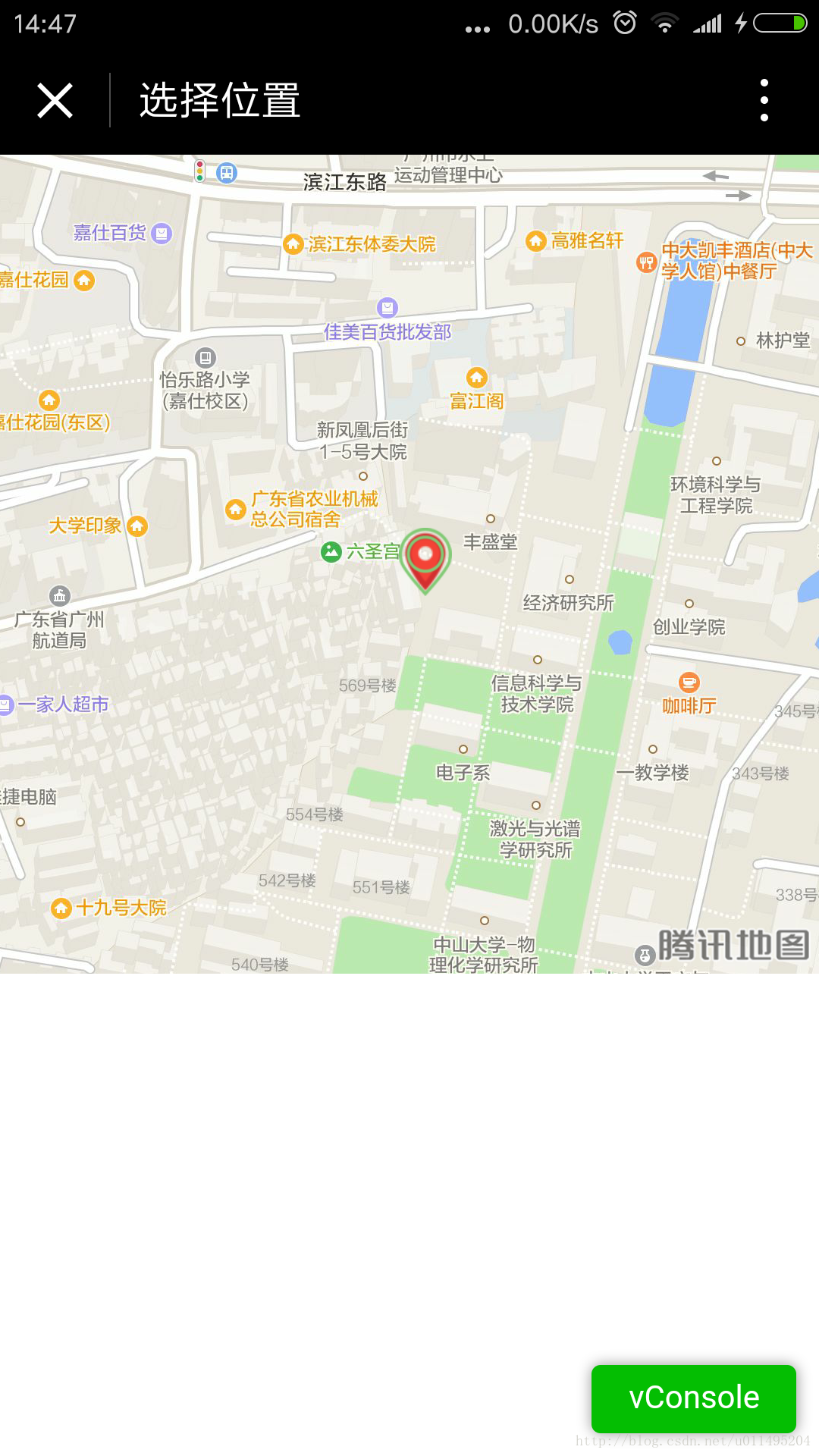
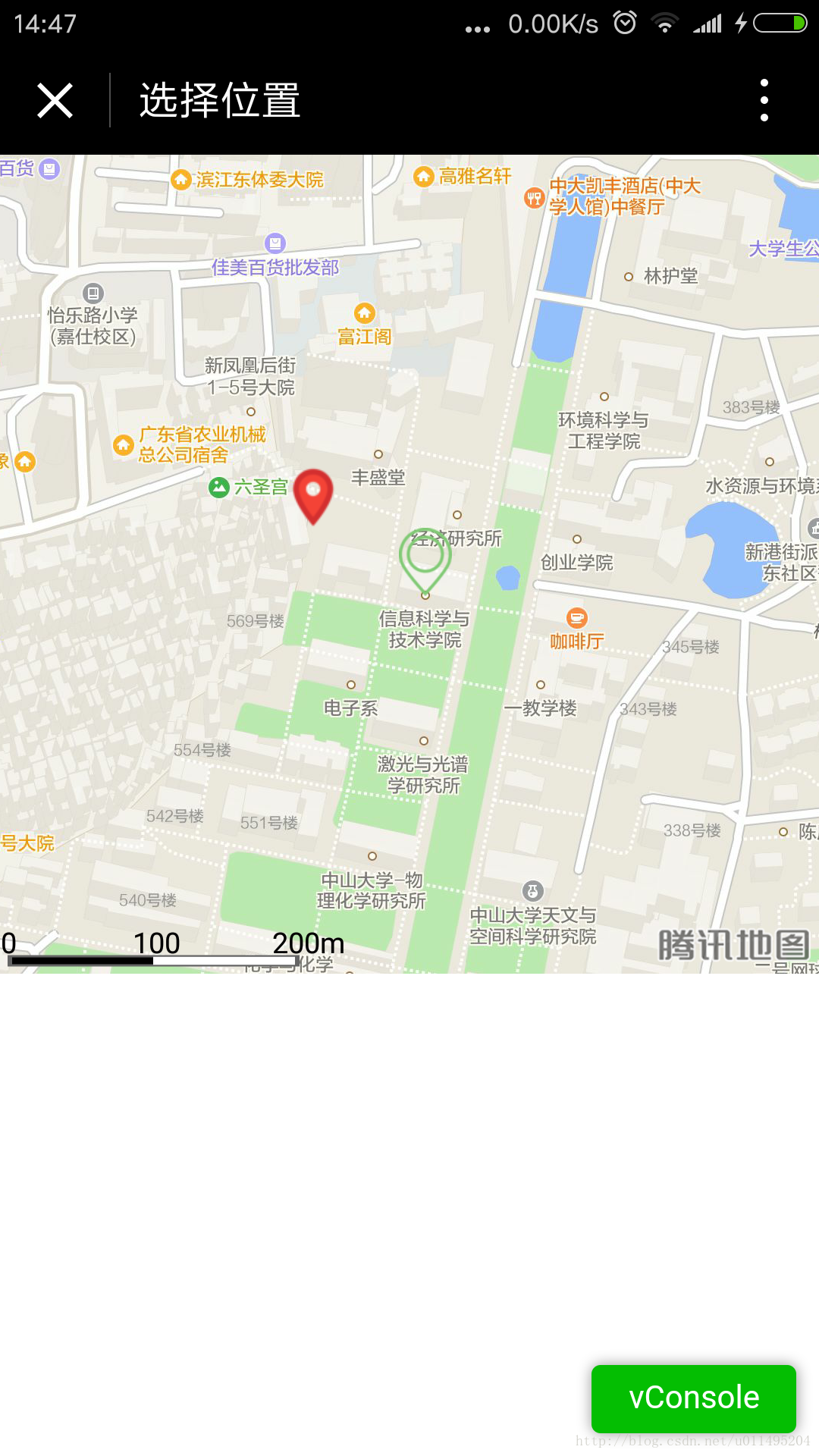
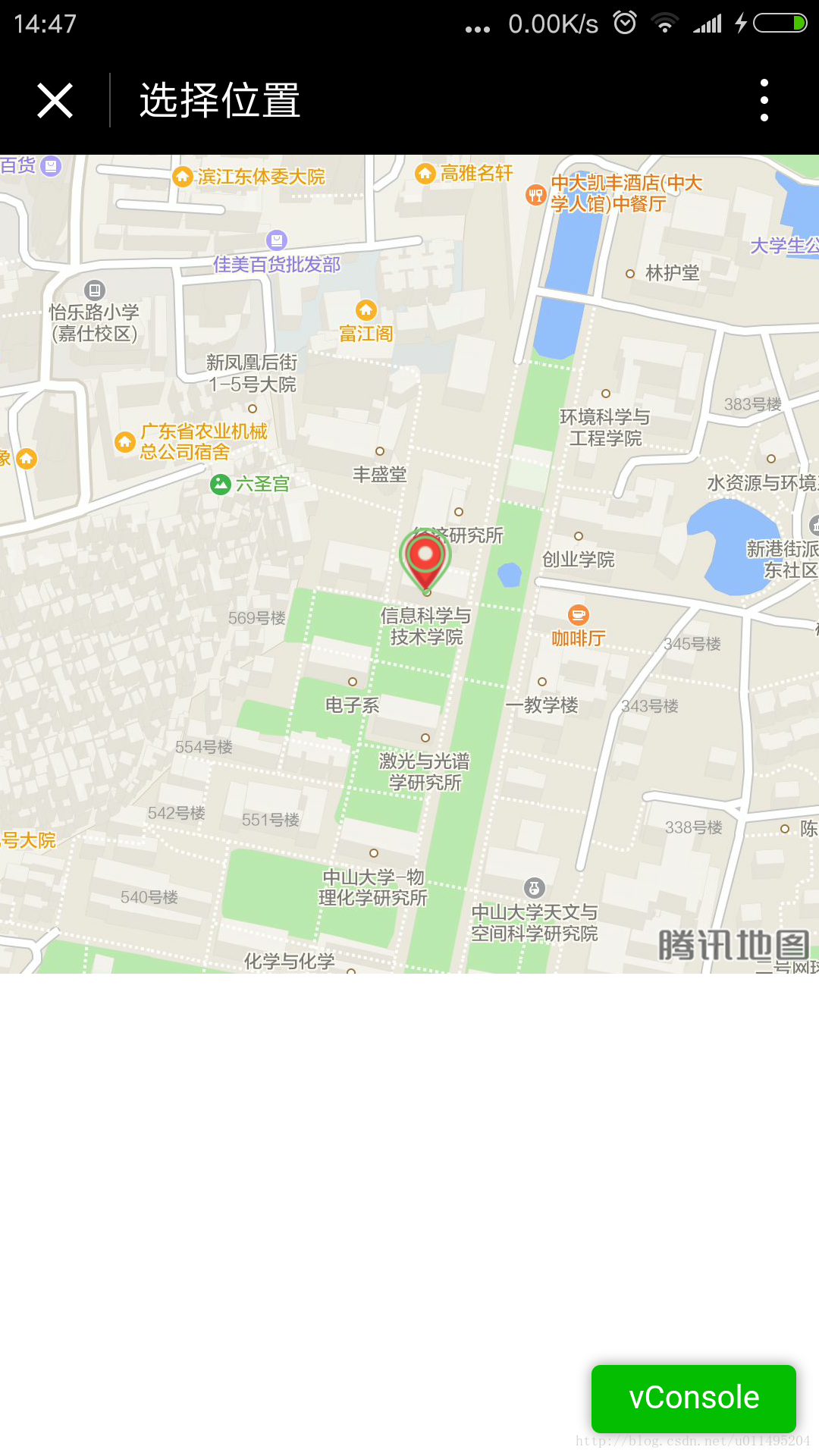
开发地图定位,选择位置功能我们直接修改index页面来做这个功能。
准备新建imgs目录,加入2个图标(ic_location和ic_position),用于标记当前位置,和地图中央位置。

 添加定位功能修改app.js,加入定位功能,获取当前位置。
//app.jsApp({onLaunch:function(){//调用API从本地缓存中获取数据varlogs=wx.getStorageSync('logs')||[]logs.unshift(Date.now())wx.setStorageSync('logs',logs)},getUserInfo:function(cb){varthat=thisif(this.globalData.userInfo){typeofcb=="function"&&cb(this.globalData.userInfo)}else{//调用登录接口wx.login({success:function(){wx.getUserInfo({success:function(res){that.globalData.userInfo=res.userInfotypeofcb=="function"&&cb(that.globalData.userInfo)}})}})}}//getlocationInfo,getLocationInfo:function(cb){varthat=this;if(this.globalData.locationInfo){cb(this.globalData.locationInfo)}else{wx.getLocation({type:'gcj02',//默认为wgs84返回gps坐标,gcj02返回可用于wx.openLocation的坐标success:function(res){that.globalData.locationInfo=res;cb(that.globalData.locationInfo)},fail:function(){//fail},complete:function(){//complete}})}},globalData:{userInfo:null,locationInfo:null}})地图控件布局修改pages/index/index.wxml文件,添加map标签,如下
mapid="map4select"longitude="{{longitude}}"latitude="{{latitude}}"markers="{{markers}}"scale="20"style="width:{{map_width}}px;height:{{map_height}}px"bindregionchange="regionchange"controls="{{controls}}"/map需要给地图指定一个id,后面可以通过id获取地图的上下文。监听bindregionchange事件,地图变化的时候可以监听到。地图的大小不要写死,动态设置,我这里打算设置为宽高都是屏幕宽度。controls是固定在map组件上面的。一开始我想用image替代,但是设置z-index也不能在地图上面,毕竟不是H5开发。逻辑代码编写编辑index.js
varapp=getApp()Page({data:{map_width:380,map_height:380}//showcurrentposition,onLoad:function(){varthat=this;//获取定位,并把位置标示出来app.getLocationInfo(function(locationInfo){console.log('map',locationInfo);that.setData({longitude:locationInfo.longitude,latitude:locationInfo.latitude,markers:[{id:0,iconPath:"../../imgs/ic_position.png",longitude:locationInfo.longitude,latitude:locationInfo.latitude,width:30,height:30}]})})//setthewidthandheight//动态设置map的宽和高wx.getSystemInfo({success:function(res){console.log('getSystemInfo');console.log(res.windowWidth);that.setData({map_width:res.windowWidth,map_height:res.windowWidth,controls:[{id:1,iconPath:'../../imgs/ic_location.png',position:{left:res.windowWidth/2-8,top:res.windowWidth/2-16,width:30,height:30},clickable:true}]})}})}//获取中间点的经纬度,并mark出来,getLngLat:function(){varthat=this;this.mapCtx=wx.createMapContext("map4select");this.mapCtx.getCenterLocation({success:function(res){that.setData({longitude:res.longitude,latitude:res.latitude,markers:[{id:0,iconPath:"../../imgs/ic_position.png",longitude:res.longitude,latitude:res.latitude,width:30,height:30}]})}})},regionchange(e){//地图发生变化的时候,获取中间点,也就是用户选择的位置if(e.type=='end'){this.getLngLat()}},markertap(e){console.log(e)}})展示这样,就OK啦,用户可以看到自己的定位,如果觉得有偏差,可以移动地图,把中央点放到自己认为的准确位置上。