一、前言
微信小游戏中最魔性的‘跳一跳’就是基于three.js 引擎开发的
看这里!!!!不要再让我发邮箱了!
源码放到github上了:GitHub地址 请自行下载。
二、下载
three.min.js 打开页面,复制代码到本地
三、引用
使用如下方式在小游戏中引用three
let THREE = require('three.min.js的路径')四、开始
创建3dgame.js文件
需要注意的是,在微信小游戏中并没有‘ImageBitmap’这个全局对象,所以在加载纹理贴图时会报错,此时需要修改源码
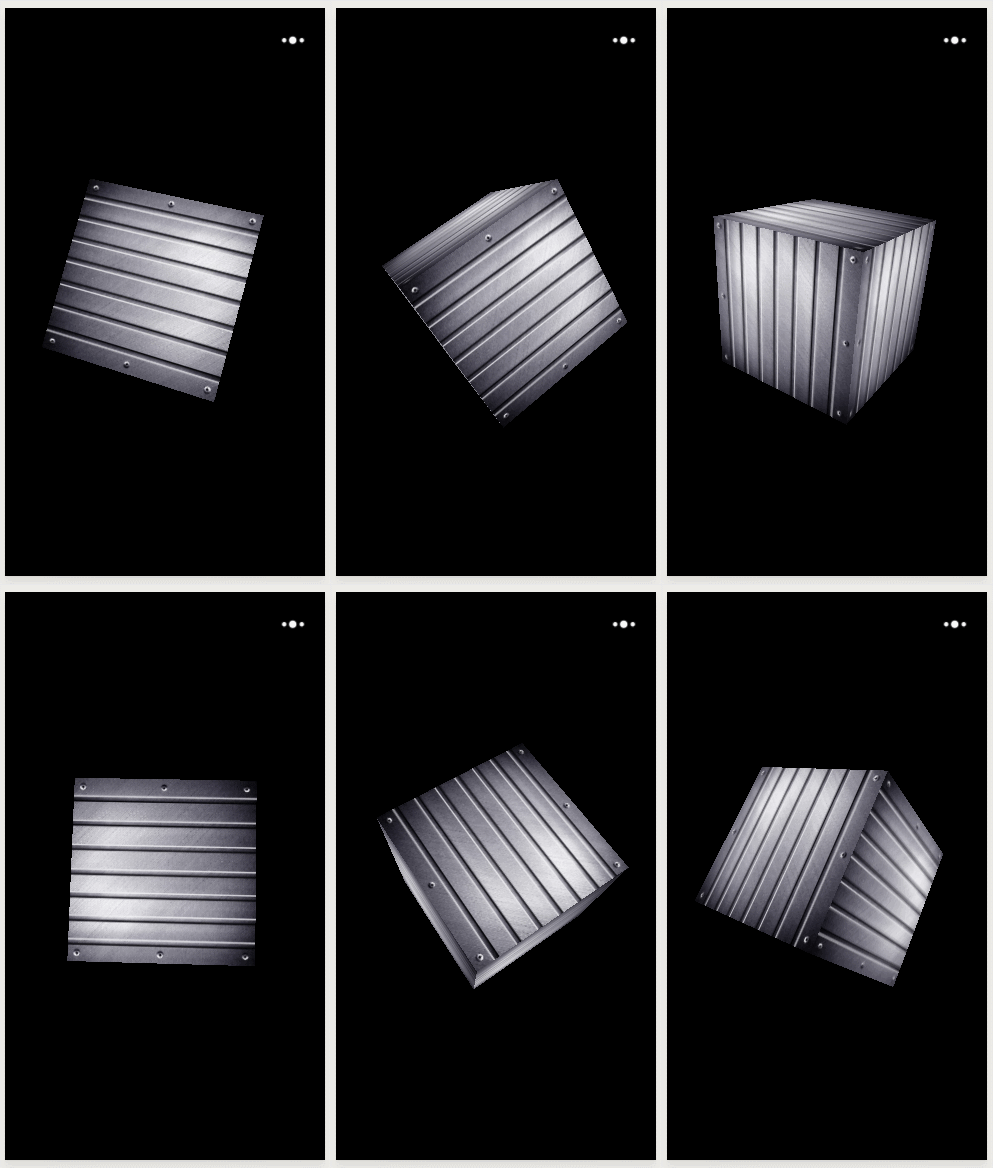
let THREE = require('./three/three')export default class Game3d { constructor() { // 场景 this.scene = new THREE.Scene(); // 透视摄像头 this.camera = new THREE.PerspectiveCamera(75, window.innerWidth / window.innerHeight, 0.1, 1000); // webGL渲染器 // 同时指定canvas为小游戏暴露出来的canvas this.renderer = new THREE.WebGLRenderer({ canvas: canvas }); this.start() } start() { this.renderer.setSize(window.innerWidth, window.innerHeight); var geometry = new THREE.CubeGeometry(1, 1, 1); // 加载纹理贴图 var texture = new THREE.TextureLoader().load("images/metal.jpg"); var material = new THREE.MeshBasicMaterial({ map: texture }); this.cube = new THREE.Mesh(geometry, material); this.scene.add(this.cube); // 设置camera的高度,若是低于当前场景的高度则屁也看不到 this.camera.position.z = 2.5; this.cube.castShadow = true console.log(this.cube) window.requestAnimationFrame(this.loop.bind(this), canvas); } update() { this.cube.rotation.x += 0.02; this.cube.rotation.y += 0.04; this.cube.rotation.z += 0.06; } loop() { this.update() this.renderer.render(this.scene, this.camera); window.requestAnimationFrame(this.loop.bind(this), canvas); }}import './js/libs/weapp-adapter'import './js/libs/symbol'import Game3d from './3dgame'new Game3d()