js:首先在data里添加全局变量images
data:{images:[]},upload:function(){wx.chooseImage({count:1,//数量为1个sizeType:['original','compressed'],//选择原图或压缩后的图片sourceType:['album','camera'],//选择访问相册、相机success(res){//tempFilePath可以作为img标签的src属性显示图片consttempFilePaths=res.tempFilePathswx.cloud.uploadFile({cloudPath:newDate().getTime()+'.png',filePath:tempFilePaths[0],//文件路径是数组,取第一个success:res={//getresourceIDdb.collection('images').add({data:{fileID:res.fileID}}).then(res={console.log(res);}).catch(err={console.log(err)})},fail:err={//handleerror}})}})},二、下载wxml:blockwx:for='{{images}}'imagesrc='{{item.fileID}}'/imagebuttonsize='mini'data-fileid='{{item.fileID}}'bindtap='downloadFile'文件下载/button/blockjs:downloadFile:function(e){wx.cloud.downloadFile({fileID:e.target.dataset.fileid,}).then(res={//gettempfilepath//保存图片到手机相册wx.saveImageToPhotosAlbum({filePath:res.tempFilePath,success(res){wx.showToast({title:'保存成功',})}})}).catch(error={//handleerror})},三、展示图片云数据库创建一个集合,名字为:images
wxml:buttonbindtap='getFile'文件展示/buttonblockwx:for='{{images}}'imagesrc='{{item.fileID}}'/image/blockjs:getFile:function(){//使用云函数获取openidwx.cloud.callFunction({name:'login'}).then(res={db.collection('images').where({_openid:res.result.openid}).get().then(res2={console.log(res2);this.setData({images:res2.data})})})},四、体验小程序


OK,GAMEOVER!更多内容,请关注公众号:程序员高手之路
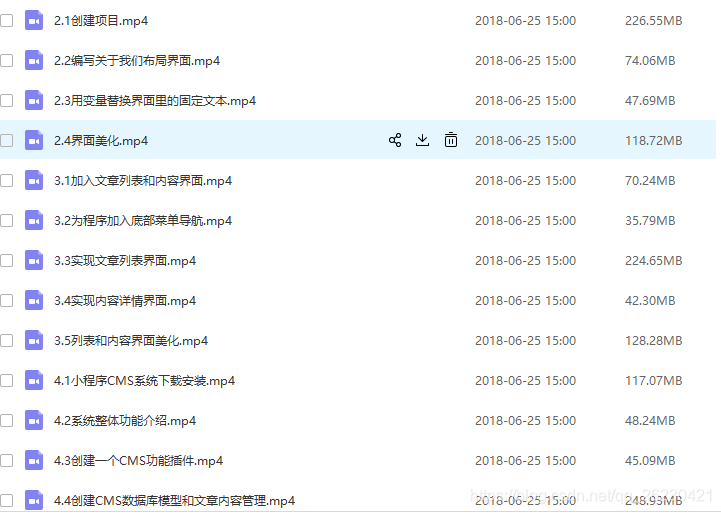
在公众号回复:小程序资源即可免费获取以下微信小程序视频教程!