


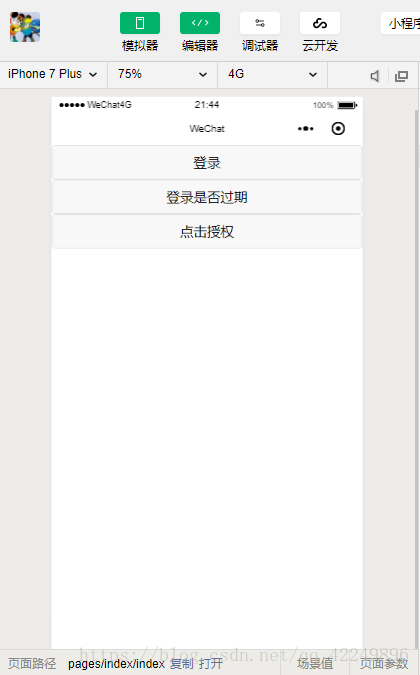
判断用户是否过期(如果未过期则重新登录):

获取用户信息:

获取用户的信息并在前台显示:
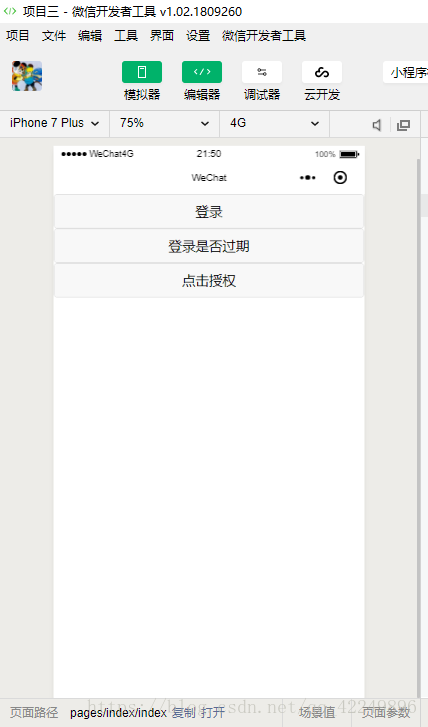
主要实现两个功能:
①判断登录是否过期,如果过期则就重新登录,如果没过期就提示未过期
②获取用户的信息,并在前台显示
index.wxml
- button bindtap="login"登录/button
- button bindtap="checksession"登录是否过期/button
- button open-type="getUserInfo" bindgetuserinfo="info"点击授权/button
- text{{city}}/text
- text{{country}}/text
- text{{nickName}}/text
- text{{province}}/text
index.js
- //index.js
- //获取应用实例
- const app = getApp()
-
- Page({
- data: {
- city:'',
- country:'',
- nickName:'',
- province:''
- },
- //发起http请求
- login:function(){
- wx.login({
- success:function(res){
- console.log(res.code)
- //发送请求
- wx.request({
- url: '自己的域名', //仅为示例,并非真实的接口地址
- data: {
- code:res.code
- },
- header: {
- 'content-type': 'application/json' // 默认值
- },
- success(res) {
- console.log(res)
- }
- })
- }
- })
- },
- //验证登录是否过期
- checksession:function(){
- wx.checkSession({
- success:function(res){
- console.log(res,'登录未过期')
- wx.showToast({
- title: '登录未过期啊',
- })
- },
- fail:function(res){
- console.log(res,'登录过期了')
- wx.showModal({
- title: '提示',
- content: '你的登录信息过期了,请重新登录',
- })
- //再次调用wx.login()
- wx.login({
- success: function (res) {
- console.log(res.code)
- //发送请求
- wx.request({
- url: '自己的域名', //仅为示例,并非真实的接口地址
- data: {
- code: res.code
- },
- header: {
- 'content-type': 'application/json' // 默认值
- },
- success(res) {
- console.log(res)
- }
- })
- }
- })
- }
- })
- },
- //获取用户的信息
- info:function(){
- var that=this
- wx.getUserInfo({
- success:function(res){
- console.log(res.userInfo)
- var city = res.userInfo.city
- var country = res.userInfo.country
- var nickName = res.userInfo.nickName
- var province = res.userInfo.province
- that.setData({
- city:city,
- country:country,
- nickName:nickName,
- province:province
- })
- }
- })
- }
- })
index.php
- ?php
- //声明code,用来接收前台传过来的code
- $code=$_GET['code'];
-
- //获取到appid
- $appid="xxxxxxxxxxx"; //自己的appid
- $secret="xxxxxxxxxxxx"; //自己的secret
- $api="https://api.weixin.qq.com/sns/jscode2session?appid={$appid}&secret={$secret}&js_code={$code}&grant_type=authorization_code"; //可去小程序开发文档中查看这个链接
-
- //发送的代码
- function httpGet($url){
- $curl=curl_init();
- curl_setopt($curl, CURLOPT_RETURNTRANSFER, true);
- curl_setopt($curl, CURLOPT_TIMEOUT, 500);
- curl_setopt($curl, CURLOPT_SSL_VERIFYPEER, true);
- curl_setopt($curl, CURLOPT_SSL_VERIFYHOST, true);
- curl_setopt($curl, CURLOPT_URL, $url);
- $res= curl_exec($curl);
- curl_close($curl);
- return $res;
- }
-
- $str=httpGet($api);
-
- echo $str;
- ?
关于这个php文件的说明:
①获取appid和secret:

②当你点击登录的时候,出现这些东西就说明php文件调用成功

③登录凭证校检地址(该里面的参数即可):
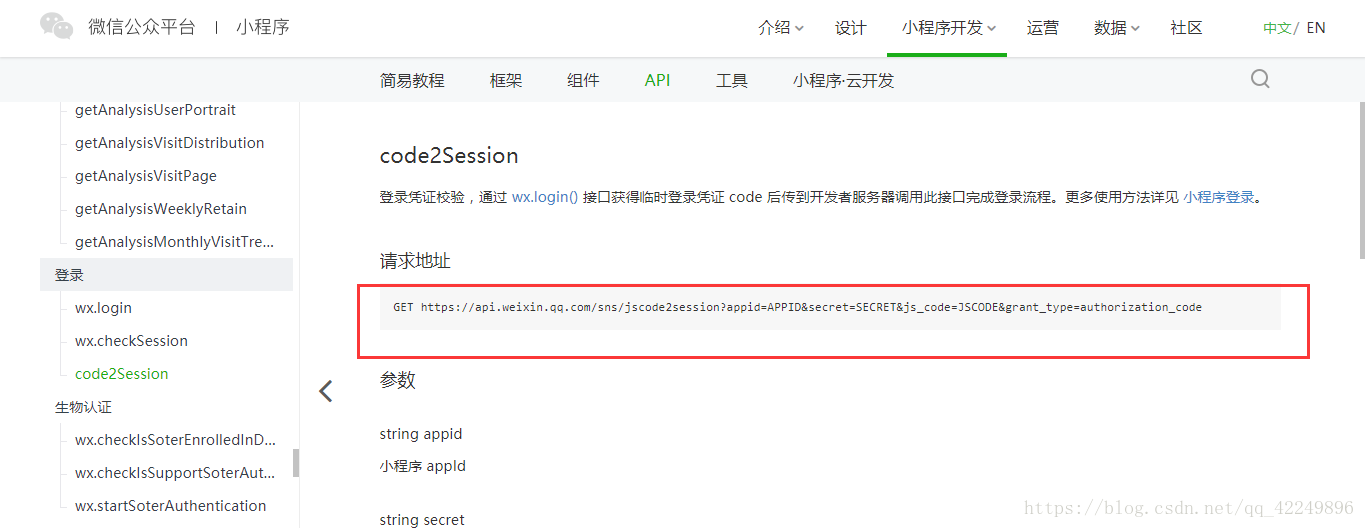
④域名要合法
在小程序平台上:
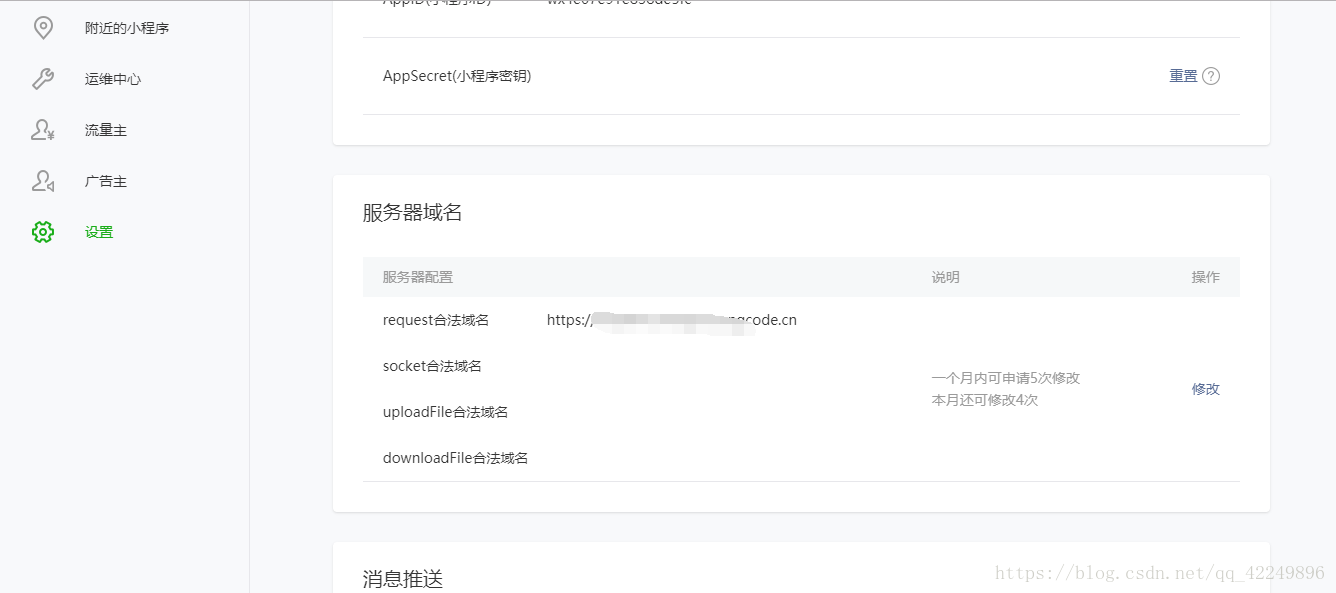
在web开发者工具里:











