


在小程序中实现居中的功能是经常用到的,比如在text组件中让文本内容在竖直(水平)方向自动居中、让图片显示在页面的中央等。使用弹性布局flex可以轻松搞定。
对容器的display设为flex,如display:flex
利用水平方向属性justify-content和竖直方向属性align-items实现水平居中、竖直居中、在中心显示。
.wxml代码如下:
view text class="adContent"测试用小玩意儿/text/view一:.wxss代码如下:
.view{ height:100%; width:100%;}.adContent{ width:100%; height:100%; display:flex; align-items:center}效果:实现竖直居中
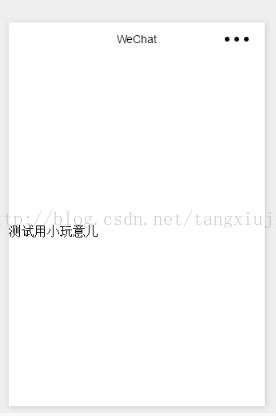
二、将align-items改成justify-content:
.adContent{ width:100%; height:100%; display:flex; justify-content:center}效果:水平居中
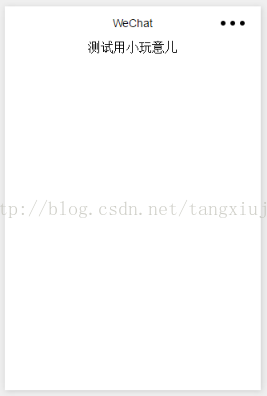
三、将align-items和justify-content一起使用可以将组件放在中心点:
.adContent{ width:100%; height:100%; display:flex; justify-content:center; align-items:center;}实现效果:使组件处于中心位置:
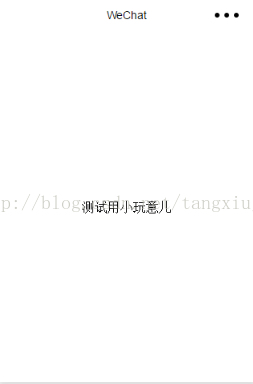
其他一些属性的用法:
flex-wrap(规定子元素溢出处理):nowrap(不换行) wrap(换行) wrap-reverse(逆序换行)










