


近日完成微信企业付款 API的接入,特此记录过程作为备忘。
企业付款到零钱的功能的开通资格可以在微信商户平台上看到。

简单来说就是在商户平台 - 运营工具 中可以看到如上图所示工具模块即可开通。
开通条件就是刷够流水,连续30天在该商户平台上有过交易记录即可。
开通功能后账号权限足够即可进入到功能模块中,如下图所示。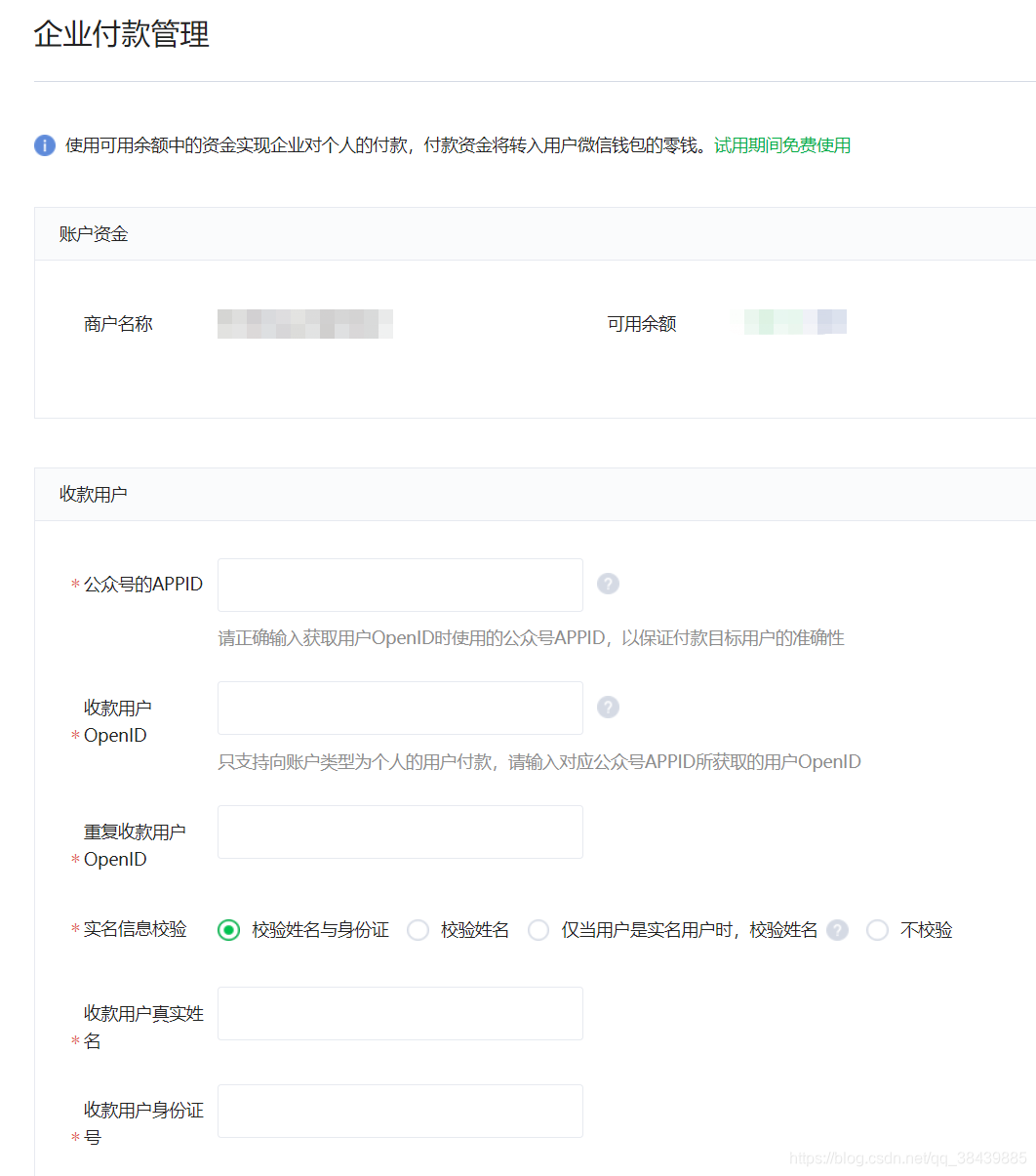
现在微信平台支持商户平台手动操作付款以及API付款。
第一种不作介绍,看到自然会懂。
第二种方式我用到了开源大神 Binary Wang 所写的开源项目 weixin-java-pay
dependency groupIdcom.github.binarywang/groupId artifactIdweixin-java-pay/artifactId version3.2.0/version/dependency附上github https://github.com/Wechat-Group/WxJava/wiki
虽然github上demo已经较为详细,还是简单介绍下接入过程:
一、证书申请
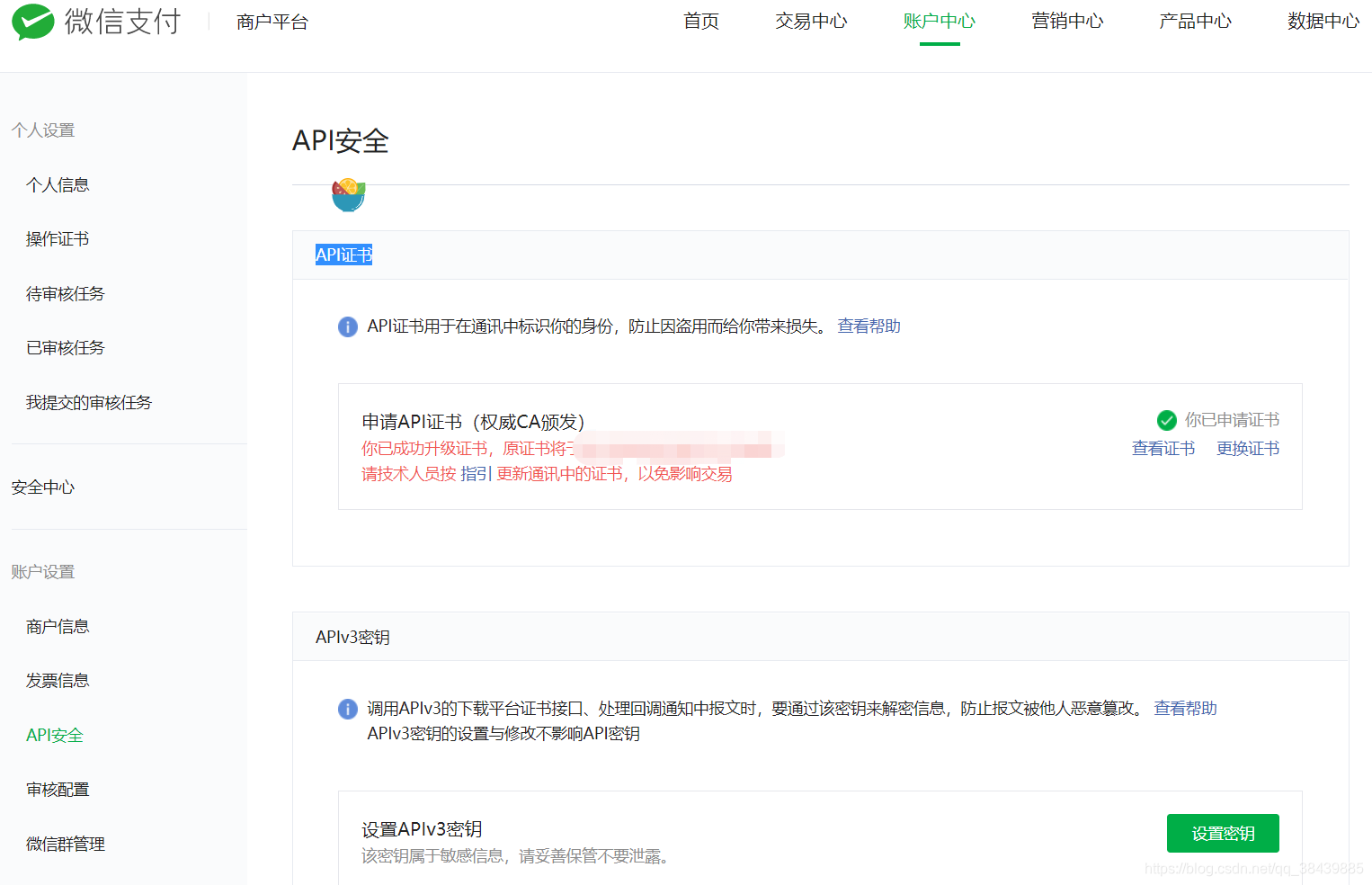
企业付款需要用到p12证书,证书可以在商户平台的 账户平台 - API安全 - API证书 中申请到。(注:需要升级一下)如下图:
二、WxPayConfig配置
将 com.github.binarywang.wxpay.service.WxPayService 作为Bean注入到项目中
实现代码如下,具体作用读者可引入pom后自行查看,binarywang作者的注释非常详细。有问题可留言讨论。
/** * @author hsw */@Configurationpublic class WxConfig { @Autowired private WxProperties properties; @Bean public WxPayConfig wxPayConfig() { WxPayConfig payConfig = new WxPayConfig(); payConfig.setAppId(properties.getAppId()); payConfig.setMchId(properties.getMchId()); payConfig.setMchKey(properties.getMchKey()); payConfig.setNotifyUrl(properties.getNotifyUrl()); payConfig.setKeyPath(properties.getKeyPath()); payConfig.setTradeType("JSAPI"); payConfig.setSignType("MD5"); return payConfig; } @Bean public WxPayService wxPayService(WxPayConfig payConfig) { WxPayService wxPayService = new WxPayServiceImpl(); wxPayService.setConfig(payConfig); return wxPayService; }}
3、API调用
API调用部分代码如下:
EntPayRequest entPayRequest = new EntPayRequest();entPayRequest.setAppid(wxProperties.getAppId());entPayRequest.setMchId(wxProperties.getMchId());entPayRequest.setPartnerTradeNo(generateOrderNoUtil.generateNo(user.getId(), "0"));entPayRequest.setOpenid(user.getWeixinOpenid());entPayRequest.setCheckName("NO_CHECK");entPayRequest.setAmount(payVO.getPayPrice() * 100);entPayRequest.setDescription(payVO.getPayDesc());entPayRequest.setSpbillCreateIp(IpUtil.getIpAddr(request));EntPayResult entPayResult = null;try { entPayResult = wxPayService.getEntPayService().entPay(entPayRequest); log.info("entPayResult : " + entPayResult);} catch (WxPayException e) { log.error("付款失败,返回报文" + e); return ResultVO.error(e.getReturnMsg() + ":" + e.getErrCodeDes());}API接入很方便,调用相应接口即可。










