一、申请七牛云
上七牛云官网注册登录,身份认证以后进入
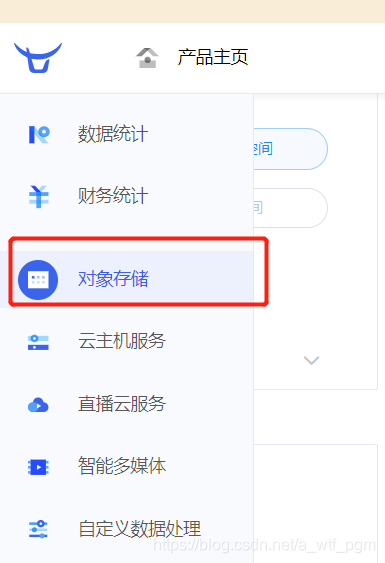
点击新建存储空间
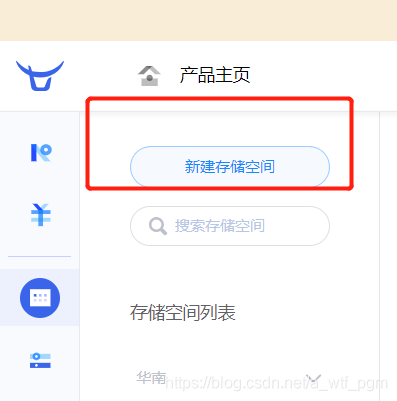
安装步骤完成新建就可以了。
二、 后端生成token
我这里用的是node.js。
首先安装七牛云的依赖包
npm install qiniu --save
后台生成token
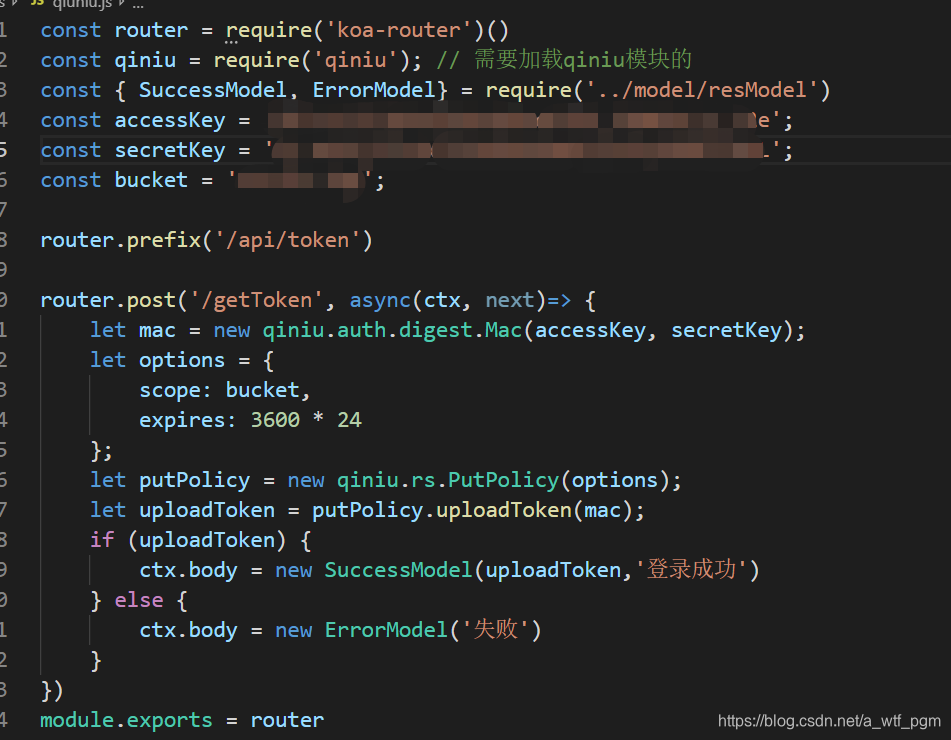
上图中的accessKey和secretKey在七牛云的 个人中心-》密匙管理中
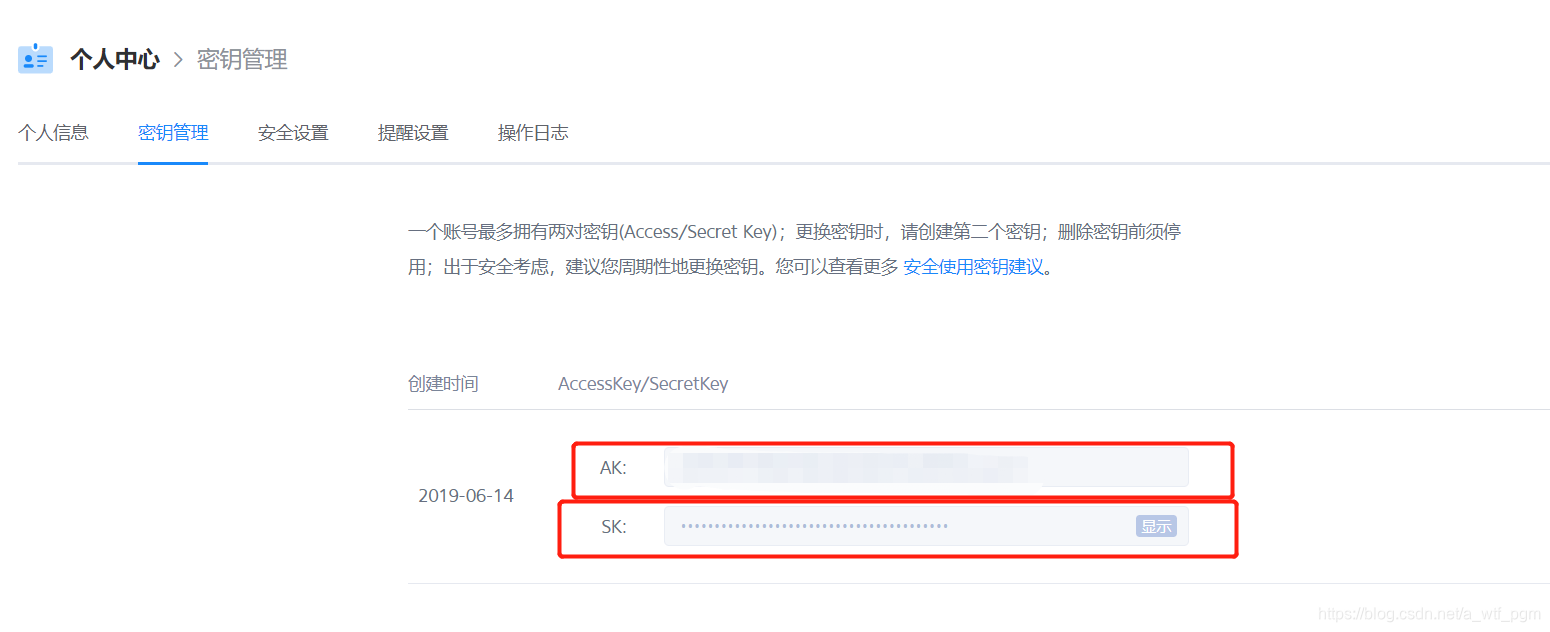
其中accessKey - AK secretKey - SK
buckey对应的是你的存储空间的名称
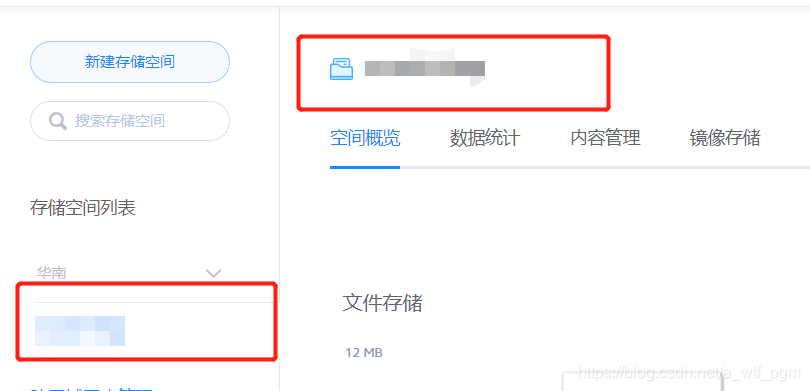
三、前端接收token发送请求获得图片的网络地址
先去官网下载七牛云的JS文件 下载地址
https://github.com/gpake/qiniu-wxapp-sdk#region
在需要用到的页面中引入
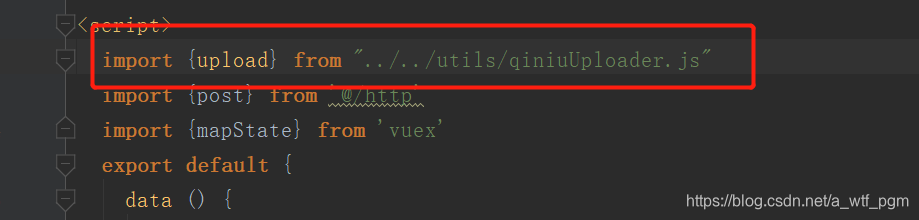
addImg函数是调用微信小程序自带的chooseImage API获取图片的临时地址
addImg(i) { let that = this; wx.chooseImage({ count: 1, sizeType: ['original', 'compressed'], sourceType: ['album','camera'], success(res) { // tempFilePath可以作为img标签的src属性显示图片 that.imgList[i].showImg = true that.imgList[i].tempFilePaths = res.tempFilePaths[0]; that.$forceUpdate(); that.getToken(res.tempFilePaths[0]); } }) },getToken函数是先发送http请求 从后台获取生成的token,然后再调用七牛云自带的upload去获得图片的网络地址
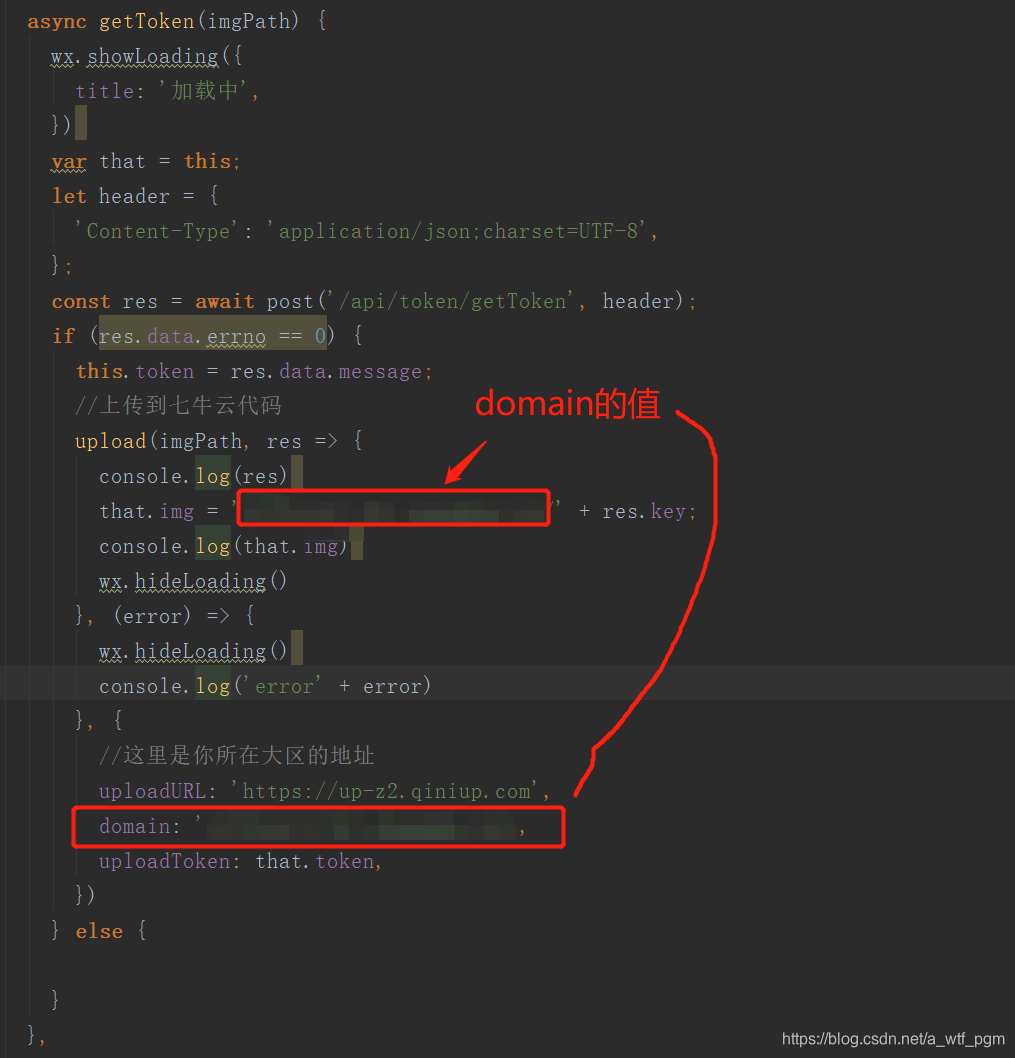
上图中domain的值在
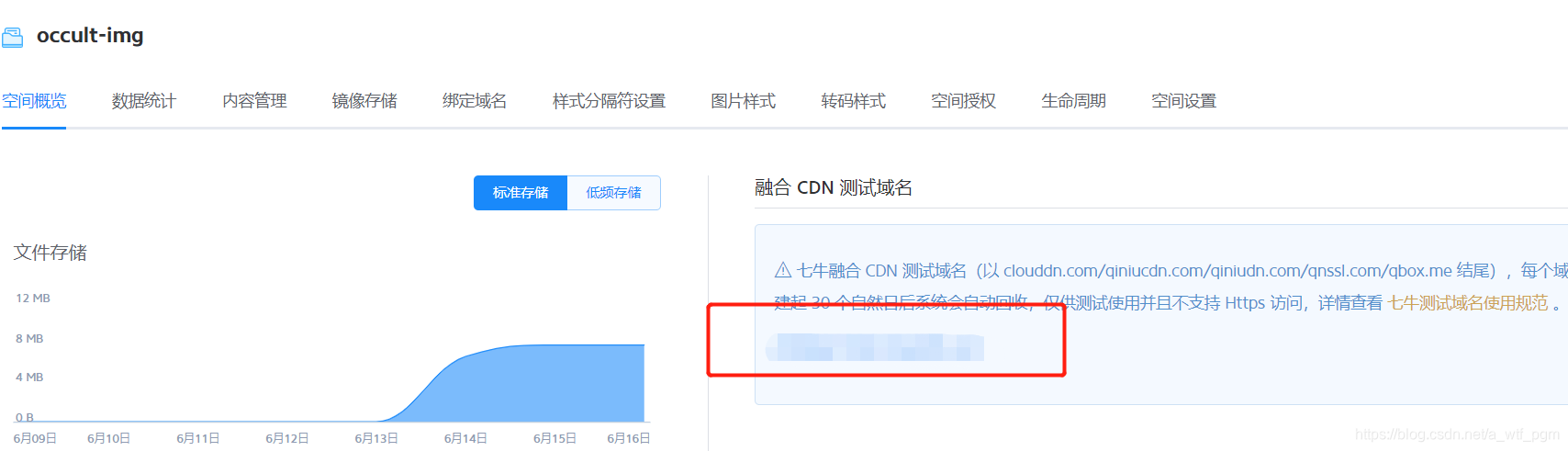
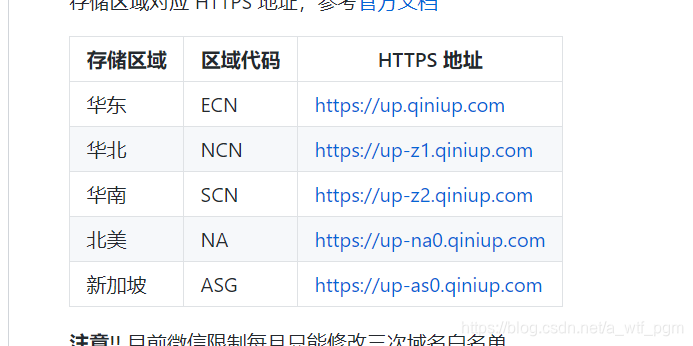
uploadURL是你的对象存储空间的地区