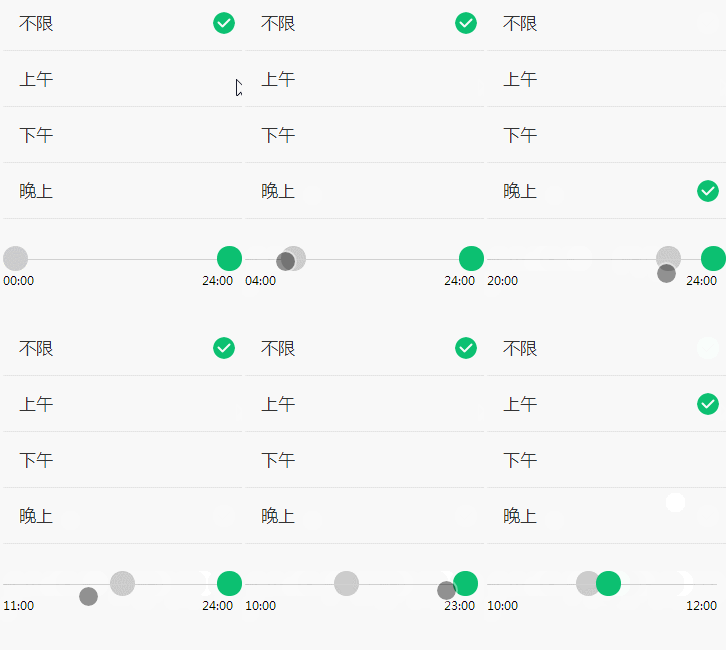
简单说明一下,这是用微信官方的slider组件拼接的,没有用到其他框架哈。
(一)实现效果
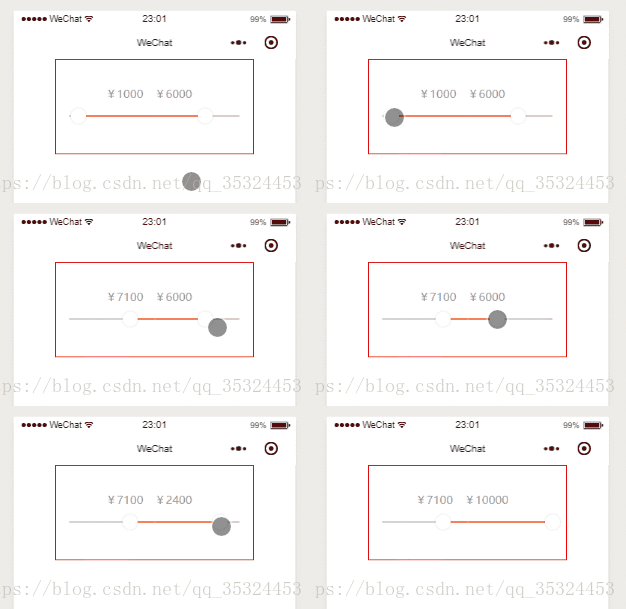
(二)实现过程
主要是将两个滑动选择器拼接在一起、各自设置所占长度比,就可以实现双向滚动调节了,但是有一个问题,我没有解决到,就是一个固定的滑动区域内,左右滑块可以相互交接互相滑动,尝试了一下没弄出来。
1、wxml代码:
view class='sliderHCon' view class='showMoney' text class='MoneyValue'¥{{leftValue}}/text text class='MoneyValue'¥{{rightValue}}/text /view view class='twoSlider' slider min='{{leftMin}}' max='{{leftMax}}' value='{{leftValue}}' activeColor='#cecacb' backgroundColor='#f26a36' block-size='20' step='100' style='width:{{leftWidth}}%;margin-right:0rpx;' bindchange="leftChange" / slider min='{{rightMin}}' max='{{rightMax}}' value='{{rightValue}}' activeColor='#f26a36' backgroundColor='#cecacb' block-size='20' step='100' style='width:{{rightWidth}}%;margin-left:0rpx;' bindchange="rightChange" / /view/view2、wxss代码:
.sliderHCon { margin: 0 40rpx 0 40rpx; height: 250rpx; border: 1rpx solid red; width: 70%; margin: auto; display: flex; justify-content: center; align-items: center; flex-direction: column;}.MoneyValue { font-size: 30rpx; text-align: center; color: #999; margin-top: 15rpx;}.showMoney text { margin-right: 30rpx;}.twoSlider { width: 100%; display: flex; flex-direction: row; justify-content: center; align-items: center;}3、js代码:
/** * 页面的初始数据 */ data: { leftMin: 0, //左边滑块最小值 leftMax: 10000, //左边滑块最大值 rightMin: 0, //右边滑块的最小值 rightMax: 10000, //右边滑块最大值 leftValue: 1000, //左边滑块默认值 rightValue: 6000, //右边滑块默认值 leftWidth: '50', //左边滑块可滑动长度:百分比 rightWidth: '50', //右边滑块可滑动长度:百分比 }, // 左边滑块滑动的值 leftChange: function(e) { console.log('左边改变的值为:' + e.detail.value); var that = this; that.setData({ leftValue: e.detail.value //设置左边当前值 }) }, // 右边滑块滑动的值 rightChange: function(e) { console.log('右边改变的值为:' + e.detail.value); var that = this; that.setData({ rightValue: e.detail.value, }) },如果想参考其他小程序框架做的,实现效果如下,可以参考这篇wepy写的介绍文章