


step 1: 桌面右键新建个文本后缀.bat格式

step 2: 右键文件----编辑
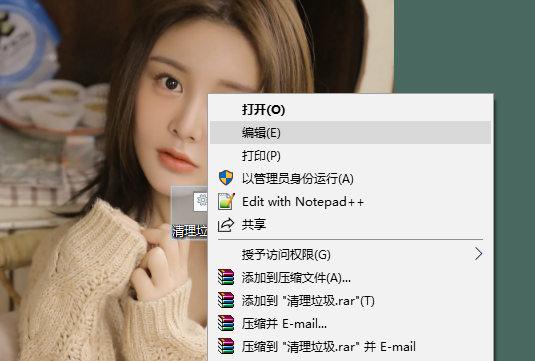
step 3: 复制下面代码粘贴进去.
@echo off echo 正在清除系统垃圾文件,请稍等...... del /f /s /q %systemdrive%*.tmp del /f /s /q %systemdrive%*._mp del /f /s /q %systemdrive%*.log del /f /s /q %systemdrive%*.gid del /f /s /q %systemdrive%*.chk del /f /s /q %systemdrive%*.old del /f /s /q %systemdrive%recycled*.* del /f /s /q %windir%*.bak del /f /s /q %windir%prefetch*.* rd /s /q %windir%temp & md %windir%temp del /f /q %userprofile%cookies*.* del /f /q %userprofile%recent*.* del /f /s /q "%userprofile%Local SettingsTemporary Internet Files*.*" del /f /s /q "%userprofile%Local SettingsTemp*.*" del /f /s /q "%userprofile%recent*.*" echo 清除系统垃圾完成! echo. & pausestep 4: 保存,双击运行就可以了,CTRL+C 终止程序.
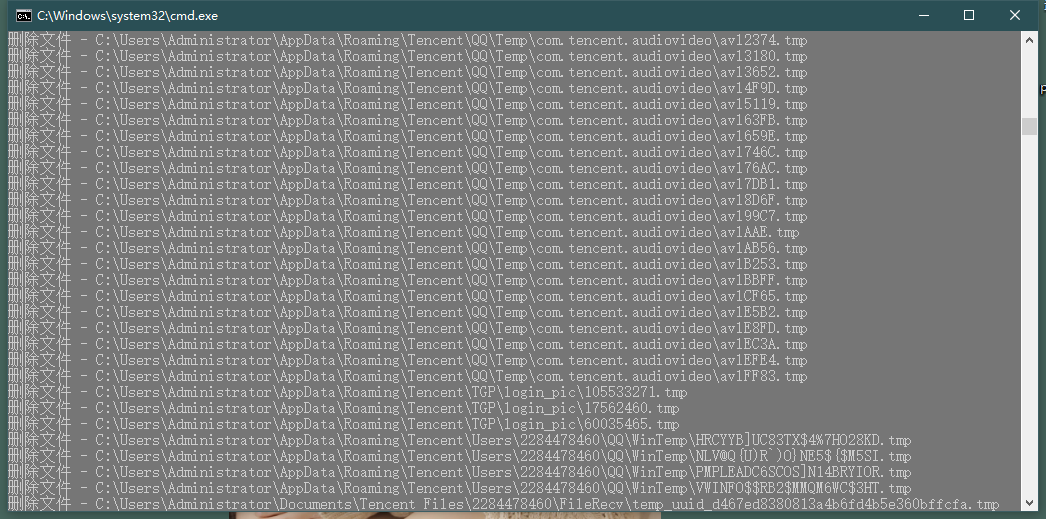
清理完后电脑明显流畅多了










