


微信小程序硬件接口提供了加速计使用。
用于计算手机的偏移距离。
注:接口提供的比较简单,更多需要自己处理。
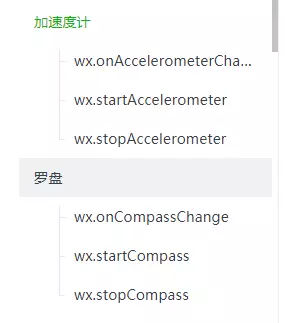
1.开启:wx.startAccelerometer
2.关闭:wx.stopAccelerometer
3.监听:wx.onAccelerometerChange
返回值,x,y,z轴的偏移值。
wx.onAccelerometerChange(function (res) { console.log(res.x) console.log(res.y) console.log(res.z)})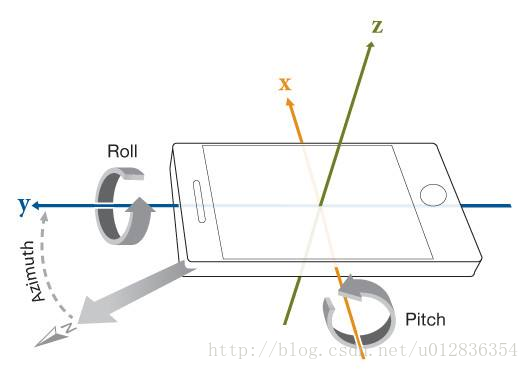
示例1,使用加速计,实现摇一摇功能:
//开启监听 wx.startAccelerometer({ success: function (res) { console.info(res); } }); //监听距离 wx.onAccelerometerChange(function (res) { if (res.x 2) { //偏移量为2时触发,有的使用1 wx.showModal({ title: '提示', content: '触发摇一摇', success: res = { wx.navigateTo({ url: '../index/index', }) } }) } });更多:
小程序Canvas绘制图片太大,自动闪退,安卓会有crash问题
小程序Canvas生成图片draw()出现黑屏问题/不完整,安卓概率大
js时间函数getTime() 在苹果手机上返回NaN的问题










