


微信小程序生成带参数的二维码
- 微信官方说明
- PHP代码实现
- 重要的也是最坑的
- 源码下载(调查问卷微信小程序带tp后台)
微信官方说明
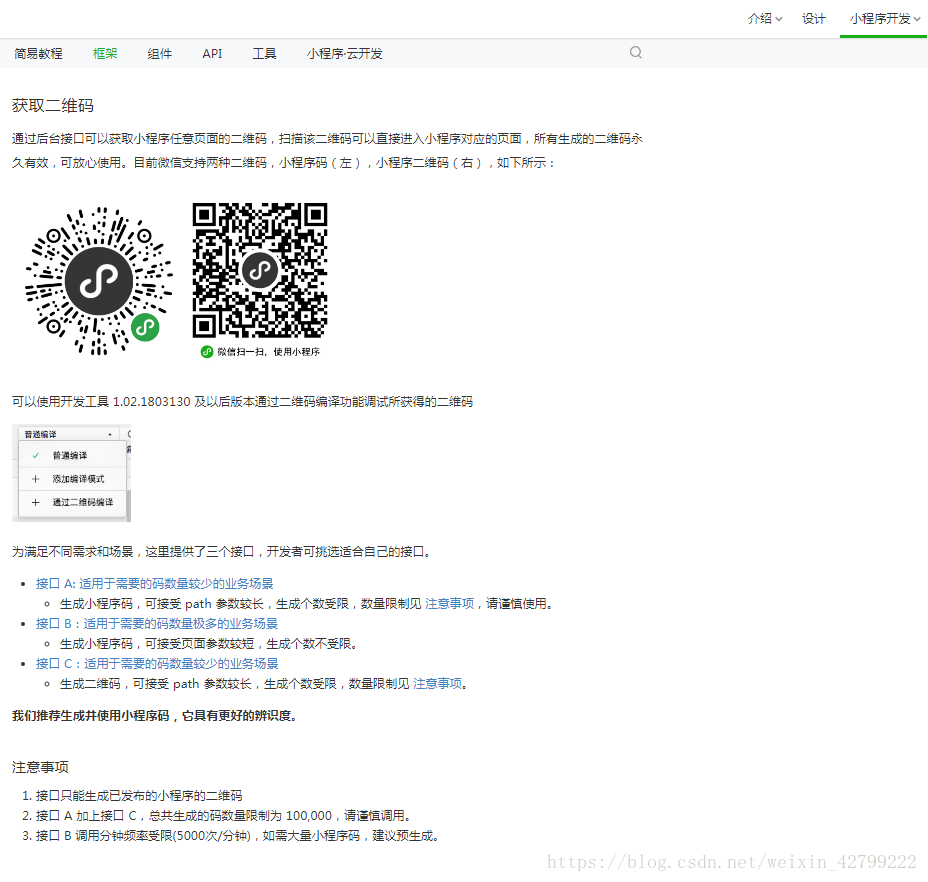
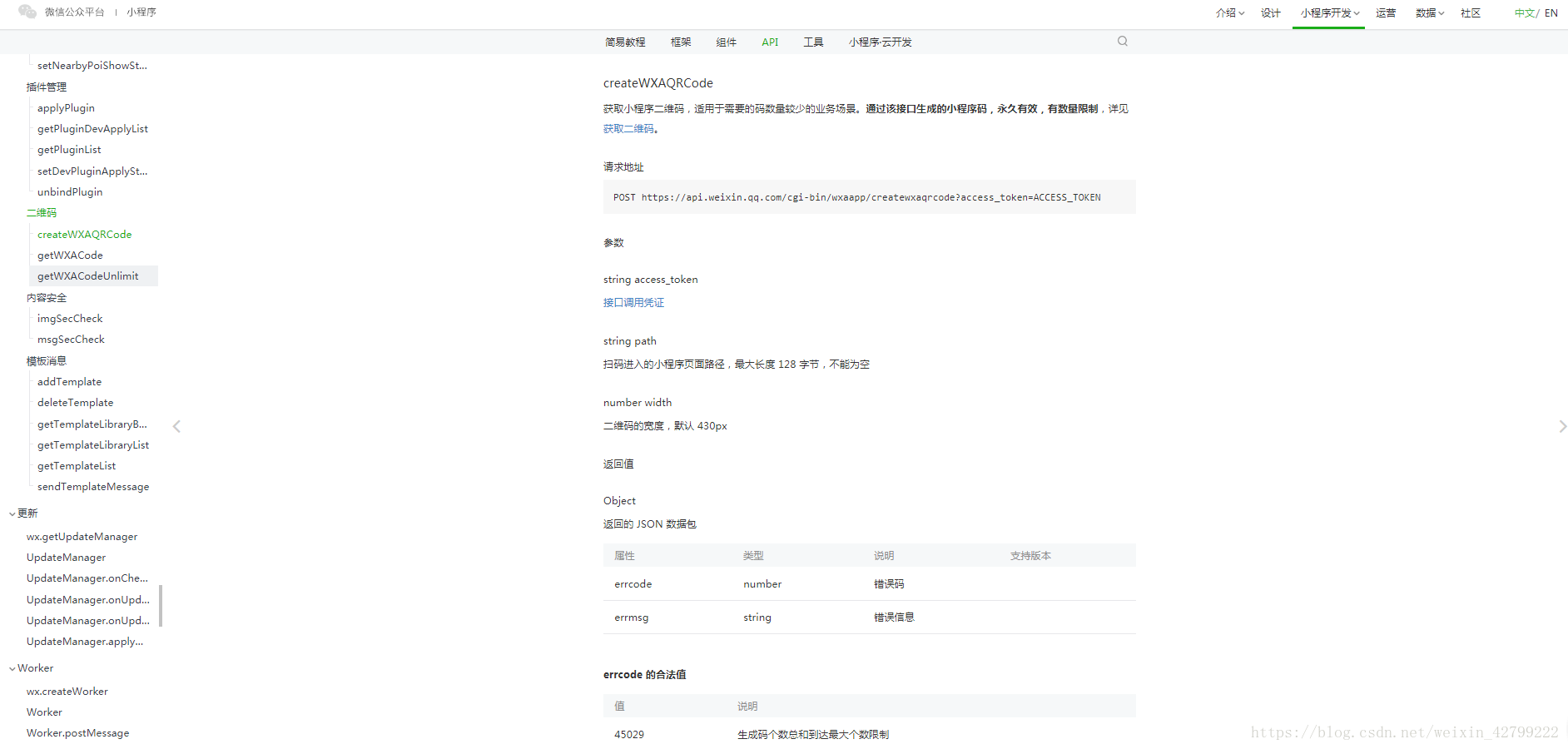
先查看文档,共有三个接口调用,大家可以根据自己的实际情况来使用,我这里使用的是接口C
https://developers.weixin.qq.com/miniprogram/dev/framework/open-ability/qr-code.html详细的三个接口地址请大家执行查看
A:https://developers.weixin.qq.com/miniprogram/dev/api/open-api/qr-code/createWXAQRCode.html
B:https://developers.weixin.qq.com/miniprogram/dev/api/open-api/qr-code/getWXACode.html
C:https://developers.weixin.qq.com/miniprogram/dev/api/open-api/qr-code/createWXAQRCode.html
PHP代码实现
需要调用的公共函数
function https_request($url,$data = null){ if(function_exists('curl_init')){ $curl = curl_init(); curl_setopt($curl, CURLOPT_URL, $url); curl_setopt($curl, CURLOPT_SSL_VERIFYPEER, FALSE); curl_setopt($curl, CURLOPT_SSL_VERIFYHOST, FALSE); curl_setopt($curl, CURLOPT_SSLVERSION, CURL_SSLVERSION_TLSv1); if (!empty($data)){ curl_setopt($curl, CURLOPT_POST, 1); curl_setopt($curl, CURLOPT_POSTFIELDS, $data); } curl_setopt($curl, CURLOPT_RETURNTRANSFER, 1); $output = curl_exec($curl); curl_close($curl); return $output; }else{ return false; }}封装了两个方法
// 发送access_tokenpublic function getAccessToken($appid,$secret,$grant_type){if (empty($appid)||empty($secret)||empty($grant_type)) {return '参数错误';} // https://api.weixin.qq.com/cgi-bin/token?grant_type=client_credential&appid=APPID&secret=APPSECRET $url = "https://api.weixin.qq.com/cgi-bin/token?grant_type={$grant_type}&appid={$appid}&secret={$secret}"; if (S('wx_token')) { $token = S('wx_token'); return 'success'; } $json = https_request($url); $data=json_decode($json,true); if (empty($data['access_token'])) { return $data; } S('wx_token',$data,3600); return 'success';}// 获取带参数的二维码// 获取小程序码,适用于需要的码数量极多的业务场景。通过该接口生成的小程序码,永久有效,数量暂无限制。public function getWXACodeUnlimit($access_token,$path='',$width=430){if (empty($access_token)||empty($path)) {return 'error';} // https://api.weixin.qq.com/cgi-bin/wxaapp/createwxaqrcode?access_token=ACCESS_TOKEN $url = "https://api.weixin.qq.com/cgi-bin/wxaapp/createwxaqrcode?access_token={$access_token}"; $data = array(); $data['path'] = $path; //最大32个可见字符,只支持数字,大小写英文以及部分特殊字符:!#$&'()*+,/:;=?@-._~,其它字符请自行编码为合法字符(因不支持%,中文无法使用 urlencode 处理,请使用其他编码方式) $data['width'] = $width; //二维码的宽度,默认为 430px $json = https_request($url,json_encode($data)); return $json;}这里是核心的代码逻辑
public function qrcode(){ $wechat = C('wechat'); $SupermarketModel = D('Supermarket'); $superId = I('request.id','','intval'); $w = array(); $w['id'] = $superId; $superDefault = $SupermarketModel->where($w)->find(); if (empty($superDefault)) { ajax_return(false,'未找到相关信息'); } $res = $SupermarketModel->getAccessToken($wechat['appId'],$wechat['appSecret'],'client_credential'); if ($res == 'success') { $token = S('wx_token'); $access_token = $token['access_token']; }else{ ajax_return(false,$res); } if (empty($access_token)) { ajax_return(false,'access_token为空,无法获取二维码'); } $path = 'pages/index/index?super='.$superId; $width = 430; $res2 = $SupermarketModel->getWXACodeUnlimit($access_token,$path,$width); // var_dump($res2); //将生成的二维码保存到本地 // $file ="/Uploads/".substr($path,strripos($path,"?")+1).".jpg"; $file ="Uploads/".$superId.".jpg"; file_put_contents('./'.$file,$res2); if (file_exists($file)) { ajax_return(true,'','/'.$file); }else{ ajax_return(false); } }重要的也是最坑的
1.在获取二维码时,需要post向接口提交数据,只是说返回的是object。没有直接在文件中说明提交的post数据也需要是json对象。发送的既然不是数组,那么在curl请求就不能写成
curl_setopt($curl, CURLOPT_POSTFIELDS, http_build_query($post))必须写成
curl_setopt($curl, CURLOPT_POSTFIELDS, $data);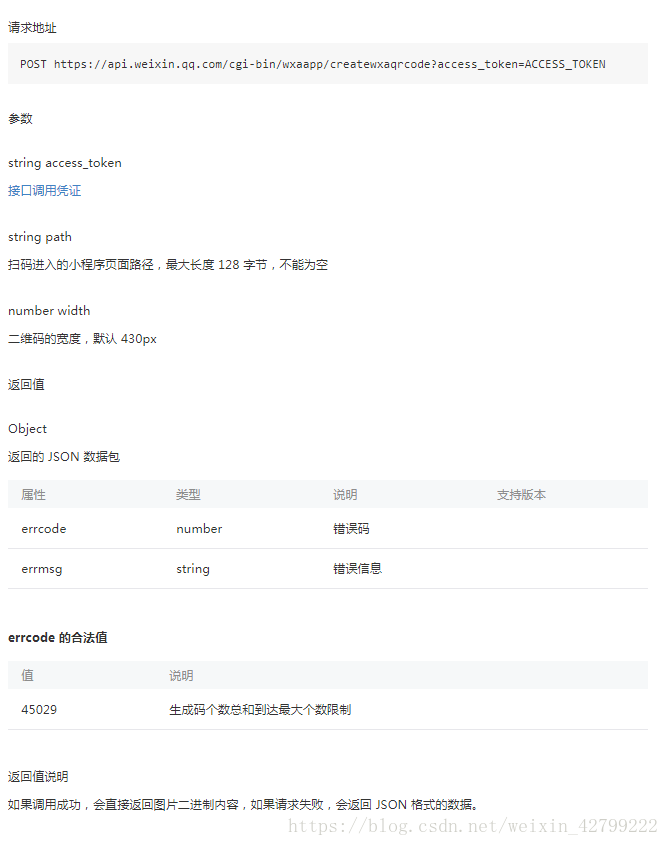
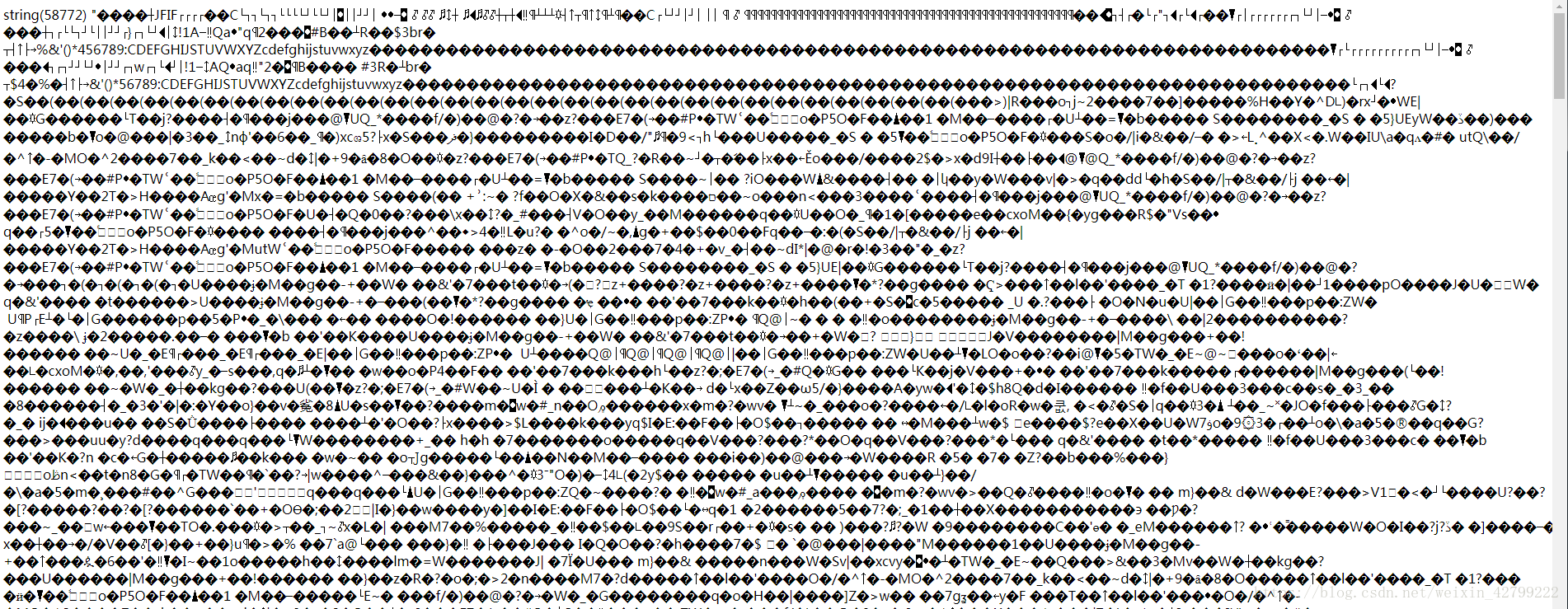
2.最坑的就是二维码获取成功后的处理。只要逻辑没有问题,获取参数二维码成功后,接口地址会直接返回如下字符串。
这表明你已经获取成功了。该如何把它变为一张图片呢,百度了好多,大家都没仔细描述这一步,还有同样的做到这里不会做了,后期更新。自己来吧:就是利用php自带的文件写入函数,把这些字符写入到图片格式的文件中就成功了。
$file ="Uploads/qrcode.jpg";file_put_contents('./'.$file,$res2);源码下载(调查问卷微信小程序带tp后台)
https://download.csdn.net/download/weixin_42799222/10958116
小程序









