


效果
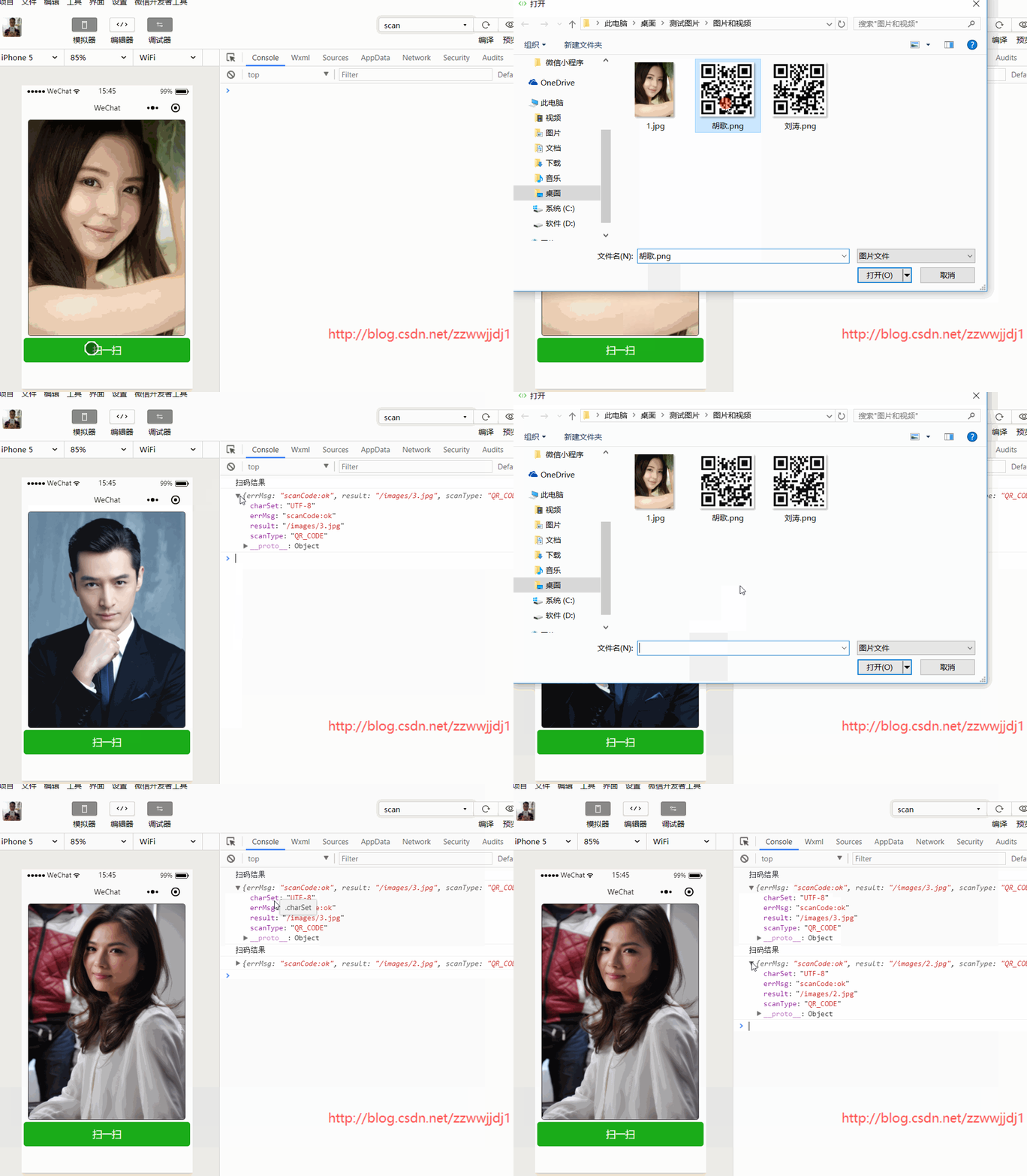
js
let app = getApp();Page({ data: { img: "/images/1.jpg" }, onLoad() { }, scan() { wx.scanCode({ success: (res) => { console.log("扫码结果"); console.log(res); this.setData({ img: res.result }) }, fail: (res) => { console.log(res); } }) }})html
<view class="view"> <image class="cover-9" src="{{img}}" bindtap="img"></image> <button type="primary" bindtap="scan" id="scan">扫一扫</button></view>css
page{ height: 100%;}.view{ width: 100%; height: 100%;}.cover-9{ width: 688rpx; height: 80%; margin: 0 30rpx; border:2rpx solid; border-radius:5px; }button{ margin: 0 10rpx; width: 100%;}#scan{ width: 730rpx;}其实就是"/images/2.jpg"和"/images/3.jpg"2个字符串生成二维码,然后在images文件夹下放对应路径的2张图片,扫一扫二维码重新赋值。参考地址:https://mp.weixin.qq.com/debug/wxadoc/dev/api/scancode.html
意外金喜的博客:http://blog.csdn.net/zzwwjjdj1
更多小程序文章:http://blog.csdn.net/zzwwjjdj1/article/details/79351547小程序










