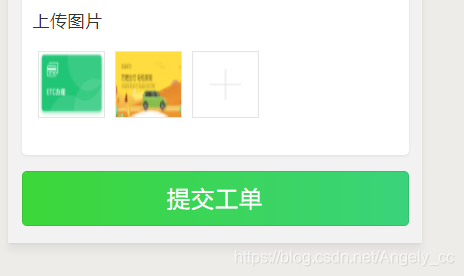
<view> <view class='title'> 上传图片 </view> <view class='imgArr'> <view wx:for="{{imgArrs}}" class='img_item'> <image src='{{item}}' mode='widthFix' bindtap='previewImage' data-item="{{item}}" /> </view> <view class='addImg' bindtap='chooseImage'> <image src='http://etc-app.oss-cn-beijing.aliyuncs.com/image_201905301537160389.png' mode='widthFix' /> </view> </view></view>
.addImg { width: 122rpx;height: 122rpx; }.imgArr image { display: inline !important; width: 100%; height: 100%;}.imgArr view { display: inline-block; margin: 10rpx;}.img_item { width: 122rpx;height: 122rpx; border: 1rpx solid #e5e5e5; position: relative;}.title { height: 96rpx; line-height: 96rpx; font-size: 32rpx;font-weight: normal;font-stretch: normal;letter-spacing: 1rpx;color: #333333;}
data: { imgArrs:[], idArrs:[] }, methods: { chooseImage() { let that = this wx.chooseImage({ count: 1, sourceType: ['album', 'camera'], success(res) { const path = res.tempFilePaths[0] wx.uploadFile({ url: '要上传的地址', filePath: path, name: 'image', success: (res) => { console.log(res) let {url, id } = JSON.parse(res.data).data console.log(url) console.log(id) that.data.imgArrs.push(url) that.data.idArrs.push(id) that.setData({ imgArrs: that.data.imgArrs, idArrs: that.data.idArrs }) console.log(that.data.imgArrs) console.log(that.data.idArrs) } }) } }) }, previewImage(e) { console.log(e) let that = this wx.previewImage({ urls: that.data.imgArrs, current: e.target.dataset.item, }) } }
小程序












