


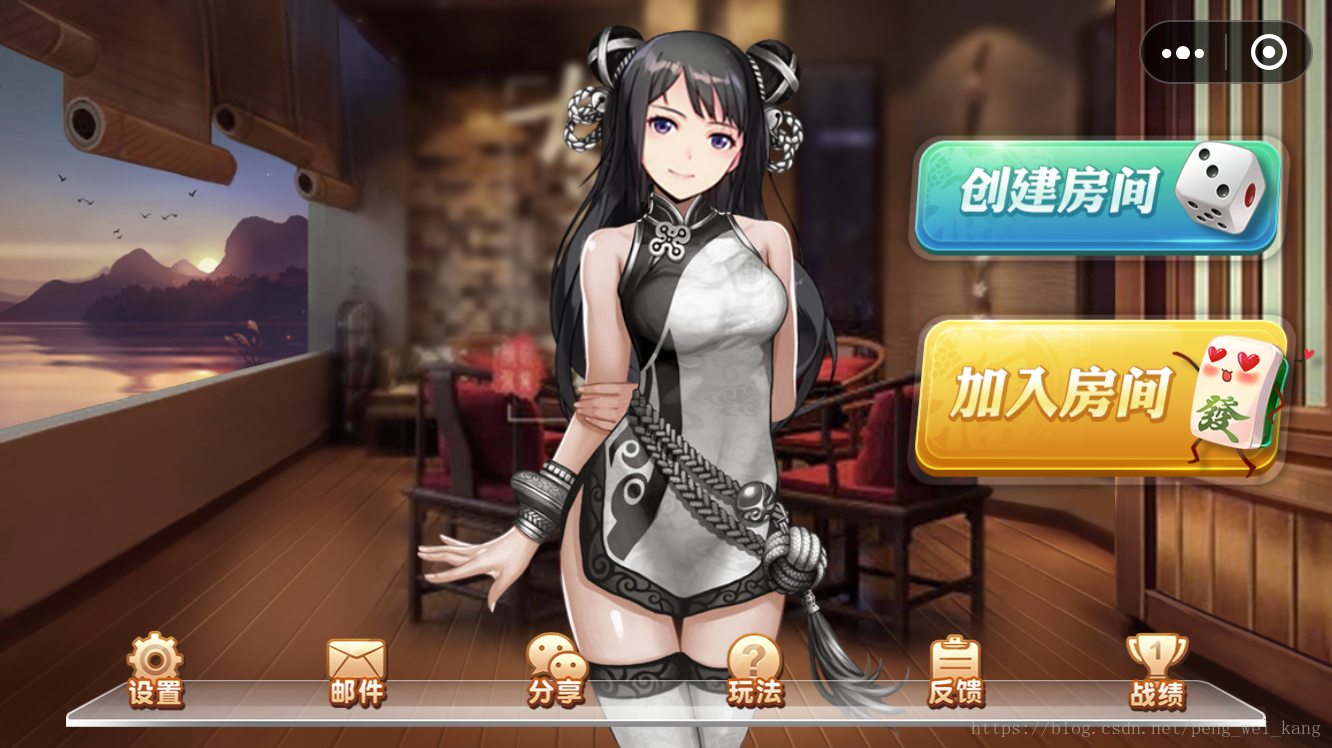
界面效果如下:
主程序入口问game.js
import './js/libs/weapp-adapter'import './js/libs/symbol'import Main from './js/main'console.log(GameGlobal)GameGlobal.wsServerUrl = "ws://127.0.0.1:7397";GameGlobal.httpServerUrl = "http://127.0.0.1:8090/lpmajiang/";new Main()在game.js文件中主要设定了一些常量以及游戏入口类main.js
main.js主要内容为用户授权,游戏界面渲染,事件处理(主要为触摸事件)
用户授权代码如下:
let button = wx.createUserInfoButton({ //创建用户授权按钮,注意:wx.authorize({scope: "scope.userInfo"}),无法弹出授权窗口 type: 'text', text: '获取用户信息', style: { left: 10, top: 76, width: 200, height: 40, lineHeight: 40, backgroundColor: '#ff0000', color: '#ffffff', textAlign: 'center', fontSize: 16, borderRadius: 4 }})button.onTap((res) = > { //获取用户信息})界面渲染代码:
restart() { this.bindLoop = this.loop.bind(this) //绑定渲染事件 this.hasEventBind = false this.aniId = window.requestAnimationFrame(//界面重绘时执行 loop方法 this.bindLoop, canvas ) } // 实现游戏帧循环 loop() { ctx.clearRect(0, 0, canvas.width, canvas.height) window.cancelAnimationFrame(this.aniId); //由于小游戏里面没有页面跳转,只能通过变量去设定渲染的界面 if (window.pageIndex == 1){//主页面 this.index.render()//主界面渲染 } else if (window.pageIndex == 2) { //房间界面 this.room.render()//游戏房间渲染 } this.aniId = window.requestAnimationFrame( this.bindLoop, canvas ) }游戏主界面index.js
index.js主要为容器类,用来存放各种组件
index.js代码如下:
import BackGround from './frame/index/background' //背景类import Music from './runtime/music' //主打音乐类import Header from './frame/index/header' //头部import Bottom from './frame/index/bottom' //底部import Right from './frame/index/right' //右侧部分const systemInfo = wx.getSystemInfoSync()canvas.width = systemInfo.windowWidth * 2canvas.height = systemInfo.windowHeight * 2const header_width = canvas.widthconst header_height = 50const bottom_width = canvas.width * 0.9const bottom_height = 120const right_width = canvas.width / 2const right_height = canvas.height - header_height - bottom_height/** * pengweikang 20180725 主页 */export default class Index { constructor(ctx,_this) { this.ctx = ctx this.parent = _this }/** * 初始化 */ init(){ // 维护当前requestAnimationFrame的id this.background = new BackGround(this.ctx) this.header = new Header(this.ctx, header_width, header_height) //头部 this.bottom = new Bottom(this.ctx, bottom_width, bottom_height) //底部 this.right = new Right(this.ctx, right_width, right_height) //右边部分 this.aniId = 0 this.hasEventBind = false if (!this.hasEventBind) { this.hasEventBind = true this.touchStartHandler = this.touchStartEventHandler.bind(this) this.touchEndHandler = this.touchEndEventHandler.bind(this) canvas.addEventListener('touchstart', this.touchStartHandler) canvas.addEventListener('touchend', this.touchEndHandler) } } restart() { canvas.removeEventListener( 'touchstart', this.touchStartHandler ) canvas.removeEventListener( 'touchend', this.touchEndHandler ) this.hasEventBind = false } //屏幕触摸开始事件,将该事件传入子组件,判断该触摸是否在子主键范围之内 touchStartEventHandler(e) { e.preventDefault() this.bottom.touchStartHandler(e)//底部菜单点击开始事件 this.right.touchStartHandler(e)//底部菜单点击开始事件 this.hasEventBind = false } //屏幕触摸结束事件,将该事件传入子组件,判断该触摸是否在子主键范围之内 touchEndEventHandler(e) { e.preventDefault() this.bottom.touchEndHandler(e)//底部菜单点击结束事件 this.right.touchEndHandler(e)//底部菜单点击结束事件 this.hasEventBind = false } //界面渲染,主要渲染子组件 render() { this.background.render(this.ctx) this.header.render(0, 0) this.bottom.render(canvas.width * 0.05, canvas.height - bottom_height) this.right.render(canvas.width / 2, header_height) }}处理点击事件代码
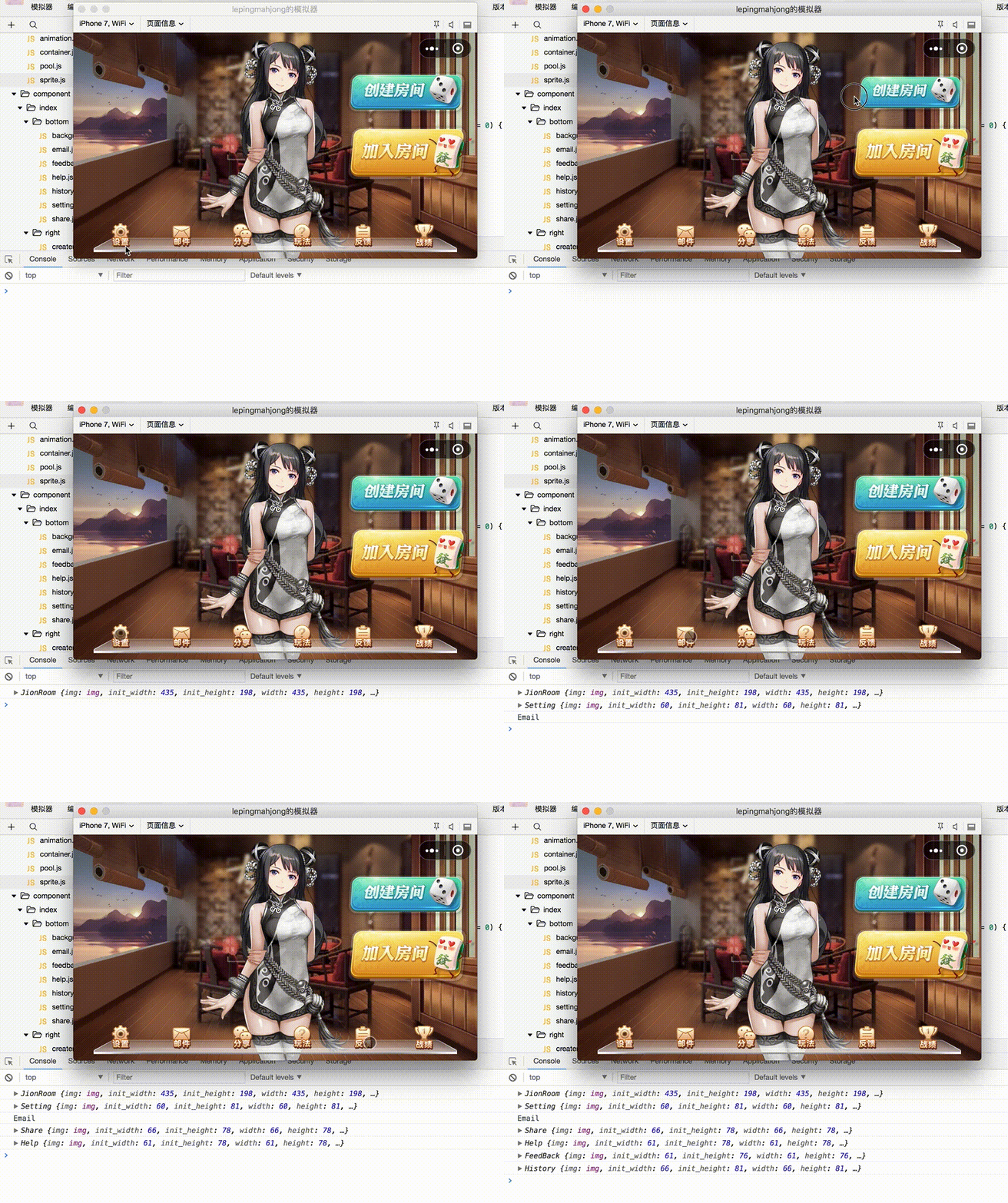
//判断开始是否点中按钮 isStartSelected(e){ let x = e.touches[0].clientX*2 let y = e.touches[0].clientY*2 let area = this.area() if (x >= area.startX && x <= area.endX && y >= area.startY && y <= area.endY){ //点中按钮 this.startSelect = true this.oldParam = { width: this.width, height: this.height, x: this.x, y: this.y } this.x = this.x + this.width * scal_radio/2 this.y = this.y + this.height * scal_radio/2 this.width = this.width - this.width * scal_radio this.height = this.height - this.height * scal_radio } } //判断结束是否点中按钮 isEndSelected(e) { let x = e.changedTouches[0].clientX * 2 let y = e.changedTouches[0].clientY * 2 let area = this.area() if (x >= area.startX && x <= area.endX && y >= area.startY && y <= area.endY) { return true //点中按钮 } return false //没有点中 } //点击开始事件 startClick(e) { if (this.isStartSelected(e)) { this.startAnimation() //启动动画 } }效果如下:
微信小程序










