一、scroll-view
如何使用 scroll-view 详见:https://developers.weixin.qq.com/miniprogram/dev/component/scroll-view.html
二、竖直滚动条
案例
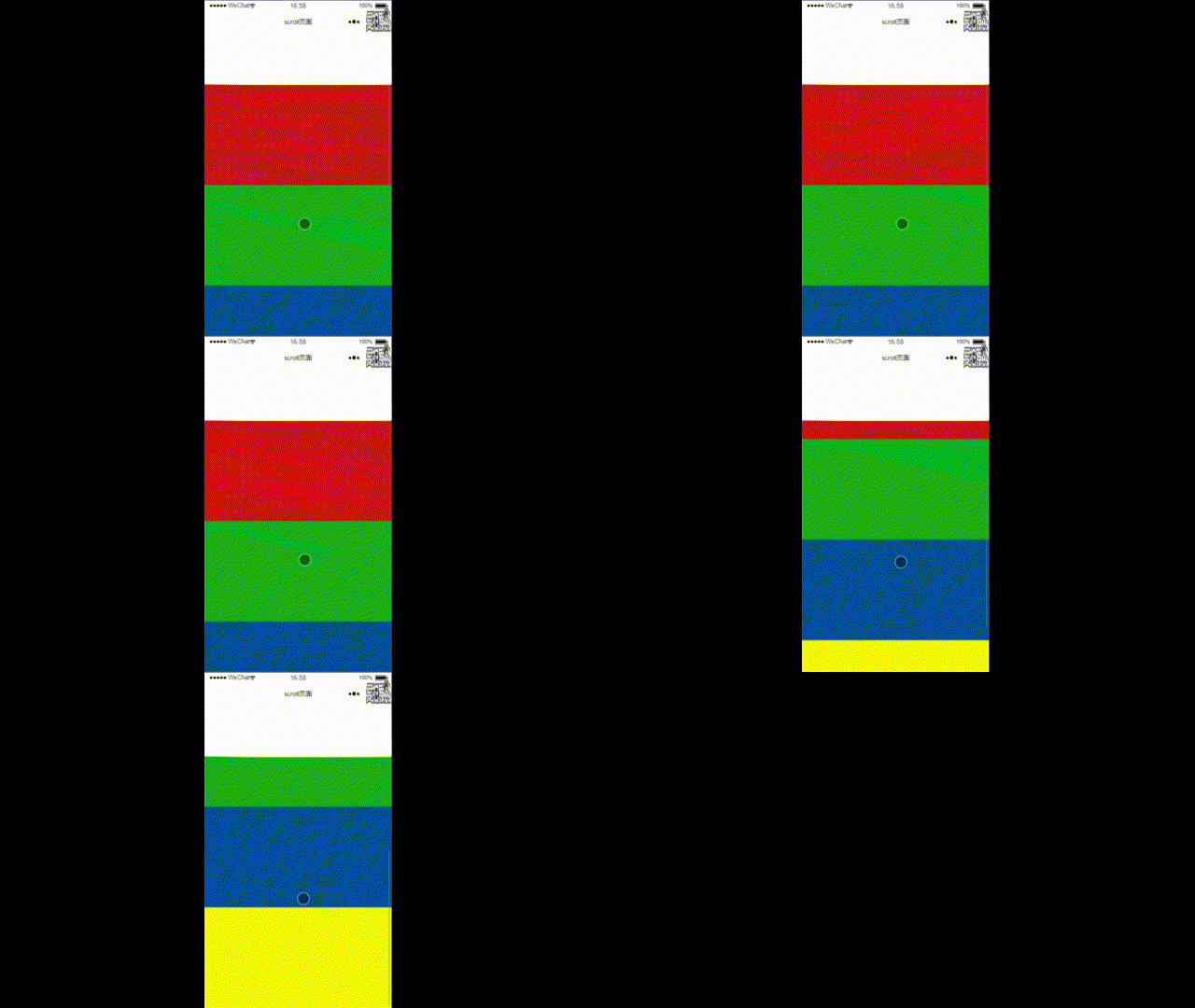
// index.wxml<!-- 竖直滚动条 --><scroll-view class="scroll" upper-threshold="50" lower-threshold="50" scroll-top="20" scroll-y scroll-with-animation enable-back-to-top scroll-into-view="" bindscrolltoupper="" bindscrolltolower="" bindscroll=""> <view class="box box01"></view> <view class="box box02"></view> <view class="box box03"></view> <view class="box box04"></view></scroll-view>// index.wxss.scroll{ height: 1000rpx; margin-top:150rpx;}.box{ width: 100%; height: 400rpx;}.box01{ background: rgb(202, 20, 20);}.box02{ background: rgb(19, 179, 27);}.box03{ background: rgb(4, 79, 150);}.box04{ background: rgb(246, 250, 10);}效果
三、水平滚动条
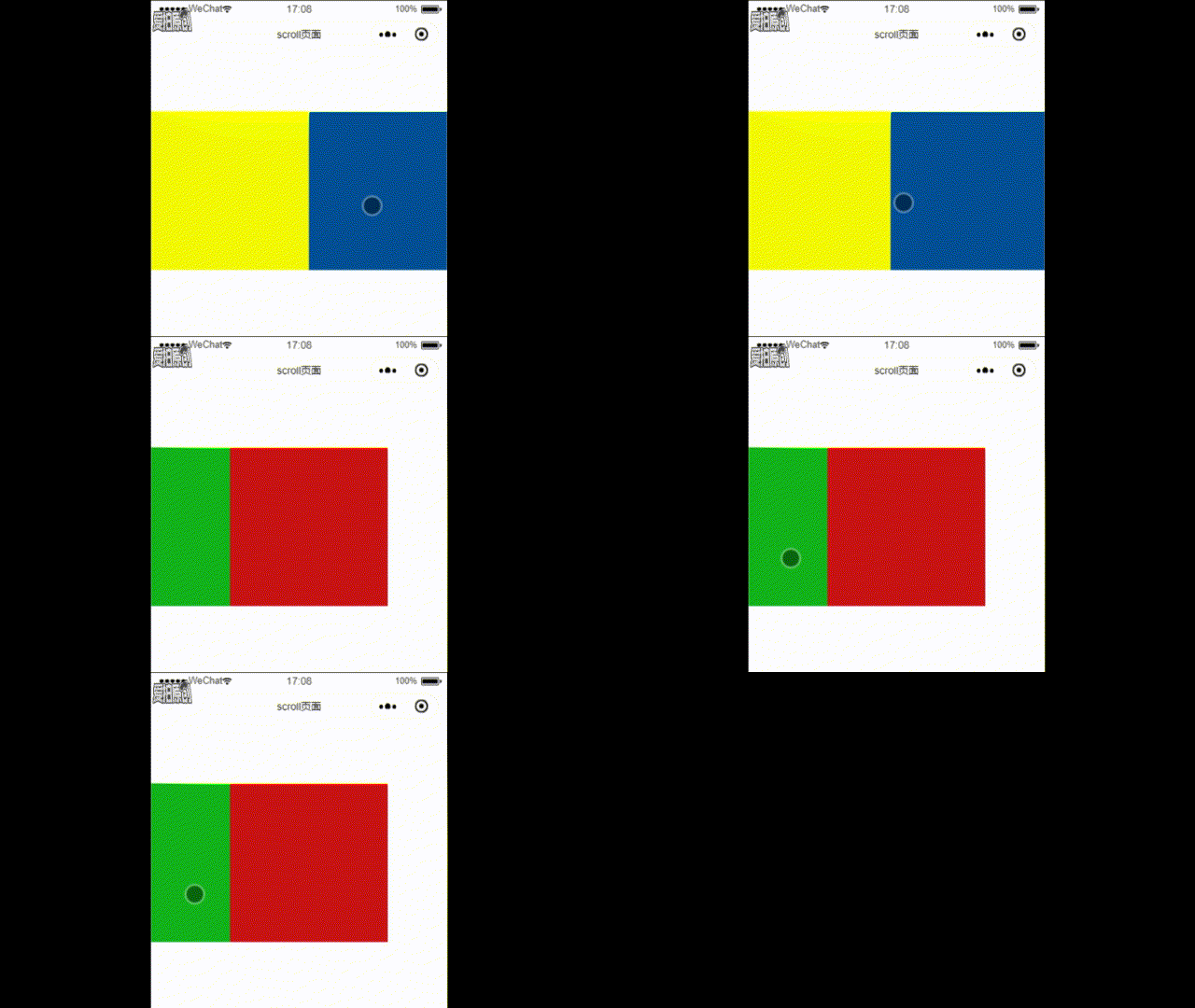
// index.wxml<!-- 水平滚动条 --><scroll-view class="scroll_col" upper-threshold="50" lower-threshold="50" scroll-left="20" scroll-x scroll-with-animation scroll-into-view="" bindscrolltoupper="" bindscrolltolower="" bindscroll=""> <view class="scroll_col_box"> <view class="box_col box04"></view> <view class="box_col box03"></view> <view class="box_col box02"></view> <view class="box_col box01"></view> </view></scroll-view>// index.wxss.scroll_col{ width:1000rpx; height:400rpx; margin-top: 150rpx;}.scroll_col_box{ width: 2000rpx;}.box_col{ display: inline-block; width:400rpx; height: 400rpx;}.box01{ background: rgb(202, 20, 20);}.box02{ background: rgb(19, 179, 27);}.box03{ background: rgb(4, 79, 150);}.box04{ background: rgb(246, 250, 10);}效果
四、水平竖直综合滚动条
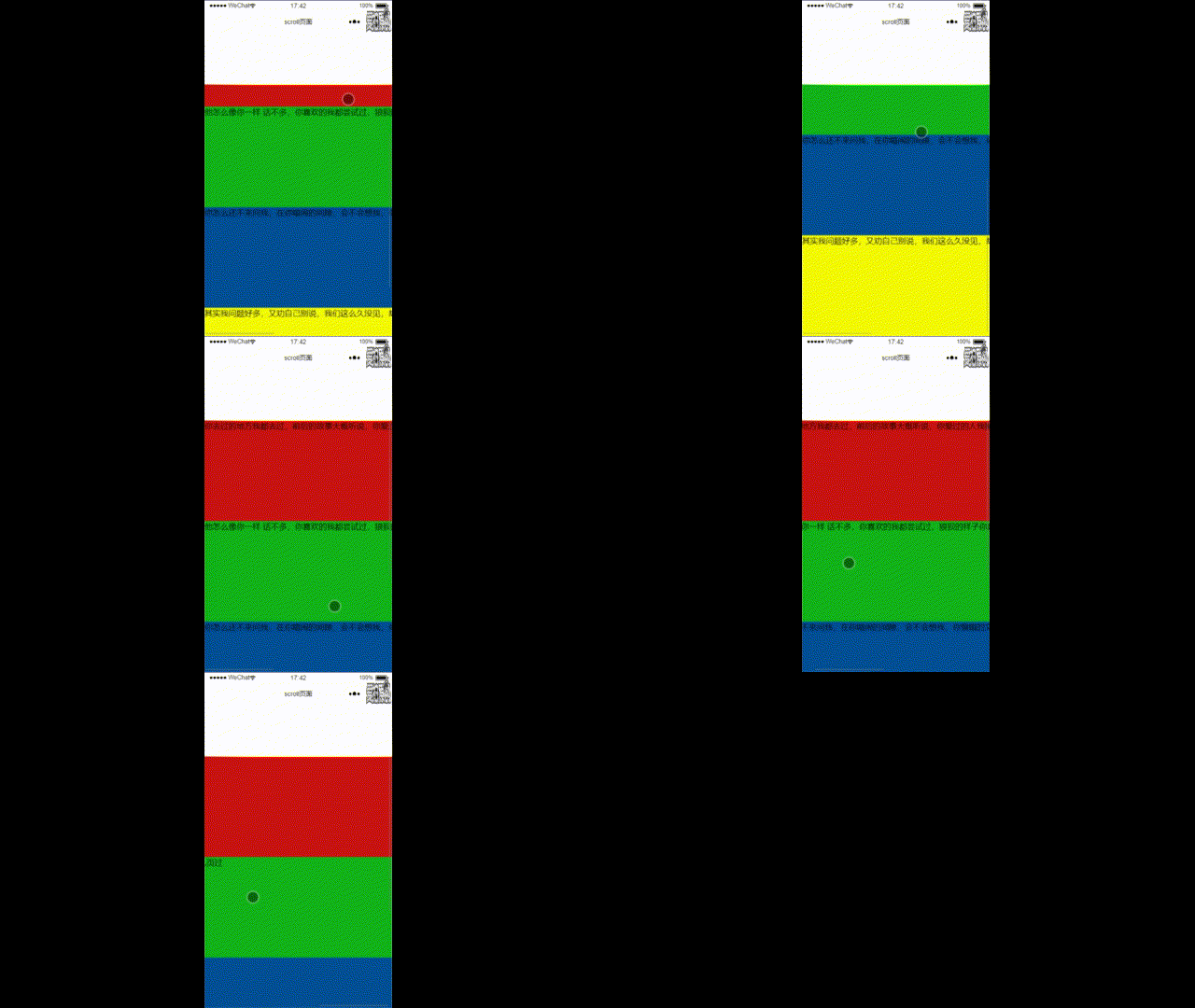
它的实现就是在 “竖直滚动条” 的基础上,添加了一些文字,使得文字的内容撑起盒子的大小,直到其宽度超过 scroll-view 的宽度,就实现了以下效果: