


搞了这么长时间,第一次写文章。给大家分享个技术难度不高的,主要展示录音功能。
先看一下效果

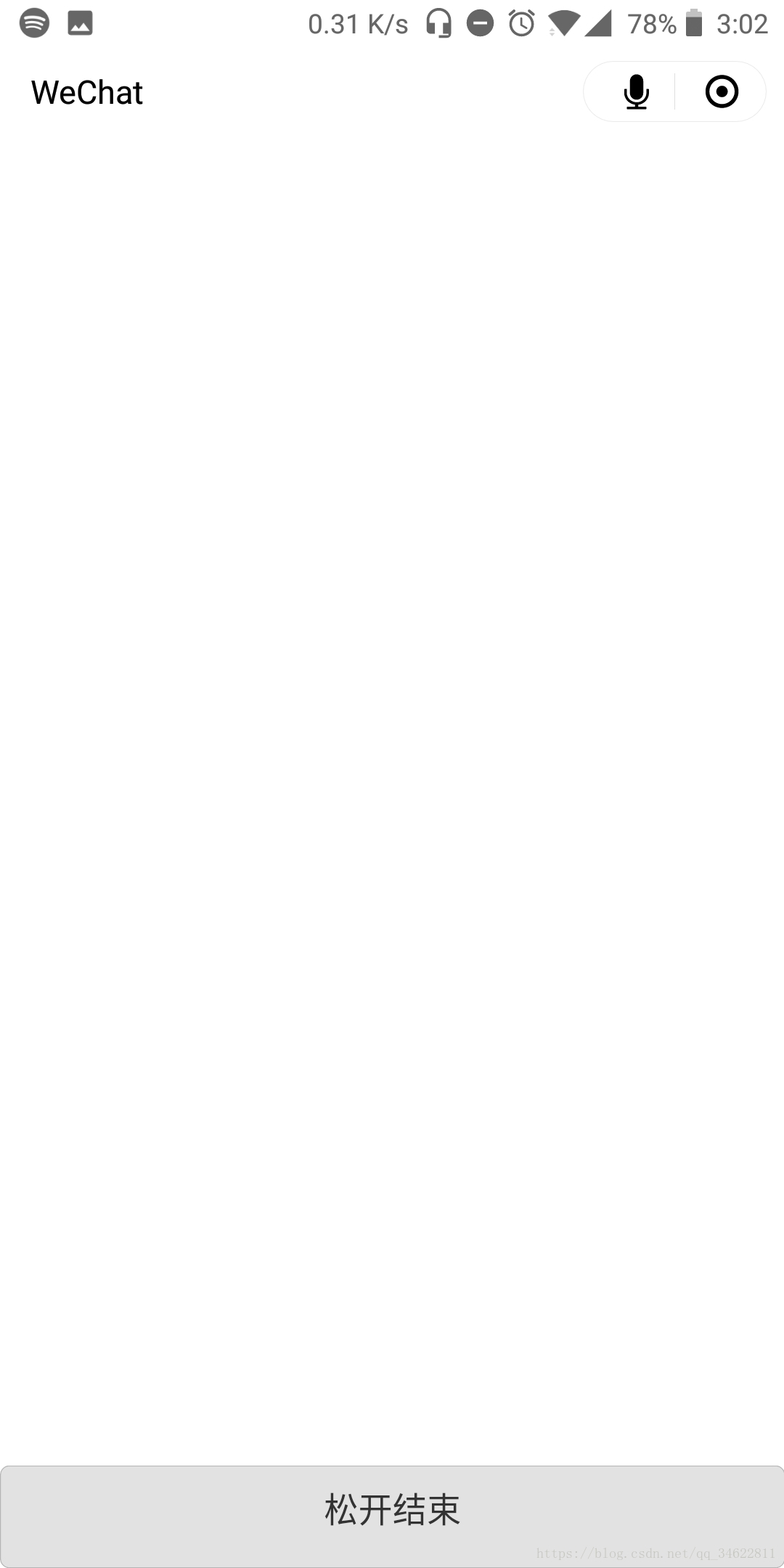
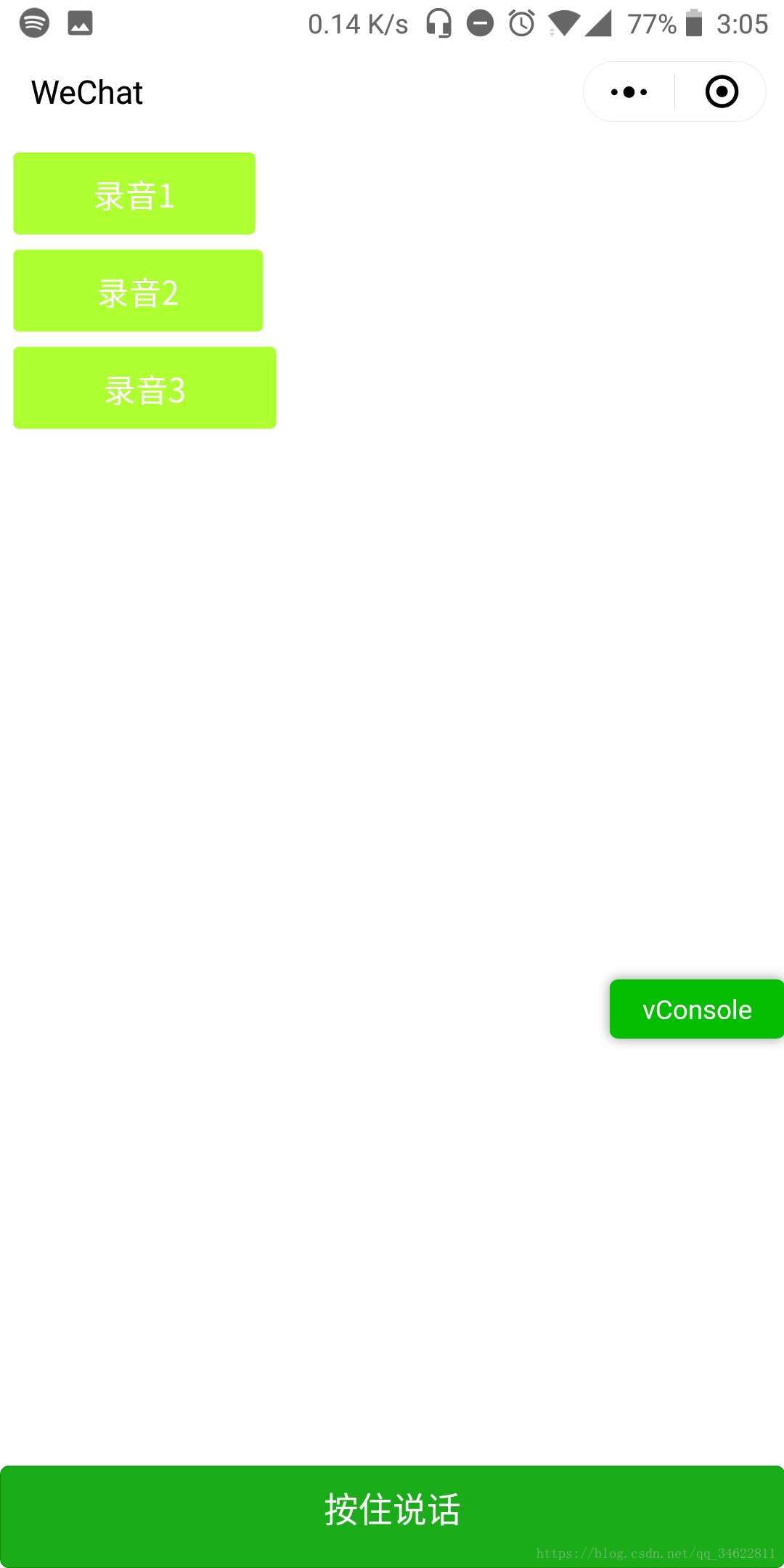
就是这样,点击底部按钮会产生变化,根据bind:touchstart在触摸时触发开始录音事件,根据bind:touchend会在你结束触摸的时候调用录音结束事件,产生一个临时url。并且根据触摸的时间可以将播放条长度动态调整,录音时间长它的长度就长一点,短了它的宽度就会短一点。下面贴上代码。
// pages/Record/Record.jsPage({ /** * 页面的初始数据 */ data: { luStatu:false,//di'bu list:[], width:0 }, // 触摸开始 touchStart:function(e){ // console.log('touchStart', e); var start=e.timeStamp; var seconds = (start % (1000 * 60)) / 1000; this.setData({ start: seconds, luStatu:true, }) this.recorderManager.start({ format: 'mp3' }); }, // 触摸结束 touchEnd:function (e) { // console.log('touchEnd', e); var start = this.data.start; var end = e.timeStamp; var seconds = (end % (1000 * 60)) / 1000; var shijian = seconds - start; var width = shijian*4; this.setData({ end: seconds, shijian: shijian, luStatu: false, width: width }) this.recorderManager.stop(); console.log('按了' + shijian+'秒'); console.log('width是',width); }, // 实时监测变化调用这些方法 onShow:function(e){ var that=this; // 初始化录音对象 this.recorderManager = wx.getRecorderManager(); this.recorderManager.onError(function () { that.tip("录音失败!") }); // 录音结束 this.recorderManager.onStop(function (res) { var list=that.data.list; var width = that.data.width; var src = res.tempFilePath; console.log('list的1是',list) // console.log(src) var aa={ src: src, width: width, play:false } list.push(aa); console.log('list的2是', list) that.setData({ list: list }) // that.tip("录音完成!") //console.log(list) }); this.innerAudioContext = wx.createInnerAudioContext(); this.innerAudioContext.onError((res) => { that.tip("播放录音失败!") }) }, tip: function (msg) { wx.showModal({ title: '提示', content: msg, showCancel: false }) }, // 播放录音 audioPlay: function (e) { var that = this; var src = e.currentTarget.dataset.src; if (src == '') { this.tip("失效") return; } this.innerAudioContext.src = src; this.innerAudioContext.play(); },})下面是wxml代码
<view class='body'> <view class='center'> <block wx:for="{{list}}"> <view style='width:{{item.width+200}}rpx' bindtap="audioPlay" data-src="{{item.src}}" class='myLuYin'>录音{{index+1}}</view> </block> </view></view><button class="{{luStatu?'btTouch':'bt'}}" bind:touchstart="touchStart"bind:touchend="touchEnd" type='primary'> <text wx:if="{{luStatu}}">松开结束</text> <text wx:else>按住说话 </text> </button>以下是css代码
.body{ position: absolute; padding-bottom: 100rpx;}.bt{ width: 100%; position: fixed; bottom: 0; left: 0; z-index: 69; height: 100rpx;}.btTouch{ background: #e2e2e2 !important; color: #333333 !important; width: 100%; position: fixed; bottom: 0; left: 0; z-index: 69; height: 100rpx;}.myLuYin{ height: 80rpx; background: greenyellow; border-radius:6rpx; margin: 15rpx 0; text-align: center; line-height: 80rpx; font-size: 32rpx; color: #fff;}.center{ width: 90%; margin: 0 auto;}









