


微信小程序接入腾讯云IM即时通讯(获取聊天历史记录开发步骤)
1.先看文档:
- 获取 C2C 历史消息 :https://cloud.tencent.com/document/product/269/1597#.E8.8E.B7.E5.8F.96-c2c-.E5.8E.86.E5.8F.B2.E6.B6.88.E6.81.AF
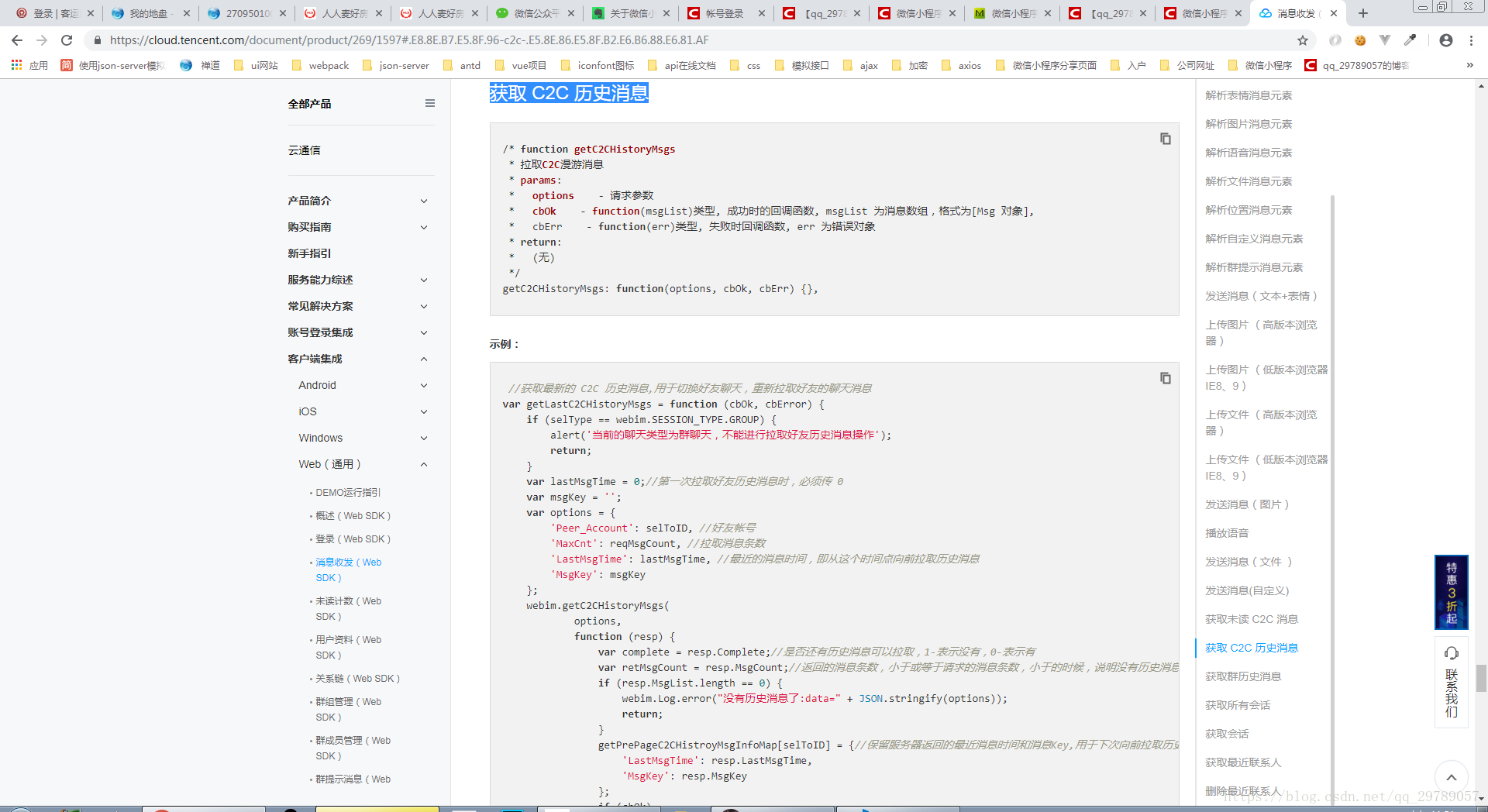
拉取历史记录代码
//获取最新的 C2C 历史消息,用于切换好友聊天,重新拉取好友的聊天消息function getC2CHistoryMsgs() { currentMsgsArray = []; if (selType == webim.SESSION_TYPE.GROUP) { alert('当前的聊天类型为群聊天,不能进行拉取好友历史消息操作'); return; } if (selType == webim.SESSION_TYPE.GROUP) { alert('当前的聊天类型为群聊天,不能进行拉取好友历史消息操作'); return; } var lastMsgTime = 0; //第一次拉取好友历史消息时,必须传0 var msgKey = wx.getStorageSync('msgKey') || ''; var reqMsgCount = 5 ; var options = { 'Peer_Account': id, //好友帐号 'MaxCnt': reqMsgCount, //拉取消息条数 'LastMsgTime': lastMsgTime, //最近的消息时间,即从这个时间点向前拉取历史消息 'MsgKey': msgKey }; selSess = null; webim.MsgStore.delSessByTypeId(selType, id); webim.getC2CHistoryMsgs( options, function (resp) { var complete = resp.Complete; //是否还有历史消息可以拉取,1-表示没有,0-表示有 if (resp.MsgList.length == 0) { return } //拉取消息后,要将下一次拉取信息所需要的东西给存在缓存中 wx.setStorageSync('lastMsgTime', resp.LastMsgTime); wx.setStorageSync('msgKey', resp.MsgKey); var msgList = resp.MsgList; for (var j in msgList) { //遍历新消息 var msg = msgList[j]; if (msg.getSession().id() == id) { //为当前聊天对象的消息 selSess = msg.getSession(); handlderMsg(msg,false) } } // 设置双方头像 getMyAvatar(id, agent_member_id,function(){ var myMessages = that.setDatas(currentMsgsArray) that.setData({ myMessages: myMessages, complete: complete }) console.log(currentMsgsArray) setTimeout(function(){ that.pageScrollToBottom() },100) }); }, )}向上翻页,获取更早的好友历史消息
//向上翻页,获取更早的好友历史消息(callOk,成功回调),(callNoData,没有历史记录回调)function getPrePageC2CHistoryMsgs() { //获取下一次拉取的c2c消息时间和消息Key var lastMsgTime = wx.getStorageSync('lastMsgTime') var msgKey = wx.getStorageSync('msgKey'); var reqMsgCount = 5; var options = { 'Peer_Account': id, //好友帐号 'MaxCnt': reqMsgCount, //拉取消息条数 'LastMsgTime': lastMsgTime, //最近的消息时间,即从这个时间点向前拉取历史消息 'MsgKey': msgKey }; webim.getC2CHistoryMsgs( options, function (resp) { var complete = resp.Complete; //是否还有历史消息可以拉取,1-表示没有,0-表示有 if (resp.MsgList.length == 0) { //获取七天之前的聊天历史记录 that.getc2cmsg() return; } wx.setStorageSync('lastMsgTime', resp.LastMsgTime); wx.setStorageSync('msgKey', resp.MsgKey); // 下拉历史记录回调 getHistoryMsgCallback(resp.MsgList, true, function (data) { var myMessages = that.setDatas(data) myMessages = myMessages.map((item, index) => { if (item.isSelfSend) { item.avatar = friendAvatar }else{ item.avatar = myAvatar } return item; }) wx.hideLoading(); that.setData({ myMessages: myMessages }) }); } );};腾讯云的历史记录只保留7天,7天之前的历史记录需要后台提供接口返回给前端










