


目录
- 一、底部导航栏
- 二、自定义分享功能
- 三、轮播图
- 四、四种页面跳转方法
一、底部导航栏
目标 : 底部导航栏,点击跳转页面,图标样式变化
(一)图片素材准备
- 阿里云官方矢量图标库:https://www.iconfont.cn/collections/detail?cid=29
可以登录GitHub账号免费下载:(如果有自定义icon库也是极好的!)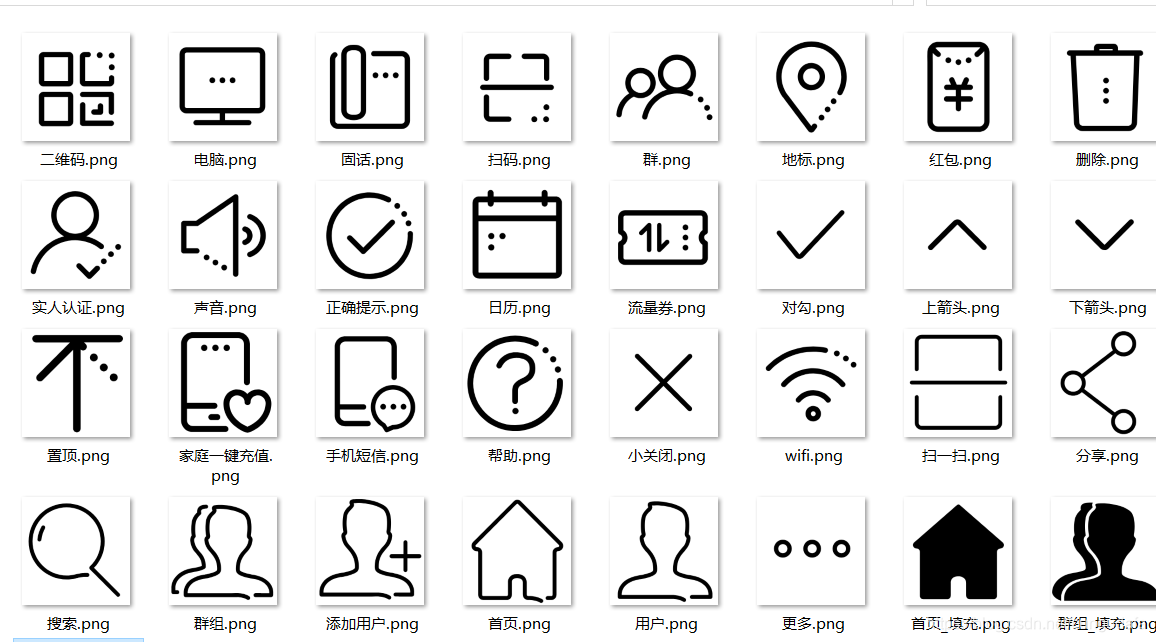
- 在项目中点击加号“
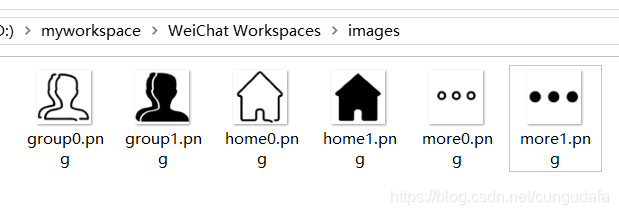
+”创建images文件夹,添加素材库中的图片,并重命名!
(tips:右键打开images路径,直接粘贴过来就行~)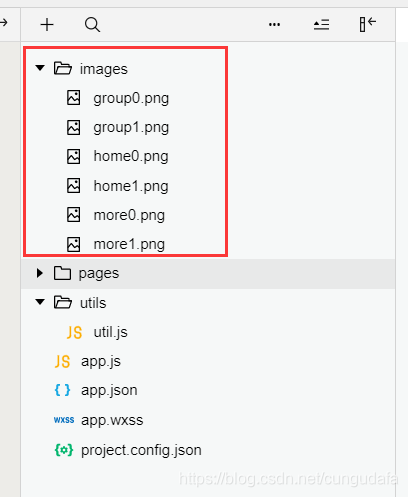
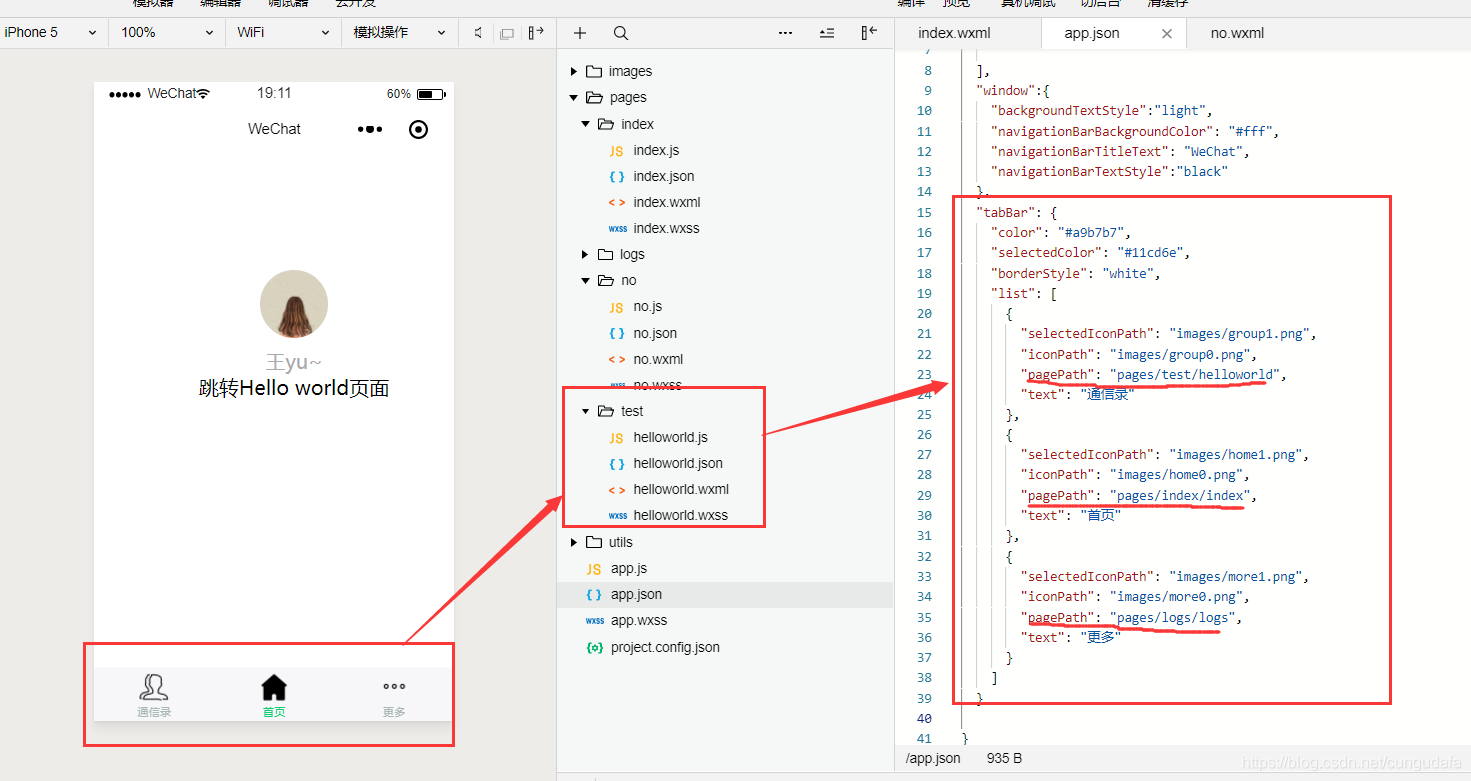
(二)添加配置文件配置文件 app.json加入如下配置信息:(app.json文件用来对微信小程序进行全局配置,决定页面文件的路径、窗口表现、设置网络超时时间、设置多 tab 等)
app.json:
{ "pages":[ "pages/index/index", "pages/logs/logs", "pages/test/helloworld" ], "window":{ "backgroundTextStyle":"light", "navigationBarBackgroundColor": "#fff", "navigationBarTitleText": "WeChat", "navigationBarTextStyle":"black" }, "tabBar": { "color": "#a9b7b7", "selectedColor": "#11cd6e", "borderStyle": "white", "list": [ { "selectedIconPath": "images/group1.png", "iconPath": "images/group0.png", "pagePath": "pages/test/helloworld", "text": "通信录" }, { "selectedIconPath": "images/home1.png", "iconPath": "images/home0.png", "pagePath": "pages/index/index", "text": "首页" }, { "selectedIconPath": "images/more1.png", "iconPath": "images/more0.png", "pagePath": "pages/logs/logs", "text": "更多" } ] }}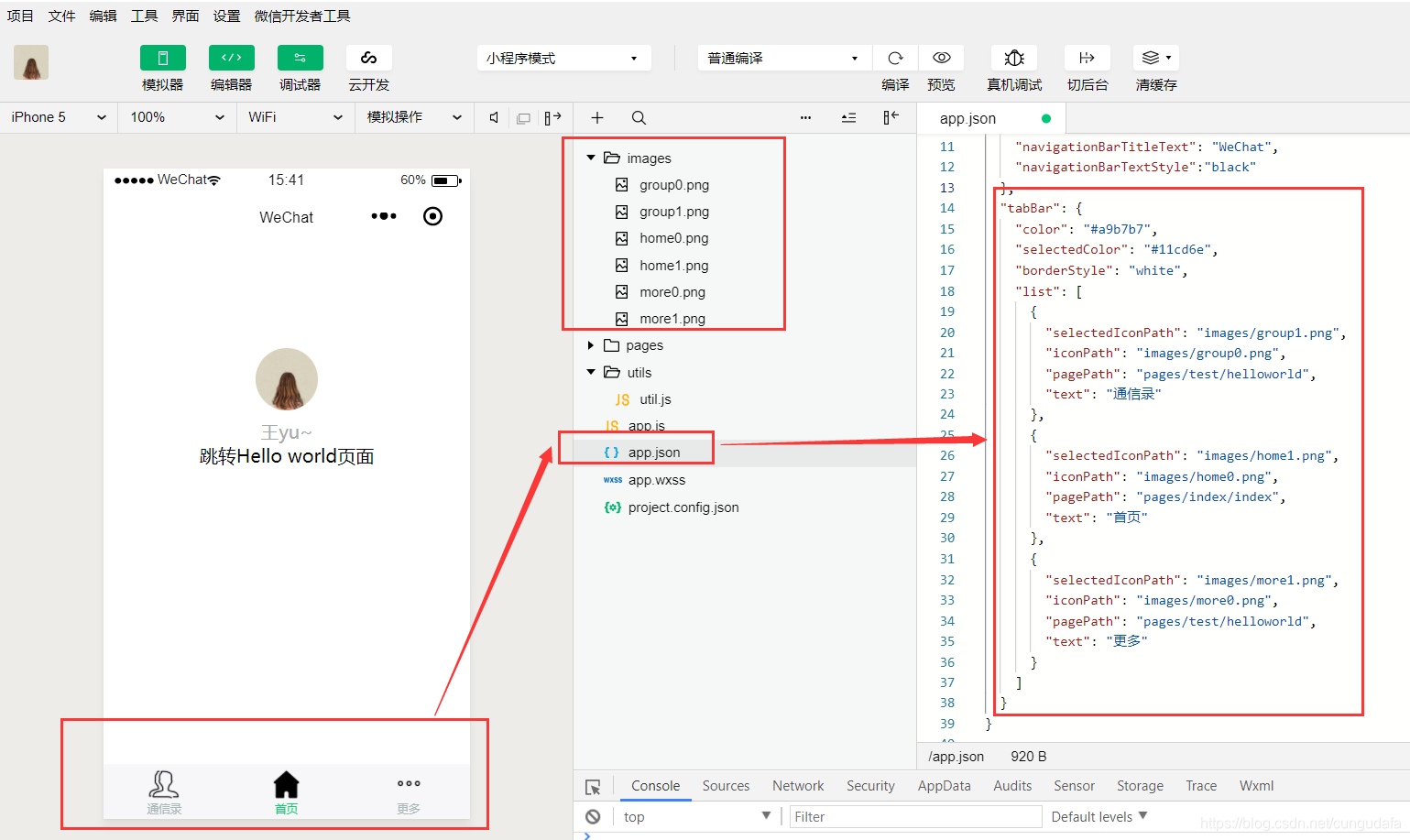
导航栏的基本配置如上,小程序官方给了详细配置,见链接:https://developers.weixin.qq.com/miniprogram/dev/framework/config.html#全局配置
二、自定义分享功能
目标: 分享给好友或群聊
在index/index.js里面添加了一段自定义分享的代码如下,path: '/page/index?id=123',实现了index首页页面的分享功能
示例代码:Page({//右上角 onShareAppMessage: function () { return { title: '自定义分享标题', //分享标题 desc: '自定义分享描述', //分享描述 path: '/page/index?id=123' //通常是设置url,这里是设置在首页直接分享 } } })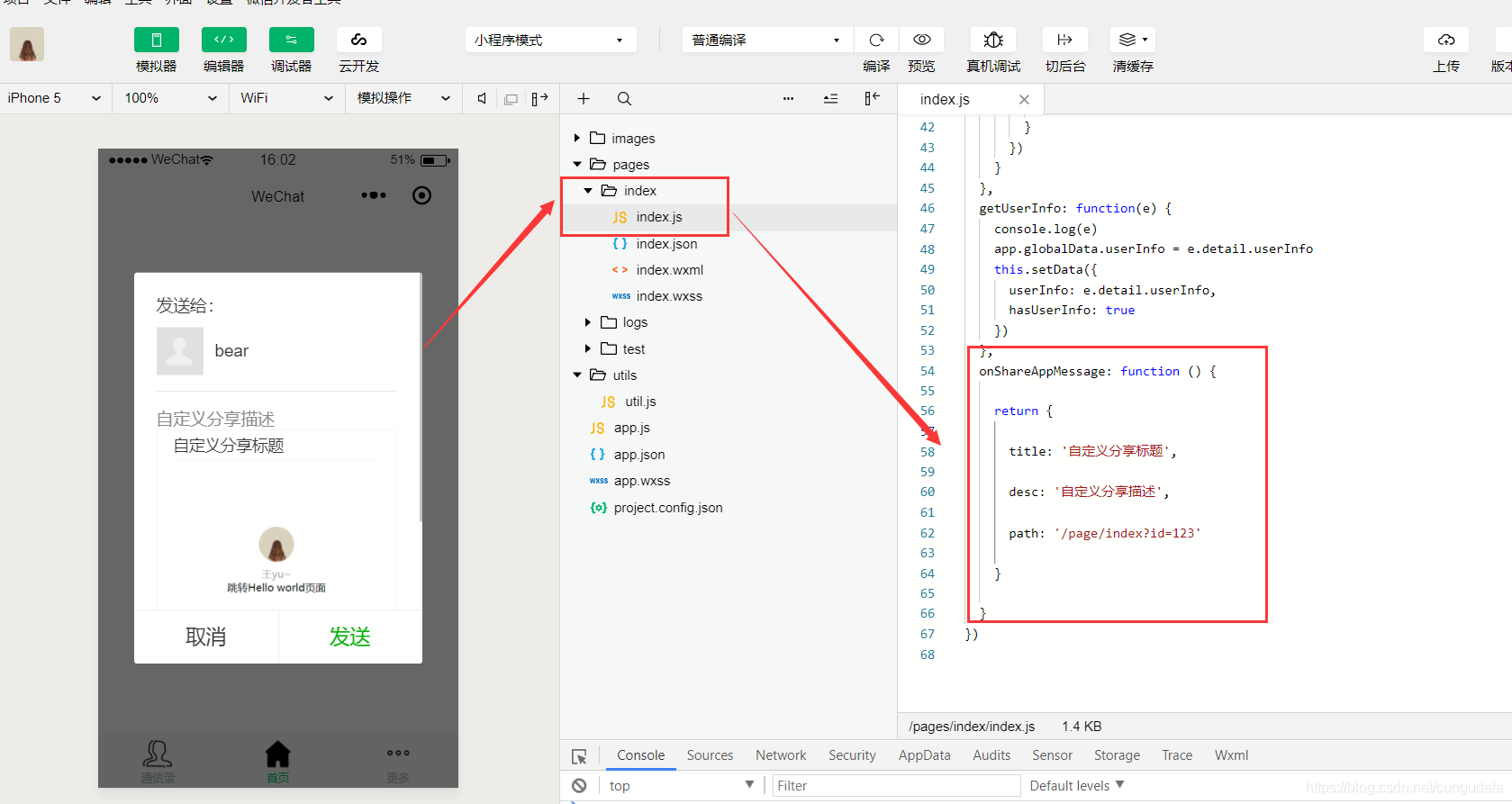
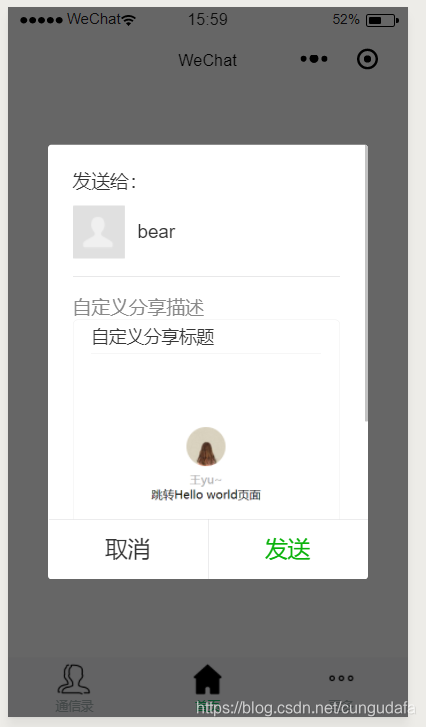
点击右上角、转发、这里就实现转发效果啦!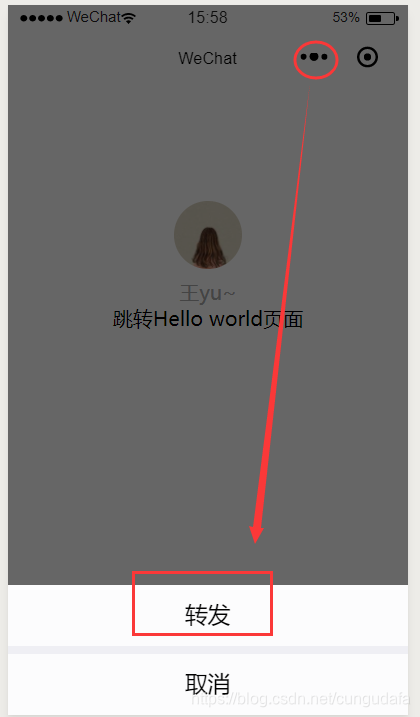
三、轮播图
目标: 最常见的一个轮播图,中间带小圆点,自动轮播。
Swiper是滑动特效插件,面向手机、平板电脑等移动终端。能实现触屏焦点图、触屏Tab切换、触屏多图切换等常用效果。是目前应用较广泛的移动端网页触摸内容滑动插件。
swiper官网swiper详解链:https://developers.weixin.qq.com/miniprogram/dev/component/swiper.html
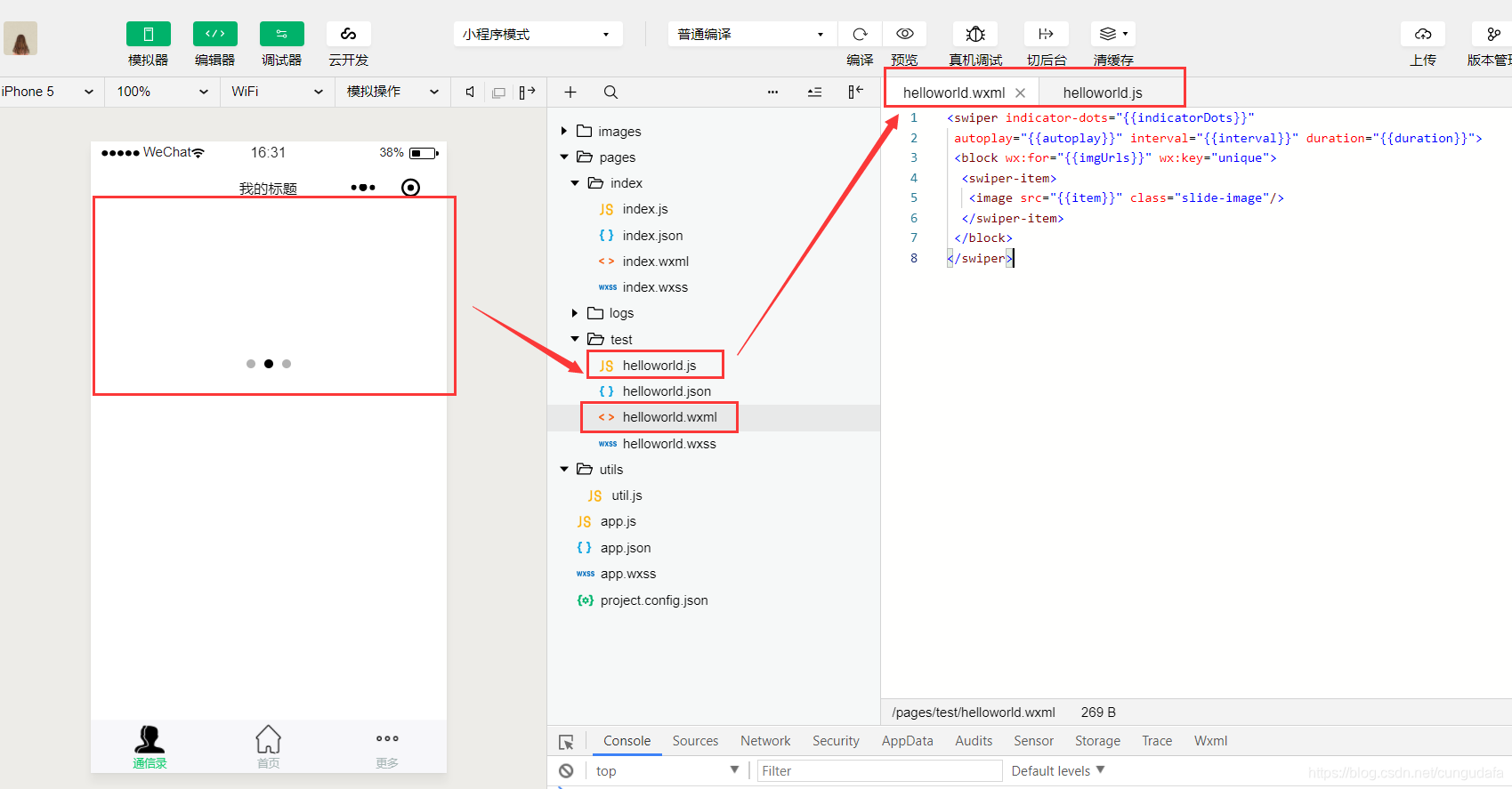
第一步:helloworld.wxml文件:
<swiper indicator-dots="{{indicatorDots}}" autoplay="{{autoplay}}" interval="{{interval}}" duration="{{duration}}"> <block wx:for="{{imgUrls}}" wx:key="unique"> <swiper-item> <image src="{{item}}" class="slide-image"/> </swiper-item> </block></swiper>第二步:helloworld.js文件:
Page({ data: { imgUrls: [ 'http://img02.tooopen.com/images/20150928/tooopen_sy_143912755726.jpg', 'http://img06.tooopen.com/images/20160818/tooopen_sy_175866434296.jpg', 'http://img06.tooopen.com/images/20160818/tooopen_sy_175833047715.jpg' ], indicatorDots: true, //Boolean是否显示面板指示点 autoplay: true, //Boolean是否自动切换 interval: 3000, //Number自动切换时间间隔 duration: 500, //Number滑动动画时长 },})手机测试: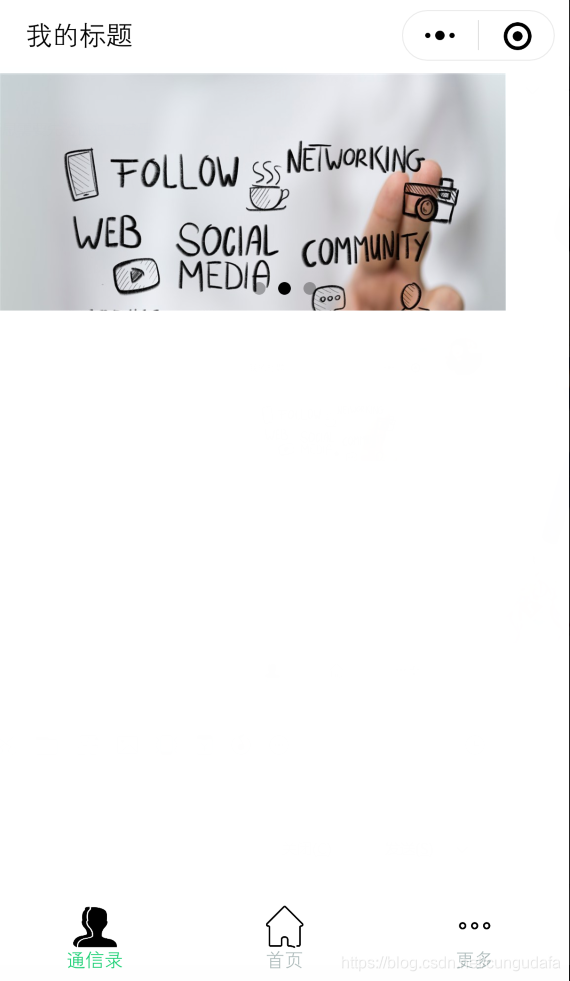
四、四种页面跳转方法
1、跳转可以返回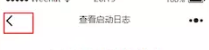
<!--页面跳转--> <view> <navigator url="/pages/logs/logs" hover-class="changestyle">页面跳转,可以返回</navigator> </view>2、跳转不能返回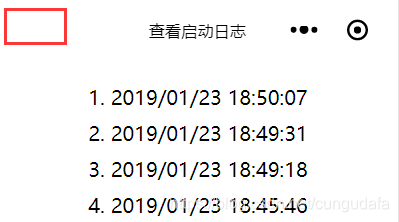
<view> <navigator url="/pages/logs/logs" hover-class="changestyle" redirect>页面跳转,无法返回 </navigator> </view>3、点击底部导航栏跳转(导航栏与上面的view跳转相冲突,优先导航栏跳转)
和前文底部导航栏设置相同
4、切换到tab页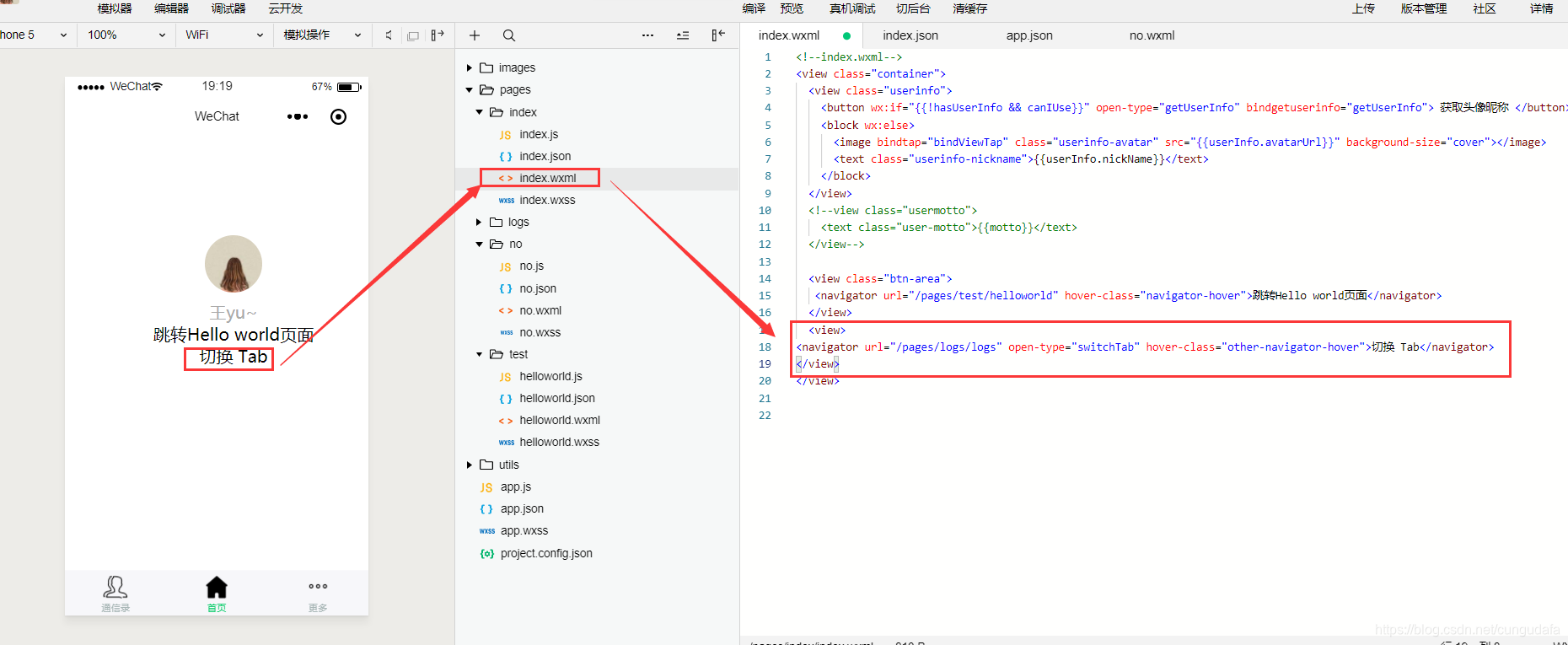
<view><navigator url="/pages/logs/logs" open-type="switchTab" hover-class="other-navigator-hover">切换 Tab</navigator></view>点击tab跳转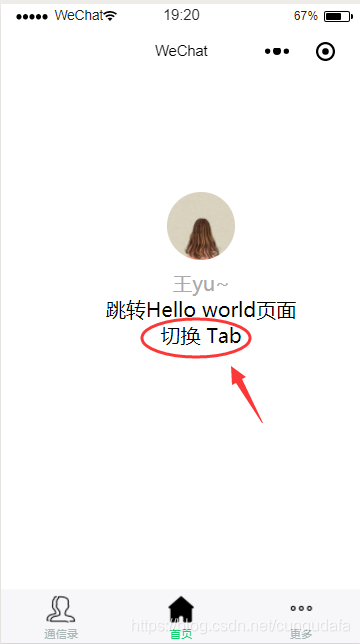
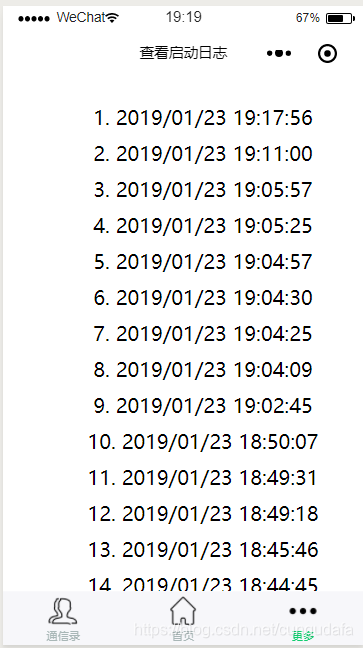
官方跳转帮助文档:https://developers.weixin.qq.com/miniprogram/dev/component/navigator.html
上一篇博客:微信小程序开发(二)创建helloworld小程序
下一篇博客:微信小程序开发(四)













