


前言
因项目开发需求,在创建名片的时候可选择上传语音,播放语音。所以写这博客是我之前也没有写过录音的部分。记录笔记
关于文档
录音全局变量
const recorderManager = wx.getRecorderManager()//创建录音 返回值 recorderManager
const innerAudioContext = wx.createInnerAudioContext()//播放录音 返回值 innerAudioContext
小程序创建录音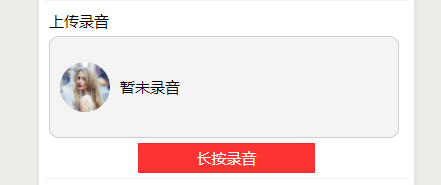
那么接下来上菜
index.html
<view class='infomationdesc'> <text>上传录音</text> <view class='audio-view'> <image class='headurl' src='{{headurl?headurl:"https://ss0.bdstatic.com/94oJfD_bAAcT8t7mm9GUKT-xh_/timg?image&quality=100&size=b4000_4000&sec=1548148347&di=a062deda420f73c7d81e009fd4278f6d&src=http://b-ssl.duitang.com/uploads/item/201701/20/20170120012252_XtKwM.jpeg"}}'></image> <text wx:if="{{tempFilePath==''}}"> 暂未录音 </text> <view wx:else bindtap='play' class='audio'></view> </view> <button bindlongtap="longTap" bindtouchstart="touchStart" bindtouchend="touchEnd">长按录音</button> </view>css就省略了,不是重点
重点来了
wx.getRecorderManager()//创建录音 返回值recorderManager 有很多方法,详情看文档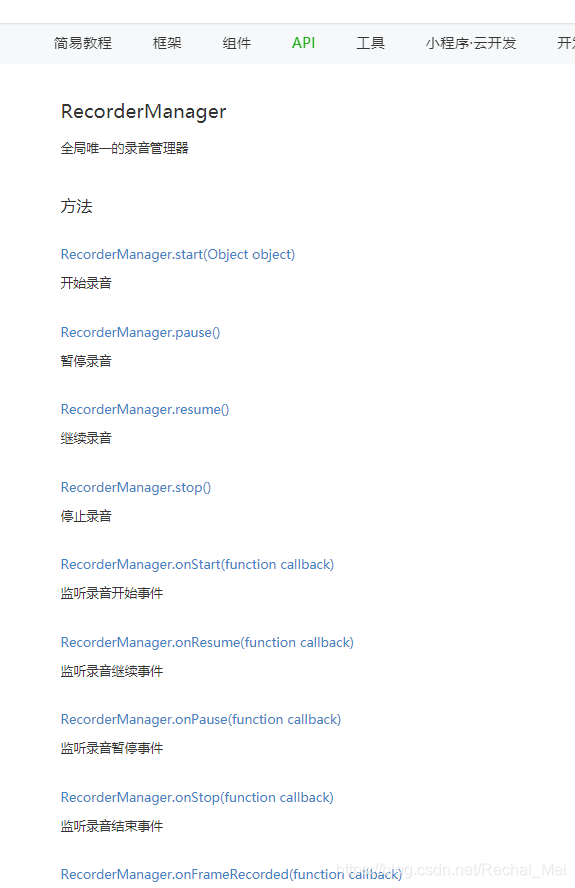
const innerAudioContext = wx.createInnerAudioContext()//播放录音 返回值 innerAudioContext**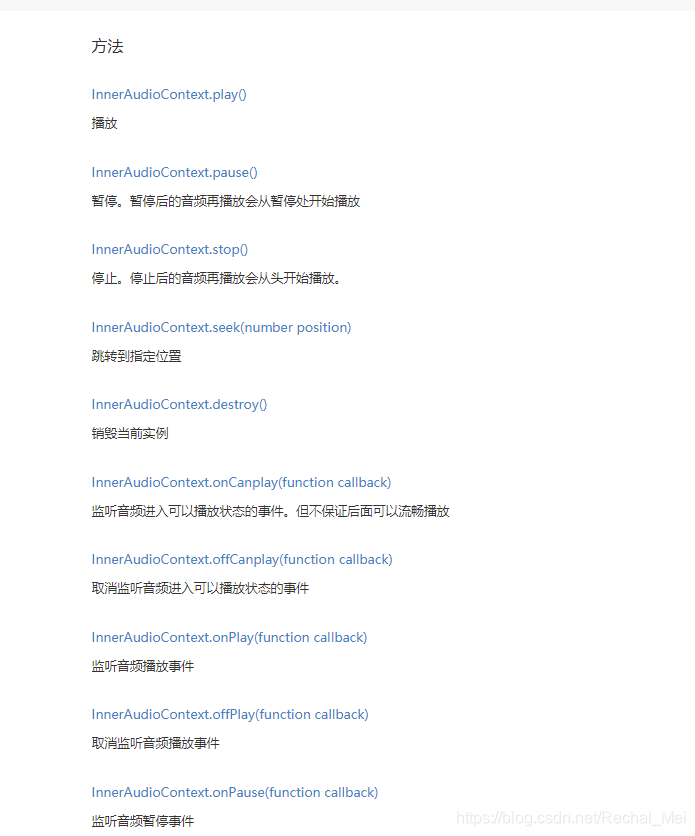
index.js
//录音声明const recorderManager = wx.getRecorderManager()//创建录音const innerAudioContext = wx.createInnerAudioContext()//播放录音Page({ /** * 页面的初始数据 */ data: { },// 录音 //开始录音的时候 start: function() { const options = { duration: 10000, //指定录音的时长,单位 ms sampleRate: 16000, //采样率 numberOfChannels: 1, //录音通道数 encodeBitRate: 96000, //编码码率 format: 'mp3', //音频格式,有效值 aac/mp3 frameSize: 50, //指定帧大小,单位 KB } //开始录音 recorderManager.start(options); recorderManager.onStart(() => { console.log('recorder start') }); //错误回调 recorderManager.onError((res) => { console.log(res, "aaas"); }) }, //停止录音 stop: function() { recorderManager.stop(); recorderManager.onStop((res) => { this.tempFilePath = res.tempFilePath; // 上传 录音文件 wx.uploadFile({ header: app.globalData.header, url: app.host + '/returnFileInfo', filePath: res.tempFilePath, name: 'file', success: (res) => { this.setData({ tempFilePath: JSON.parse(res.data).path,//为播放提供路径 audiosrc: {//这一步是我项目后台需求组装后台需要的格式 src: JSON.parse(res.data).path, relateType: 3, }, }) console.log('停止录音', this.data.tempFilePath) } }) }) }, //播放声音 play: function() { console.log(this.data.tempFilePath,"播放录音地址") innerAudioContext.autoplay = true//是否自动播放 innerAudioContext.src = this.tempFilePath, //音频资源的地址,用于直接播放 innerAudioContext.onPlay(() => { console.log('开始播放') }) innerAudioContext.onError((res) => { console.log(res.errMsg) console.log(res.errCode) }) }, longTap: function() { console.log('longTap....') }, touchStart: function() { console.log('touchStart....') this.start(); }, touchEnd: function() { console.log('touchEnd....') this.stop() },









