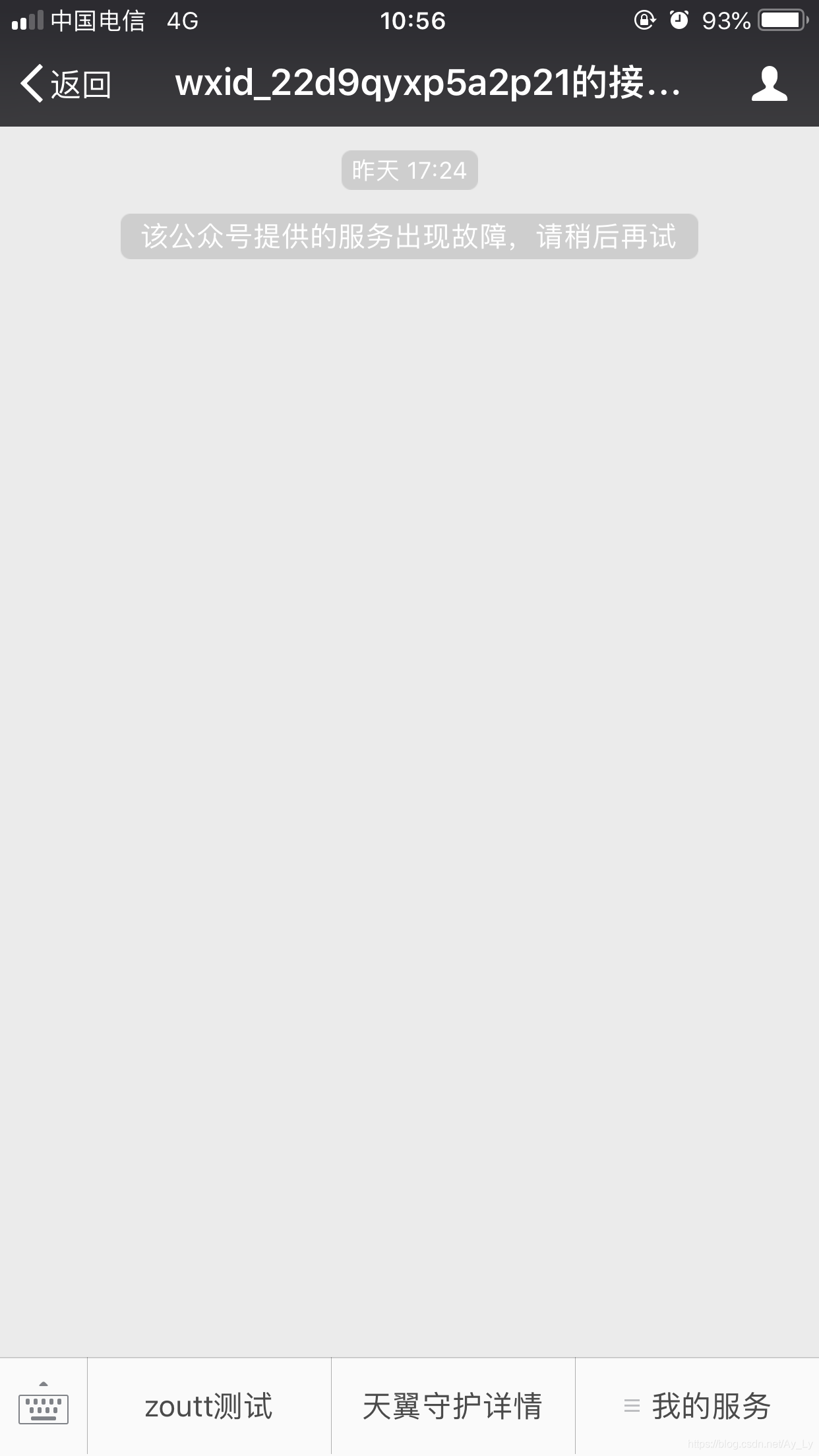
2、进入测试号管理

3、接口配置信息安装natapp:
具体参考http://blog.csdn.net/xunxianren007/article/details/54954520,这个网址里详细介绍了win/Mac/Linux下安装步骤
解压缩到目录D:atapp
直接双击打开失败,需要配置环境变量,编辑环境变量Path
打开cmd,执行命令natapp,显示认证错误
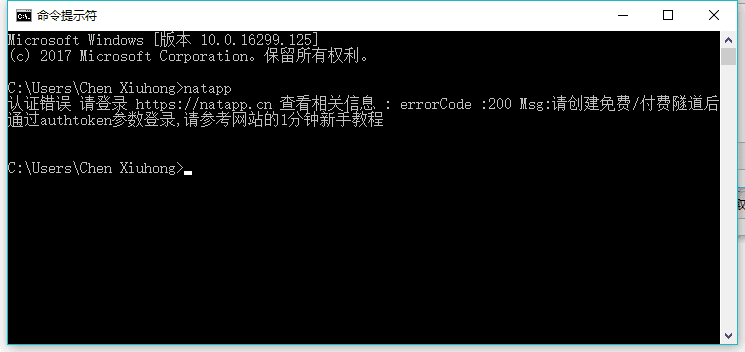
这个时候是需要token认证的,所以我们的主要工作就是如何获得authtoken
进入配置隧道以及域名,目的在于将域名映射到本地地址以及端口号(127.0.0.1)
本地启动natapp

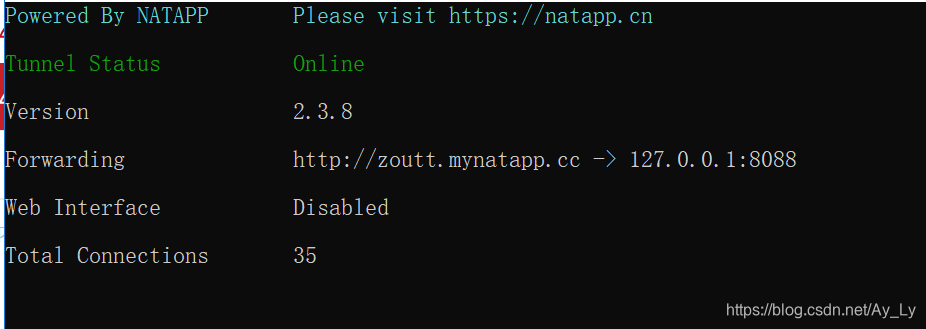
复制authtoken,cmd进入natapp目录执行natapp-authtokenyourauthtoken出现下图即为成功
接下来新建一个springboot项目controller层
@ControllerpublicclassIndexController{@RequestMapping("/index")publicStringindex(){return"hello";}}hello.html
!DOCTYPEhtmlhtmllang="en"headmetacharset="UTF-8"/titleTitle/titlelinkrel="stylesheet"href="test.css"type="text/css"//headbodyh1HelloWorld/h1/body/html启动项目后,用域名访问出现HelloWorld
接下来配置接口配置信息,TestController
packagecom.cn21.guard.controller;importorg.springframework.web.bind.annotation.GetMapping;importorg.springframework.web.bind.annotation.RequestParam;importorg.springframework.web.bind.annotation.RestController;importjava.security.MessageDigest;importjava.security.NoSuchAlgorithmException;importjava.util.Arrays;@RestControllerpublicclassTestController{privateStringTOKEN="good";@GetMapping("/sell/test")publicStringtest(@RequestParam("signature")Stringsignature,@RequestParam("timestamp")Stringtimestamp,@RequestParam("nonce")Stringnonce,@RequestParam("echostr")Stringechostr){//排序StringsortString=sort(TOKEN,timestamp,nonce);//加密StringmyString=sha1(sortString);//校验if(myString!=null&&myString!=""&&myString.equals(signature)){System.out.println("签名校验通过");//如果检验成功原样返回echostr,微信服务器接收到此输出,才会确认检验完成。returnechostr;}else{System.out.println("签名校验失败");return"";}}publicStringsort(Stringtoken,Stringtimestamp,Stringnonce){String[]strArray={token,timestamp,nonce};Arrays.sort(strArray);StringBuildersb=newStringBuilder();for(Stringstr:strArray){sb.append(str);}returnsb.toString();}publicStringsha1(Stringstr){try{MessageDigestdigest=MessageDigest.getInstance("SHA-1");digest.update(str.getBytes());bytemessageDigest[]=digest.digest();//CreateHexStringStringBufferhexString=newStringBuffer();//字节数组转换为十六进制数for(inti=0;imessageDigest.length;i++){StringshaHex=Integer.toHexString(messageDigest[i]&0xFF);if(shaHex.length()2){hexString.append(0);}hexString.append(shaHex);}returnhexString.toString();}catch(NoSuchAlgorithmExceptione){e.printStackTrace();}return"";}}填入token以及url,启动项目,配置成功

菜单栏设置:1、获取access_tojen
2、设置菜单栏接口
1、获取access_token

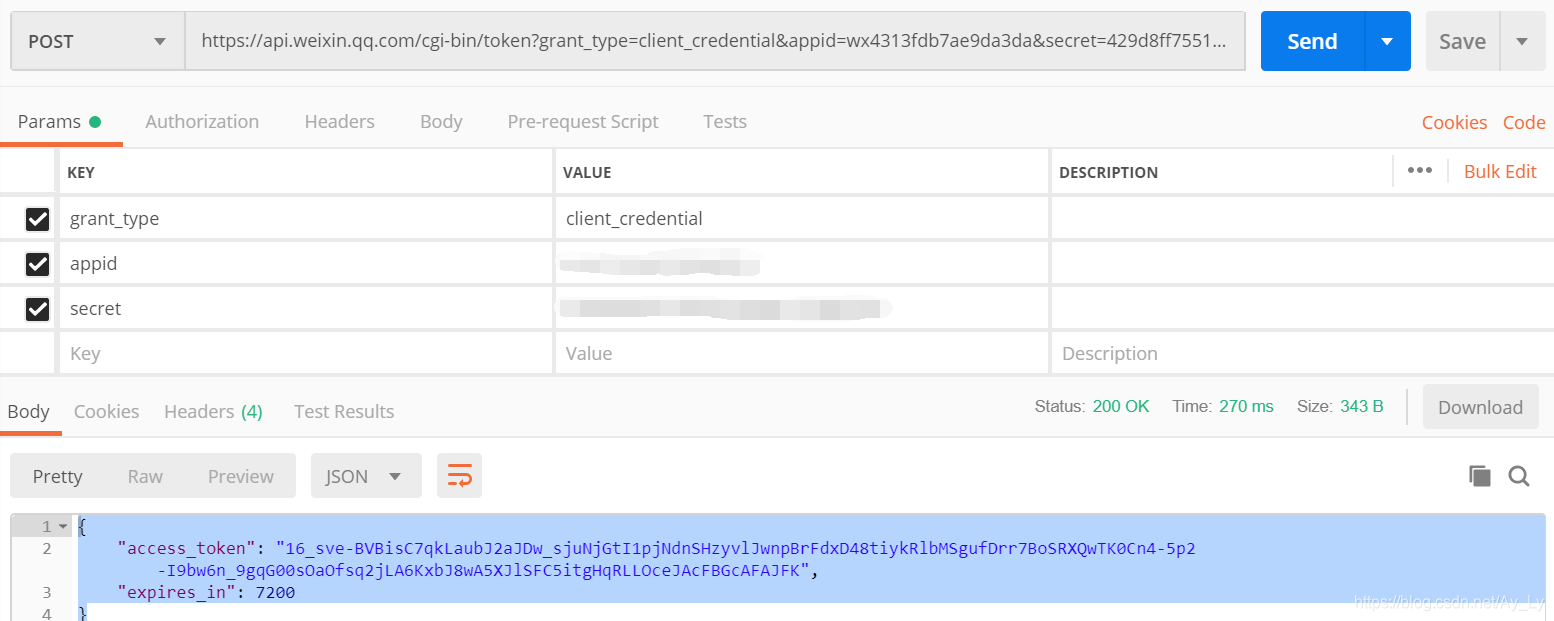
请求地址:https://api.weixin.qq.com/cgi-bin/token?grant_type=client_credential&appid=APPID&secret=APPSECRET将该地址直接复制到postman中,设置grant_type、appid、secret参数值。
2、设置菜单栏接口
详情可见自定义菜单
选择请求地址以及参数
接口调用请求说明
http请求方式:POST(请使用https协议)
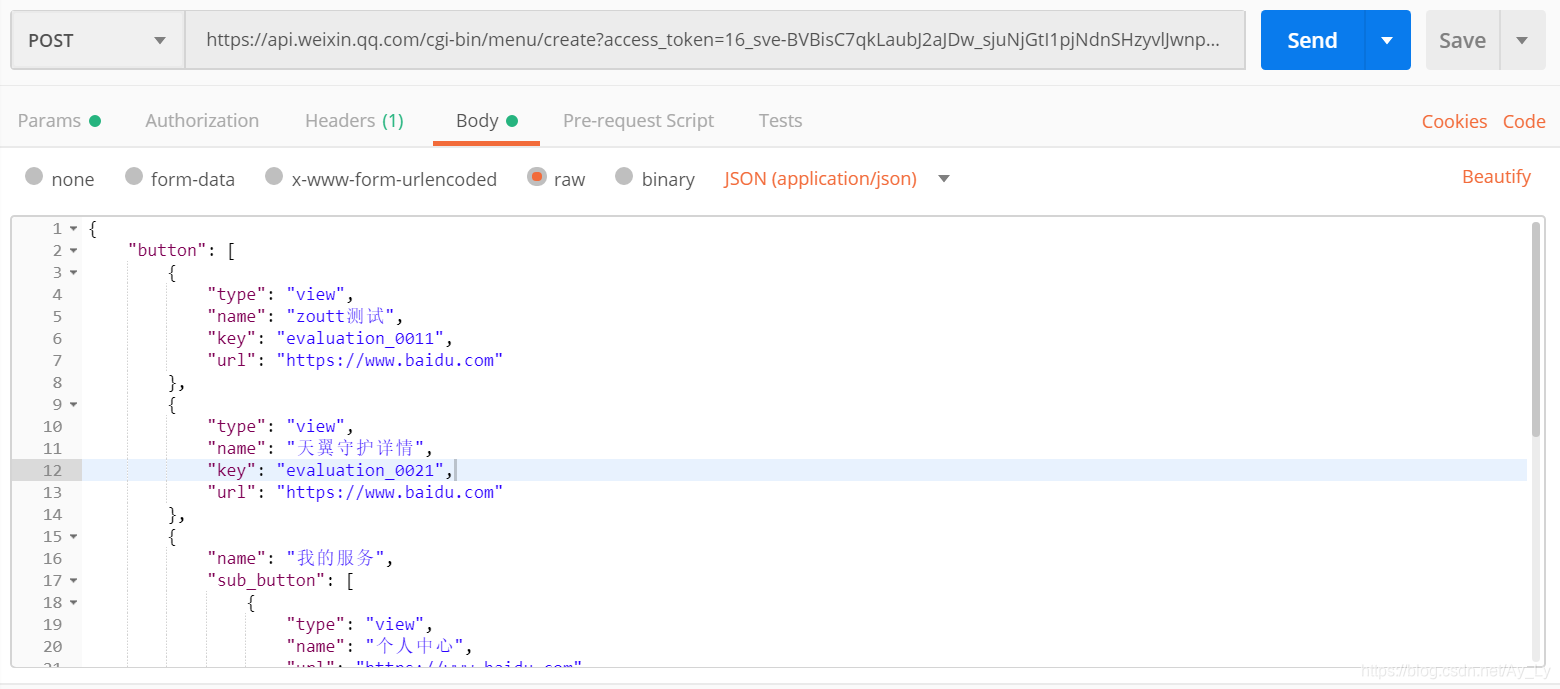
json格式数据如下,在params中需要附带参数access_token
{"button":[{"type":"view","name":"zoutt测试","key":"evaluation_0011","url":"https://www.baidu.com"},{"type":"view","name":"天翼守护详情","key":"evaluation_0021","url":"https://www.baidu.com"},{"name":"我的服务","sub_button":[{"type":"view","name":"个人中心","url":"https://www.baidu.com"},{"type":"view","name":"服务订购","url":"https://www.baidu.com"},{"type":"view","name":"监控中心","url":"https://www.baidu.com"},{"type":"view","name":"数据分析","url":"https://www.baidu.com"}]}]}返回结果

查看公众号